> ## Documentation Index
> Fetch the complete documentation index at: https://www.vozo.ai/docs/llms.txt
> Use this file to discover all available pages before exploring further.
# 速度、音量、音调
> 自定义翻译音频片段的速度、音量和音调。
您可以微调翻译音频的 **速度**、**音量** 和 **音调**,以更好地匹配视频的语气和节奏。
在页面底部找到时间轴,然后单击要调整的翻译音频片段。
单击时间轴左上角的 **速度/音量/音调** 按钮。\
在弹出窗口中,根据需要调整设置。
要将更改应用于同一说话者的所有语音,请勾选 **将更改应用于 \[说话人] 的所有演讲**。
一旦您关闭弹出窗口,所做的更改将自动生效。
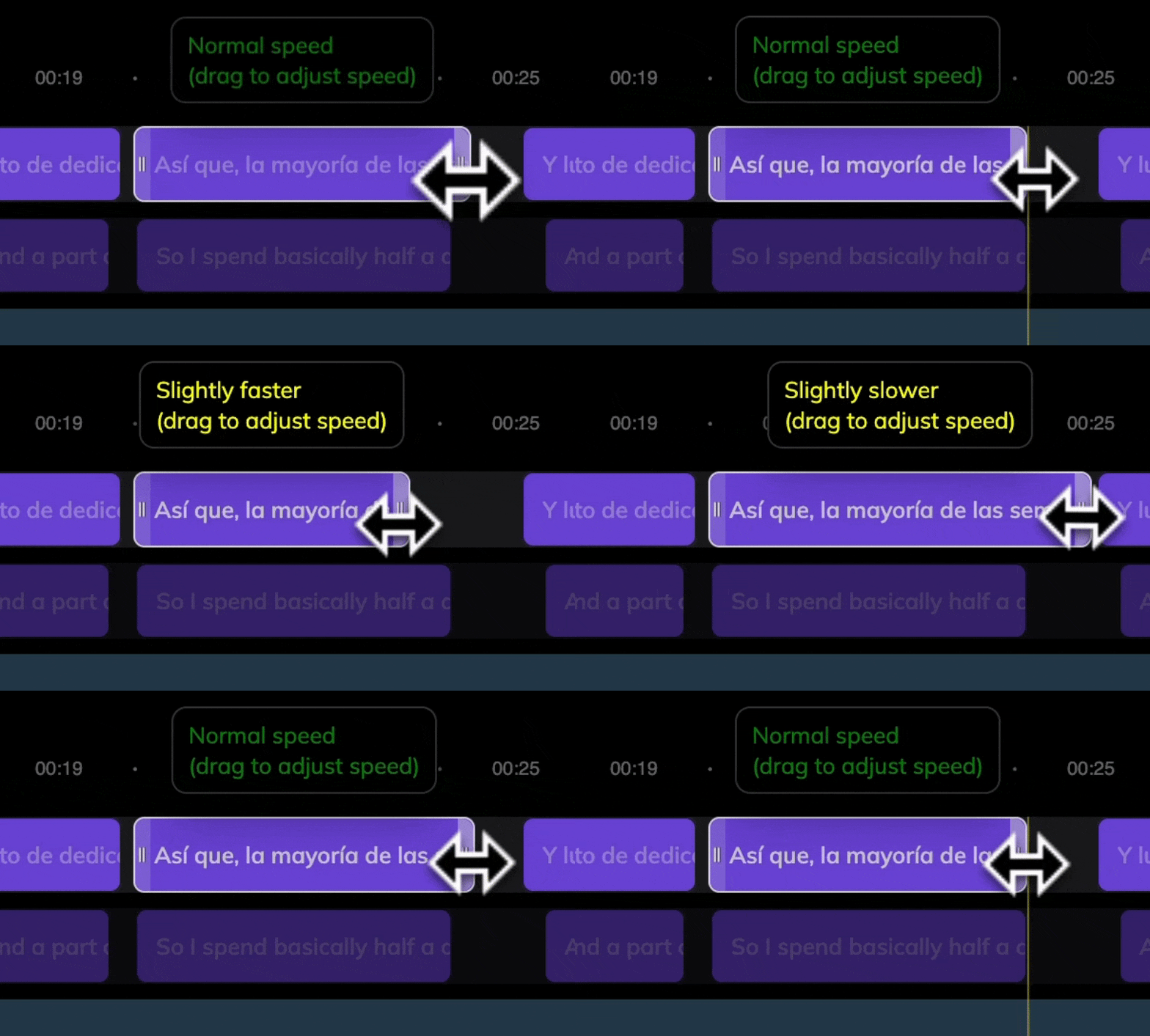
您还可以直接在时间轴中拉伸或缩小音频片段以调整其速度。
 这些调整仅适用于翻译音频片段。原始音频无法修改。