
Best AI Video Generators (2026 Reviews & Guides)

目录

Updated as of June 2026, this guide compares the best AI video generators by use case: avatar videos, AI video translation, lip sync, short-form repurposing, product ads, and creative text-to-video generation.

AI video tools now cover very different workflows. Some tools are built for cinematic text-to-video output, while others are stronger for talking-head videos, multilingual dubbing, voice cloning, lip sync, or turning long videos into shorts.

Below, we compare 10 AI video generators and explain which tool fits each scenario best.

Best AI VIdeo Generators

How We Selected the Best AI Video Generators

When you look for AI video tools, you will find a lot of them, but it is essential to compare them before you choose to use them. To help you with this analysis, the section below has divided these tools into two different categories that are based on the way they are used:

Well-Defined Purpose AI Video Generators

These tools are designed for a specific task, like dubbing videos in different languages, accuracy in lip sync, or creating talking head avatars using a script. They are designed with utility and precision rather than a broad creative expression.

Creative AI Video Generators

These tools make the best use of your imagination and are meant for people who want to turn their text into cinematic stories or style their videos in a unique and senseless way. If you are someone who is looking to experiment with visual storytelling, these tools are for you.

Criteria for Selecting Best AI Video Generators

To help you choose, we’ve divided the tools into two main categories based on how they’re used.

Well-Defined Purpose Tools

Reliability

Does the tool deliver consistent, predictable results every time?

Fine Control

Can you adjust details like voice tone, speed, and expressions?

Output Quality

Is the final video suitable for professional use?

Creative AI Generators

Prompt Accuracy

How well does the tool understand and execute your creative ideas?

Ease of Use

Is the tool intuitive or does it have a steep learning curve?

Visual Quality

Is the final video output high-resolution and visually pleasing?

A Note on Comparison

Since every tool has a different purpose, we focus on what each does best rather than making direct, unfair comparisons.

Our Top Picks of Best AI Video Generators

AI Video Generator Key Features Best For Platforms
Vozo.ai AI Video Translation (165 languages / 160+ on-site), VoiceNATIVE + VoiceREAL voice cloning, LipREAL lip sync, screen recording, Vozo Shorts, interactive elements, custom branding AI-Generated Talking Videos & Translation Web, Android, iOS, API
Kling Text/Image-to-Video, Frame Control, Element Selection, Negative Prompts, 1080p Output Creative AI Video with Precise Control 网页
HeyGen Avatar Creation, Video Templates, AI Translation & Lip-Sync, Streaming Avatars AI-Generated Videos from Avatars Web, API
Hailuo Text/Image-to-Video, Advanced Camera Controls, Consistent Subject Referencing Creative & Cinematic AI Videos 网页
Hedra Image-to-Video, Full-body movement, Prompt-based motion direction, High-fidelity lip-sync Natural Motion in AI Talking Videos Web, API
Google Veo 3 Text/Image-to-Video, Full-body Movement & Emotion, High-fidelity synchronized audio Natural & Realistic Human Acting Google AI Studio (via API)
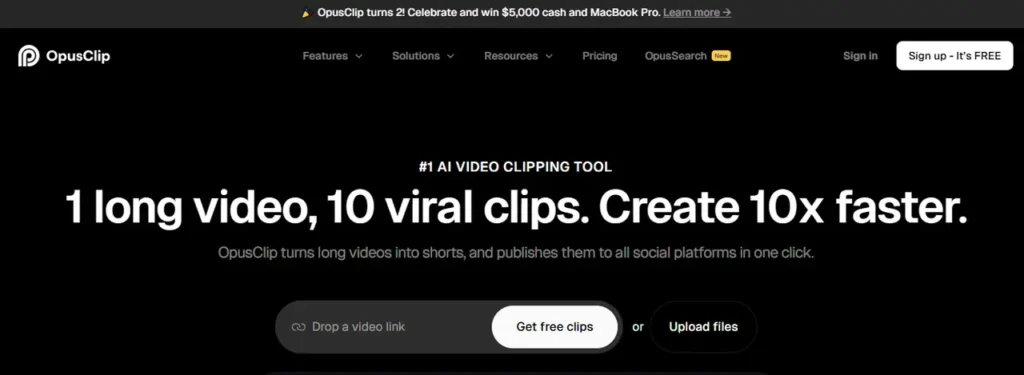
Opus Clip Automatic short clip creation, Highlight Detection, Virality Score, Auto-captioning Turning Long Videos into Viral Shorts Web, API
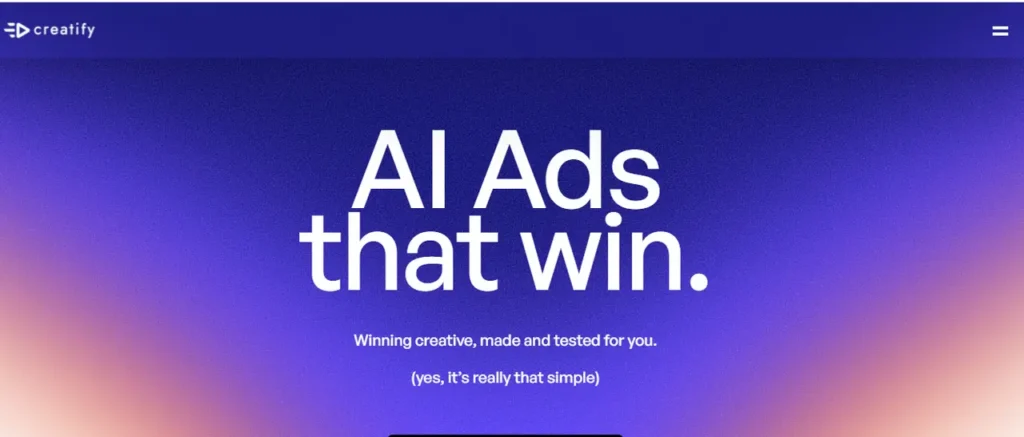
Creatify Custom Avatar Creation from Prompts, Talking Avatars, Video Editor for Ads, B-roll integration AI-Powered Ad Video Generation Web, API
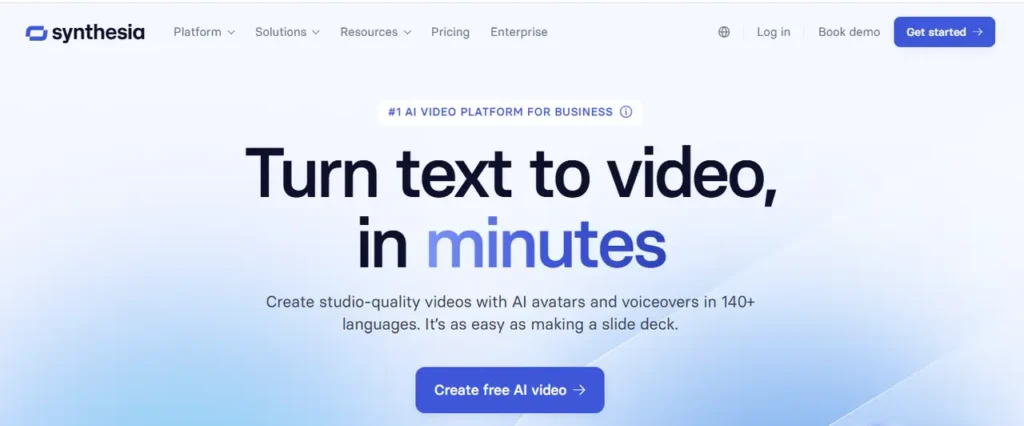
Synthesia Slide-based Video Editor, Large Avatar Library, Video Templates, Fast Rendering Corporate Training & Tutorial Videos 网页
Rask.ai Video Translation, AI Dubbing, Voice Cloning, Lip-Sync Video Translation with Voice Cloning Web, API
Wireflow AI Node-based canvas workflow, Multi-model orchestration (Veo 3, Kling, Hailuo, Runway), Full API access, Chainable image-to-video-to-edit pipelines, Team collaboration Developers & Teams Building Custom AI Video Pipelines Web, API

Vozo AI – Best for AI-Generated Talking Videos & Translation

Vozo AI is best for teams that need talking videos, AI video translation, dubbing, lip sync, and short-form repurposing in one workflow. It is especially useful when you already have footage, training videos, product demos, webinars, or creator videos and want to localize or repurpose them without rebuilding everything from scratch.

Major Functions

  • AI video translation: As of June 2026, Vozo supports 165 languages for video translation, with context-aware translation, subtitles, dubbing, and speaker-aware editing.
  • LipREAL Technology: Delivers industry-leading lip-sync video generation with natural mouth movements even for multiple speakers.
  • VoiceREAL Engine: Generates human-like voices with emotional expression and regional accents.
  • VoiceNATIVE model: Produces more natural target-language accents for professional dubs, especially for ads, tutorials, e-learning courses, product explainers, and corporate videos.
  • LLM-Powered Intelligence: Uses large language models for intelligent subtitle segmentation and natural sentence breaks.
  • AI Video Rewriting: Uses LLM to analyze video content and generate new scripts while preserving key message and tone, with automatic lip-sync and voice replacement.
  • Vozo Shorts: Automatically converts long videos into short viral clips with AI-detected highlights, optimized for platforms like TikTok and Instagram Reels.

Review Summary

  • Built-in Screen Recording: Unlike Synthesia and many competitors, Vozo allows direct screen recording within the platform.
  • Interactive Elements: Supports clickable elements in videos for enhanced engagement.
  • Custom Branding: Complete control over fonts, colors, and logo placement in captions and overlays.
  • The transition tools come with subtitling and voice cloning options.
  • The feature of Vozo Shorts is ideal for content repurposing and involves minimal effort.
  • For multilingual dubbing, users can choose VoiceREAL when preserving the original speaker’s identity matters most, or VoiceNATIVE when the goal is a more natural localized accent.
  • It offers an intuitive editing interface where users can preview changes in real-time, adjust timing and speed with simple drag-and-drop controls, and export projects in multiple formats.

免费试用

  • Vozo’s Free plan includes 20 AI points for trial use, limited AI translation for up to 3 projects, approximately 6 AI dubbing minutes, approximately 2 lip sync minutes, and videos up to 20 minutes per project.

Kling – Best for Creative AI Video with Precise Control

Kling is a very creative and best video generation AI tool that ensures precise control over the aspects of video making. You can consider animating from still images to editing the existing code with the help of prompts. It could be rated as the best AI text-to-video generator. Users who need quick results and more control and flexibility may find this to be a suitable choice.

Major Functions

  • You can animate still images in the dynamic videos.
  • If you have prompts in text form, you can create animations and visuals using them.
  • Existing videos can also be transformed based on the instructions of users.

Strength

  •  It offers element selection, using negative prompts for results that are fine-tuned and frame-level control.
  •   It can produce output that is natural-looking and of high quality.
  •   Version 2.1 has a lot of upgrades that have made physical realism and prompt accuracy better.

Weaknesses

  • After a few runs, free users may find a significant drop in generation speed.

免费试用

Kling uses a credit-based plan structure, but free credits, model access, reset rules, queue speed, and output limits can change frequently. Check Kling’s current membership page before estimating how many clips a free account can generate.

HeyGen – Best for AI-Generated Videos from Avatars

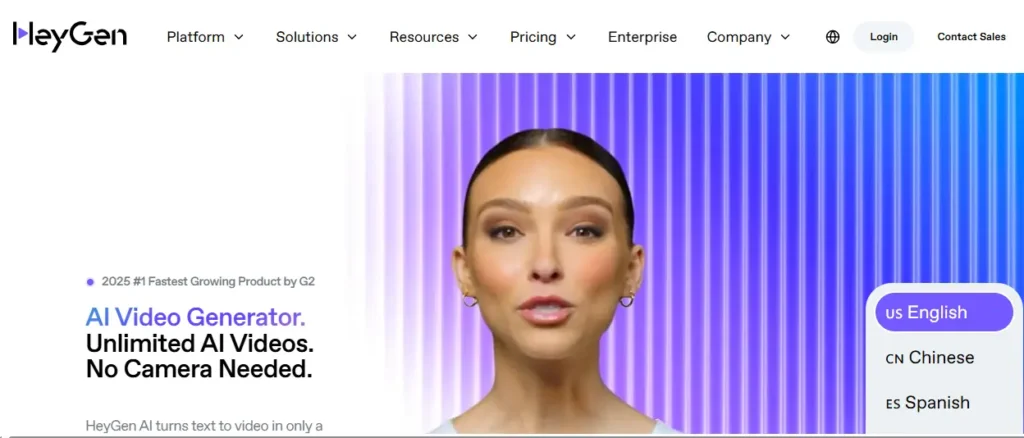
Heygen AI Video Generator

HeyGen is a very easy-to-use platform that can create avatar-based videos. So, whether you want to opt for a built-in avatar in the library of the tool or you want to build your own, HeyGen can help you with this. You can create excellent videos that are highly professional for training and marketing purposes.

Major Functions

  • It allows you to create avatars from videos and images so that you can come up with personalized video content.
  • The pre-built avatars can also be used to generate videos, or you can even customize the available templates.
  • The videos can be localized by translation, dubbing, and lip sync to reach a global audience.

Strength

  • It offers high-quality built-in avatars with realistic output.
  • The video creation is fast and user-friendly when using templates.
  • It is ideal for corporate communications and creating explanatory videos.

Weaknesses

  • The process of custom avatar creation is complicated, and the visuals created are of low quality.
  • The AI translation feature also needs polishing and manual correction.

免费试用

  • HeyGen’s free plan lets users generate up to 3 videos per month, with limited access to premium templates, avatars, and export features.

Hailuo – Best for Creative & Cinematic AI Videos

Hailuo is a newly developed tool that is one of the best AI video generators for YouTube. It offers cinematic-rich output and is good for users who want to bring real-life concepts using text prompts and images into their videos.

Major Functions

  You can animate still images in high-quality short video clips.

  The written prompts can also be covered in visuals, capturing all the imagination you have.

Strengths

  • It offers advanced camera movement controls that offer a cinematic effect.
  • It can maintain a strong consistency across various frames.
  • The visuals it delivers are creative and stunning, offering suitability to a wide range of scenes like abstract, science, and fiction.
  • It can use smart object recognition for detailed enhancement.

Weaknesses

  • The duration of the video is limited.
  • Users who opt for the free option access a slow speed for rendering after they have had a few generations.

免费试用

  • Hailuo uses a credit-based free or trial tier, but exact free credits, model access, watermark rules, and output volume can change frequently. Check the current plan page before estimating how many videos a free account can generate.

Hedra – Best for Natural Motion in AI Talking Videos

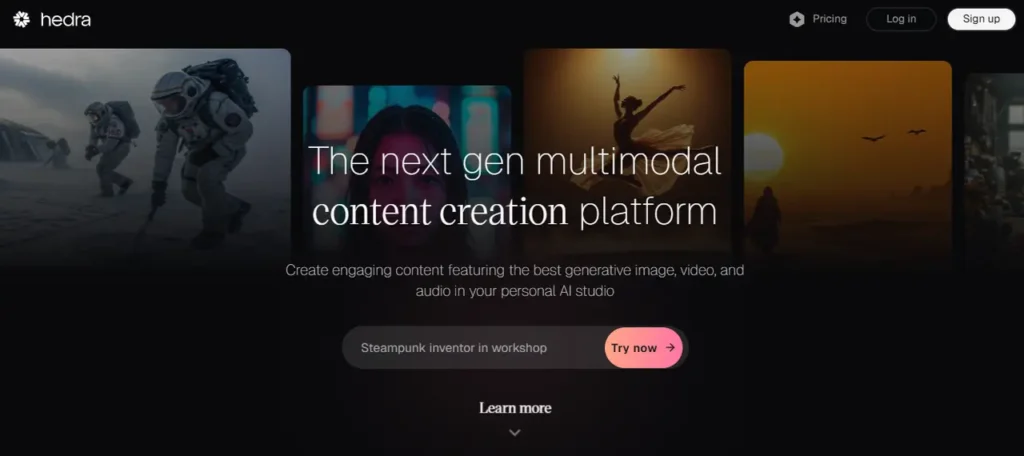
Hedra AI VIdeo Generator

Hedra is meant to be used for creating lifelike videos. These videos are created from static images, and they turn them into lifelike images through full-body animation and realistic body language. It is excellent for creators who want to move ahead from the basic talking heads and want to add a more human-like, natural expression.

Major Functions

  • It can generate AI talking videos through a still image using its advanced motion synthesis.
  • The character V3 model allows for full body movement and not just the lips and head movement.
  • It offers highly precise lip syncing in multiple languages.
  • The expressions tend to shift according to the voice tone of the animation.

Strengths

  • Hedra offers exceptional speech alignment using full body and face movement.
  • The natural feeling videos capture subtle human gestures.
  • The Character V3 offers creative control and scene customization.

Weaknesses

  • The Character V2 model has restricted movement of the head, which makes the appearance a rigid one.

免费试用

Hedra offers 100 free credits to start, with most generated clips up to 8 seconds. Check the current plan page for how credits convert into monthly output.

Google Veo 3 – Best for Natural & Realistic Human Acting

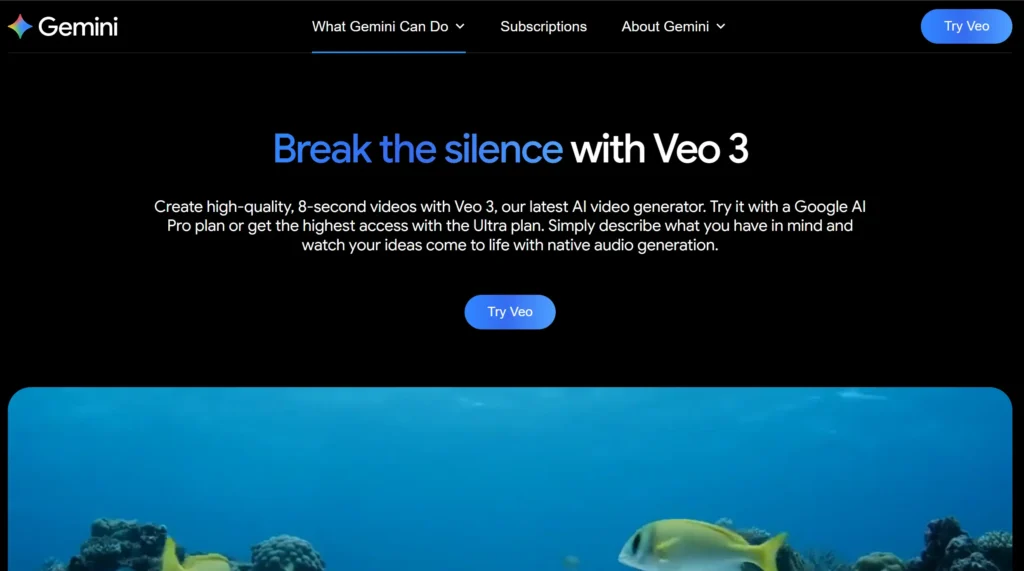
Google Veo 3

Google Veo 3 is among the top AI tools for video generation. They produce content that is realistic and highly expressive. The tool can take the videos to the next level, creating high-end content that is cinematic and inclined towards filmmakers.

Major Functions

  • The tool lets you animate the still images in lifelike videos with proper motion sequences.
  • The realistic codes can be created from detailed prompts.
  • The AI actor can perform gestures and act with proper body language and facial expressions that appear natural.

Strengths

  • It delivers a cinematic-level output with excellent emotions and movement.
  • There is full body synchronization, like spoken words, facial expressions, and gestures.
  • It is great for high-impact storytelling and concept visualization.

Weaknesses

  • Veo 3 supports short clips of 4, 6, or 8 seconds, depending on the model and generation settings.
  • Veo 3 supports 16:9 and 9:16 aspect ratios on Vertex AI, with 720p and 1080p resolution options.
  • Access to all the features requires a subscription.

免费试用

  • The free trial is available with Google AI Pro, but the complete accessibility of features requires subscribing to a paid plan.

Opus Clip – Best for Turning Long Videos into Viral Shorts

Opus Clip

Opus Clip is the best AI video generator for social media that can convert long-form content into short videos that grab the attention of the audience. It is a platform that suits educators, marketers, and content creators who want to create videos for YouTube, Instagram, and TikTok.

Major Functions

  • It can convert long videos into shorts, highlighting the essential part.
  • Opus Clip also offers virality scoring that predicts how each short will perform.
  • It optimizes the aspect ratio that offers framing for vertical platforms.

Strengths

  • It offers excellent video clipping that identifies engagement moments.
  • The tool can also add auto-generated captions that make the content more accessible.
  • The vitality score offers the potential of a video performance.

Weaknesses

  • Sometimes, the captions and virality scores can be overly generic and not accurate.
  • The captioning and styling have limited customization.

免费试用

  • Opus Clip’s Free Forever plan includes 60 processing minutes per month, AI captions, YouTube/local file imports, and one brand template.

Creatify – Best for AI-Powered Ad Video Generation

Creatify AI Video Genertor

Creatify is an AI tool that is meant for marketers and businesses looking to generate videos on a larger scale. This tool comes with an avatar-driven format and also has an ad-focused video editor. It is a great choice for social media ads and product promotions.

Major Functions

  • It can create realistic avatars using AI and text prompts.
  • The AI avatars can be in a talking format to help you deliver your marketing message.
  • The video editor comprises product mockups and customizable elements for branding purposes.
  • It can automatically turn product descriptions into ad scripts and videos.

Strengths

  • The lip sync and voice performance are excellent.
  • It comes with a wide collection of avatars consisting of natural expressions.
  • The comprehensive editor helps with product layouts, animations, and ad creation.

Weaknesses

  • It is heavily focused on the ad-style videos rather than the non-commercial content.
  • The processing time for custom avatars is long.

免费试用

Creatify’s Free Plan includes 10 monthly credits, which can create up to 2 video ads or 20 image ads. Free exports include a watermark, while custom avatar access and higher output volume depend on paid plans.

Read More:

Synthesia – Best for Corporate Training & Tutorial Videos

Synthesia AI Video Generator

Synthesia is a well-established AI video editing platform that is very commonly used in education and corporate training. It produces videos that are based on AI avatars and a slide style. This tool is perfect for structured and formatted presentations.

Major Functions

  • It can generate videos with talking avatars using text scripts.
  • The tool comprises bullet points, visuals, and voiceover for polished presentations.
  • Synthesia offers a large avatar library and 1-click translations into 80+ languages on Enterprise, with 240+ stock AI avatars listed for Enterprise plans.

Strengths

  • Synthesia is great for corporate training and educational content.
  • The tool is user-friendly, and professional videos can be created very quickly.
  • It offers high visual clarity with fast video rendering.
  • The avatar collection is wide and covers multiple applications.

Weaknesses

  • Avatars are less expressive and appear robotic, especially in the creative context.
  • There is limited dynamic movement, which is not suitable for storytelling.

免费试用

Synthesia’s current free Basic plan is credit-based and lists up to 10 minutes of video per month; paid plans start with Starter at $29/month.

Read More:

Rask AI – Best for Video Translation with Voice Cloning

Rask AI

Rask AI focuses on high-quality AI dubbing and video translation, which makes it a good choice for educators and creators so that they can reach a global audience. It also combines the subtitle generation and voice cloning through a very basic editing workflow.

Major Functions

  • It translates videos in multiple languages with subtitles and synced audio.
  • The voice cloning preserves the personality and tone across all languages.
  • It matches the dubbed audio with the lip movement of the speaker.

Strengths

  • Videos have high-quality translations and natural voices for single-speaker content.
  • It is user-friendly and consists of a browser-based editor for editing.
  • It is highly suitable for educators and YouTube creators.

Weaknesses

  • Managing multi-speaker videos is hard.
  • Audio durations may change unpredictably, affecting the sync.
  • Lip-sync precision is low compared to tools like HeyGen and Vozo

免费试用

  • Rask AI’s free trial offers 3 free minutes, which can be used to translate up to 3 videos into a single language. Trial uploads can be up to 20 minutes and 500 MB, but each video is trimmed to the first minute for dubbing.

You May Also Like:

Wireflow AI – Best for Custom AI Video Workflows with Full API Access

Wireflow AI takes a different approach from single-model generators. Instead of locking you into one engine, it gives you a node-based canvas where you can chain together the best video models — Veo 3, Kling, Hailuo, Runway — alongside image, audio, and edit nodes in a single workflow. It’s built for developers and creative teams who want the visual flexibility of a canvas UI with full programmatic API access underneath.

Major Functions

  • Drag-and-drop canvas for building multi-step video generation pipelines.
  • Routes prompts through the leading video models (Veo 3, Kling, Hailuo, Runway, and more) inside one workflow.
  • Image-to-video, text-to-video, and video-edit nodes that chain into each other without leaving the canvas.
  • Full API access — every workflow you build on the canvas can be triggered programmatically.
  • Real-time team collaboration on shared workflow boards.

Strengths

  • Model-agnostic: pick the right engine per node instead of being locked to one provider.
  • Replaces the “subscribe to five tools” problem with one orchestration layer.
  • API-first design makes it ideal for devs embedding AI video generation into their own products.
  • Visual workflow makes complex pipelines (e.g., script → image → animate → upscale → caption) reproducible.

Weaknesses

  • More powerful than necessary for users who just want a single one-shot text-to-video output.
  • Best ROI comes from teams or devs — solo casual users may not need the orchestration layer.

免费试用

Free tier available with workflow credits to test the canvas and API across multiple models before upgrading.

Other AI Video Generators or AI Video Makers

The guide above focuses on specialized AI tools for generating video content using avatars, images, and text; there are multiple platforms that use AI in a different way. Some of these tools are discussed below.

AI-Powered Video Editors

Tools like Wondershare Filmora and CapCut are known for their impressive AI features, but they are video editors, not video generators. They can enhance the existing videos but cannot create new content from scratch.

Stock Video Tools with AI Assistance

AI platforms like InVideo allow users to generate templates and stock footage using AI script analysis. However, these tools cannot create visuals from scratch, which makes them suitable for fast assembly of content rather than creating AI-driven videos.

Low Quality or Experimental Tools

Tools like Luma or OpenAI’s Sora’s early access versions are quite promising, but they are still in the process of development and do not offer good quality. These platforms lack polish and consistency.

These alternatives do serve the specific requirements, but they do not match the visual quality, flexibility, and power of the generators that are discussed in the guide.

Conclusion

AI video generators now serve different jobs. Kling, Hailuo, and Veo 3 are stronger for creative text-to-video and cinematic clips. HeyGen, Synthesia, Hedra, and Creatify focus more on avatar-led communication and ad videos. Opus Clip is best for turning long videos into shorts.

For teams that need video translation, AI dubbing, voice cloning, lip sync, and multilingual repurposing in one workflow, Vozo is the stronger fit. As of June 2026, Vozo supports 165 languages for video translation and offers both VoiceREAL and VoiceNATIVE voice cloning models, so teams can choose between preserving the original speaker’s identity or producing a more natural localized accent.

As the technology is evolving, we can expect more refined versions of AI platforms that offer better lip syncing and customization. So, just keep checking these tools to assess their growing features.

Read More: