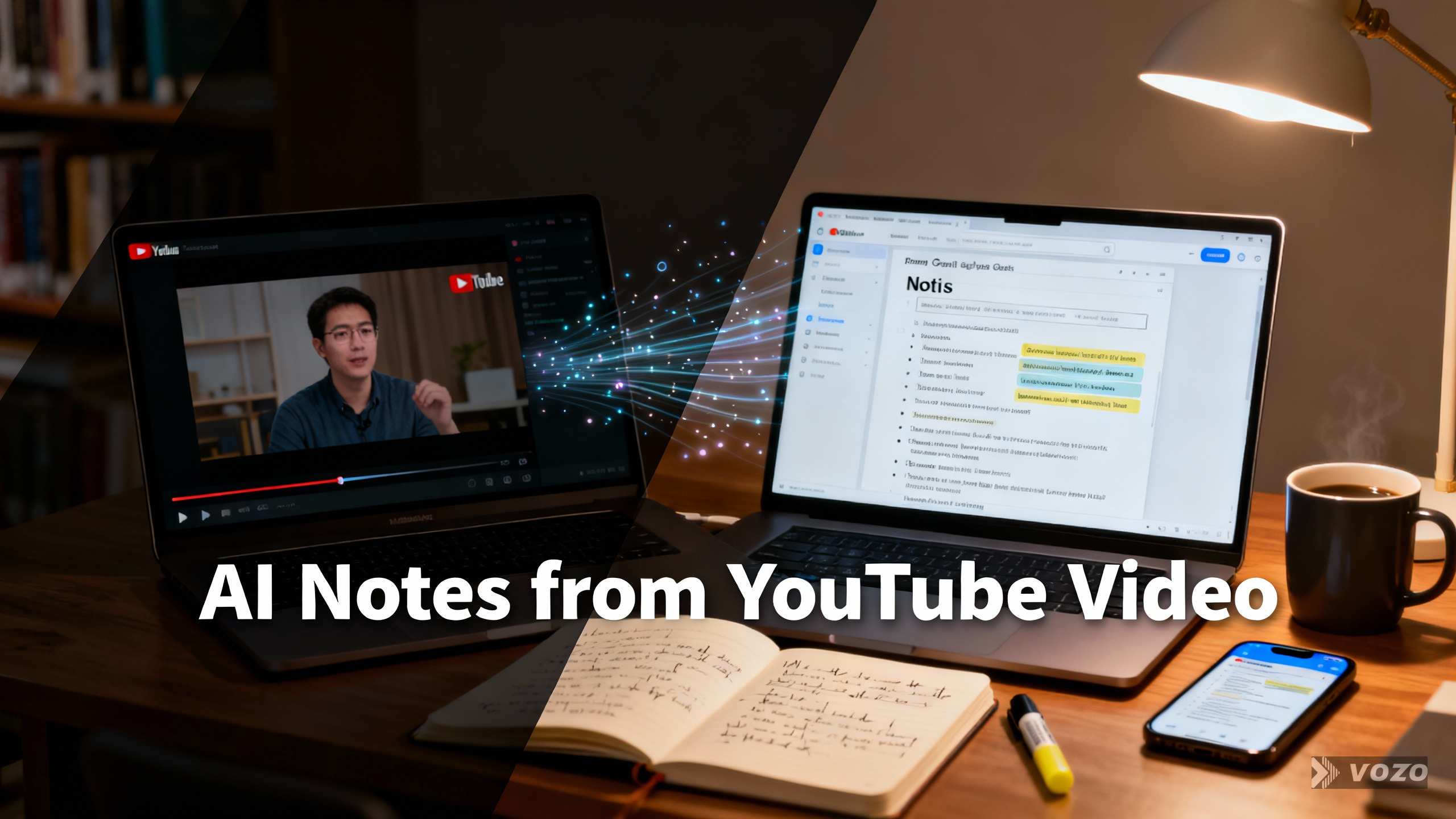

AI-Notizen aus YouTube-Videos
What are AI notes from YouTube videos?
AI notes from YouTube videos are concise, structured key points and summaries generated automatically from a video’s audio or transcript, often paired with timestamps so you can jump directly to the relevant moment in the video.
Core Idea
Turn video learning into text-based, study-ready assets such as notes, summaries, and action items. The goal is to remove spoken filler and surface the meaningful points that learners and teams need to review quickly.
How It Works
Tools extract audio and run automatic speech recognition to create a transcript, then apply summarization or note-generation models to produce concise notes. Notes can be anchored to timestamps so each item links back to the exact video moment.
Where It’s Used
Commonly used in classrooms, self-study, content creation, research, and team knowledge capture. Workflows also extend to webinars, livestreams, and recorded meetings where searchable text improves reuse.
Who It’s For
Students, educators, researchers, content creators, and teams who want fast review, accessibility, and the ability to search or cite spoken content. It also helps users with limited time or device access.

How AI Notes From YouTube Videos Works
At a basic level the workflow follows three steps: capture, transcribe, and condense. First, the tool captures audio from a YouTube link, uploaded file, or live tab recording. Next, an ASR engine converts audio to a word-for-word transcript. Finally, note-generation models or human-curated rules transform the transcript into streamlined notes, summaries, action items, and optional timestamp anchors for navigation.
More technically, ASR produces time-aligned text segments that feed into natural language processing models. Those models can extract headings, generate bullet summaries, detect key terms, and attach timestamps at sentence or paragraph granularity. Many systems offer export options, language selection, and privacy controls like non-training assurances and automatic deletion windows.
Key Components of AI Notes From YouTube Videos
- Transcript: Word-for-word text of the audio, often time-aligned.
- ASR engine: Automatic speech recognition that converts audio to text and provides timestamps.
- Summarizer / Note generator: Model or rules that condense transcript text into study-friendly notes.
- Timestamping: Anchors notes to exact playback times so clicking a note jumps to the video moment.
- Export and library: Save notes to notebooks, export as .txt or .doc, tag and search within a dashboard.
- Multilingual support: Language dropdowns, translation options, and subtitle generation for cross-language learners.
- Privacy controls: Data retention, deletion policies, and statements about model training use.
Beispiele aus der Praxis
Example 1: Classroom Study Guide
An instructor converts a recorded lecture into a transcript, generates a summary and timestamped notes, and shares a Cornell-style note sheet for students to review before class. Students can click timestamps to rewatch the most important parts.
Example 2: Creator Research and Scripting
A content creator scans interviews and tutorials for quotable lines and key moments. Timestamped notes let them capture ideas and build scripts without rewatching entire videos.
Benefits and Limitations
Vorteile
- Faster review: access the main points without watching the full video.
- Navigation: timestamps let you jump to the exact moment of interest.
- Accessibility: captions, transcripts, and translated notes support diverse learners.
- Portability: export notes as .txt or .doc and import into study workflows.
Beschränkungen
- ASR errors: transcripts are not always 100 percent accurate, especially with noise or heavy accents.
- Summarization trade-offs: condensed notes can omit nuance or context that matters for quoting.
- Quota and size limits: many tools restrict uploads to sizes like 100MB or durations like 1 hour.
- Privacy concerns: verify whether providers use content for model training and check deletion policies.
How AI Notes From YouTube Videos Compares to Alternatives
| Aspect | AI-Notizen aus YouTube-Videos | Manual Note-Taking | Raw Transcript |
|---|---|---|---|
| Kosten | Low to moderate; many tools offer free tiers and paid plans for higher volume. | Free but time-intensive; requires human effort for quality summarization. | Usually free when auto-generated, or free with URL tools; may require manual export steps. |
| Complexity | Low for end users: paste URL or click an extension, then edit outputs as needed. | Moderate to high: requires active listening and synthesis skills. | Low complexity to obtain, but harder to study from without cleanup. |
| Am besten für | Learners who want quick review, teams needing searchable knowledge, and creators capturing highlights. | Deep learning through active recall and personal synthesis. | Archival and verbatim quoting where exact wording is needed. |
Common Workflows and Methods
There are multiple practical ways to create AI notes from a YouTube video. Choose method A to E depending on your needs for speed, timestamps, or file uploads.
- Method A – Native YouTube transcript: Open the three-dot menu and choose Show transcript. Fast and free when available, but not present on every video.
- Method B – URL-to-transcript tools: Paste the video link into a generator to receive a downloadable transcript.
- Method C – Browser extension: Run an extension on the YouTube page to create notes directly in your browser.
- Method D – Timestamped manual tool: Take notes while watching and add timestamps to build a clickable study guide.
- Method E – Upload or link transcription: Upload MP4/MP3 or paste a link to transcribe content beyond YouTube, useful for webinars and recorded meetings.
Best practice is to combine modes: use the transcript for completeness, an AI summary for clarity, and timestamps for navigation.
Step-by-Step: Turn a YouTube Video Into Streamlined Notes Using a Browser Extension
This checklist is aimed at educators who want reliable outputs quickly.
- Locate the YouTube URL and open the video page.
- Activate the installed Chrome extension from the toolbar.
- Click Create or Generate inside the extension and choose Translation or Notes mode if available.
- Customize the prompt or language dropdown if the tool supports it.
- Generate output; notes typically open in a new tab within seconds.
- Edit the generated notes, add headers, vocabulary, and comprehension questions before sharing.
Timestamped Notes: The Clickable Study Guide Pattern
Timestamped notes are particularly useful for review. Each note item links back to the exact video second, enabling one-click playback and quick verification. This format supports focused review, faster idea capture for creators, and structured study for learners.
Simple three-step process: paste the URL, take or generate timestamped notes, then organize and review in a library or dashboard.
Video-to-Text Transcription: Inputs and Constraints
When YouTube’s native transcript is missing, upload or link-based transcription tools fill the gap. In addition to video files, many tools accept audio formats and screenshots for OCR. Be aware of common constraints: typical limits include a 100MB file size cap or a 1 hour duration cap per recording. Tools often advertise support for 50 plus languages and near-instant turnaround.
Turning Transcripts Into Real Notes: Templates and Best Practices
A raw transcript is rarely ideal for studying. Convert it to a study asset using summaries, action items, flashcards, and structured templates. Below are ready-to-use templates you can copy and adapt.
Cornell Notes Template
- Topic:
- Source (YouTube URL):
- Date:
- Cues / Questions (left column): Q1, Q2
- Notes (right column): Key idea 1 (timestamp), Key idea 2 (timestamp)
- Summary (3 to 5 sentences)
- Next actions: Review timestamps; make flashcards from definitions
Action-Items List Template
- Video:
- Goal:
- Action items:
- Task – Timestamp – Owner – Due date
- Task – Timestamp – Owner – Due date
- Open questions and timestamps to re-check
Exam Revision Sheet Template
- Unit:
- Must-know definitions with timestamps
- Key processes or steps 1, 2, 3
- Common mistakes
- 10-minute recap: Top 5 bullets
Multilingual Notes From YouTube
Tools that support multiple languages are essential for global classrooms and international teams. Many transcription engines support over 50 languages. Interfaces may include a language dropdown so you can generate notes in the original language or produce translated summaries. Keep original transcripts alongside translations to verify accuracy when it matters.
Privacy, Security, and Compliance
Privacy should be part of the tool selection process. Look for ISO 27001 or SOC 2 references, and confirm GDPR and CCPA compliance where relevant. Check whether providers claim they do not use uploaded content for AI model training, and whether they delete third-party copies within a stated window such as 30 days.
Quick privacy checklist before you paste student content: confirm model training use, check deletion timelines, verify sharing restrictions, and ensure users acknowledge Terms of Service and Privacy Policy.
Accuracy, Noise, and Quality Control
The primary risk is confident but inaccurate summaries. Use timestamps to spot-check claims, correct names and technical terms in the transcript, and finalize summaries only after quick verification. Follow this QA checklist:
- Scan the transcript for obvious errors.
- Spot-check critical timestamps against the audio.
- Correct domain-specific vocabulary.
- Finalize the notes and summary after edits.
Organizing Your YouTube Notes
Treat organization as part of the notes workflow. Save annotated videos to a central dashboard or notebook, tag notes for search, and use shared notebooks for collaboration. One-click copy and export features let you paste notes into word processors for archiving or distribution to students and teammates.
Export checklist: copy from YouTube transcript and paste into Google Docs, download URL-generated transcripts as .txt, use one-click copy for timestamped notes, and tag saved notes in your transcription tool immediately.
Pricing and Quotas
Free offerings vary by tool. Some URL-to-transcript services are free with no sign-in. Learning assistants may offer limited free quotas such as 15 uses per month and upsell unlimited or team plans. Expect promotional discounts and tiered pricing for higher volume or enterprise features like SSO and data agreements.
Statistische Zusammenfassung
Market and usage signals cited in many tools include adoption metrics and platform statistics. Examples referenced include:
- 1,000,000 plus educators using an education-focused extension.
- 80,000,000 plus users and 12,000 plus schools or teams for a learning assistant.
- Notes platform metrics such as 248 million registered users, 5 billion lifetime notes, and 2 million notes created daily.
- Common limits: 100MB file size and 1 hour max duration for uploads in some tools.
How to Pick a Tool: Practical Recommendations
Prioritize features that match your needs. If you need speed and free access, try native YouTube transcripts or URL-based generators. If you need accurate study materials with timestamps, choose tools that provide timestamped note export and human-editable transcripts. For schools and teams, verify privacy, compliance, and administrative features such as SSO and data processing agreements.
How AI Notes From YouTube Videos Helps You Learn Faster
Use a simple repeatable system: get the transcript, add timestamps and condense into notes, then export and organize. This pipeline transforms long videos into searchable, reviewable assets that reduce rewinding and improve retention through focused study aids like flashcards and Cornell notes.
Häufig gestellte Fragen
Why is there no transcript on my video?
Not every YouTube video has an available transcript. Creators can disable transcripts or YouTube may not have generated captions yet for certain uploads. In those cases use an upload-or-link transcription tool or record the browser tab for transcription.
How do I download a transcript from YouTube?
YouTube has no direct download button for transcripts. Open the Show transcript panel, select the text, copy, and paste into Google Docs or Word, then save as a .txt or .doc. Alternatively use a URL-to-transcript generator that offers a .txt download.
What are common upload limits?
Many transcription services limit individual uploads to around 100MB or a maximum duration such as 1 hour. Check the tool’s documentation before uploading long recordings or large files.
Can I translate notes into another language?
Yes, some tools support translation and have a language dropdown. For accuracy, keep the original transcript with the translated summary so you can verify terminology and nuance.
Are AI notes accurate enough for quotes?
Automatic transcripts and summaries are useful for study but not always perfect. If you need verbatim quotes, verify the transcript against the audio and correct any ASR errors before quoting.
What privacy checks should I run before uploading student videos?
Confirm whether the provider uses uploaded content for model training, check deletion timelines such as a 30 day window, review sharing policies, and ensure the organization accepts the Terms of Service and Privacy Policy. For schools, prefer vendors with compliance references like ISO 27001 or SOC 2.