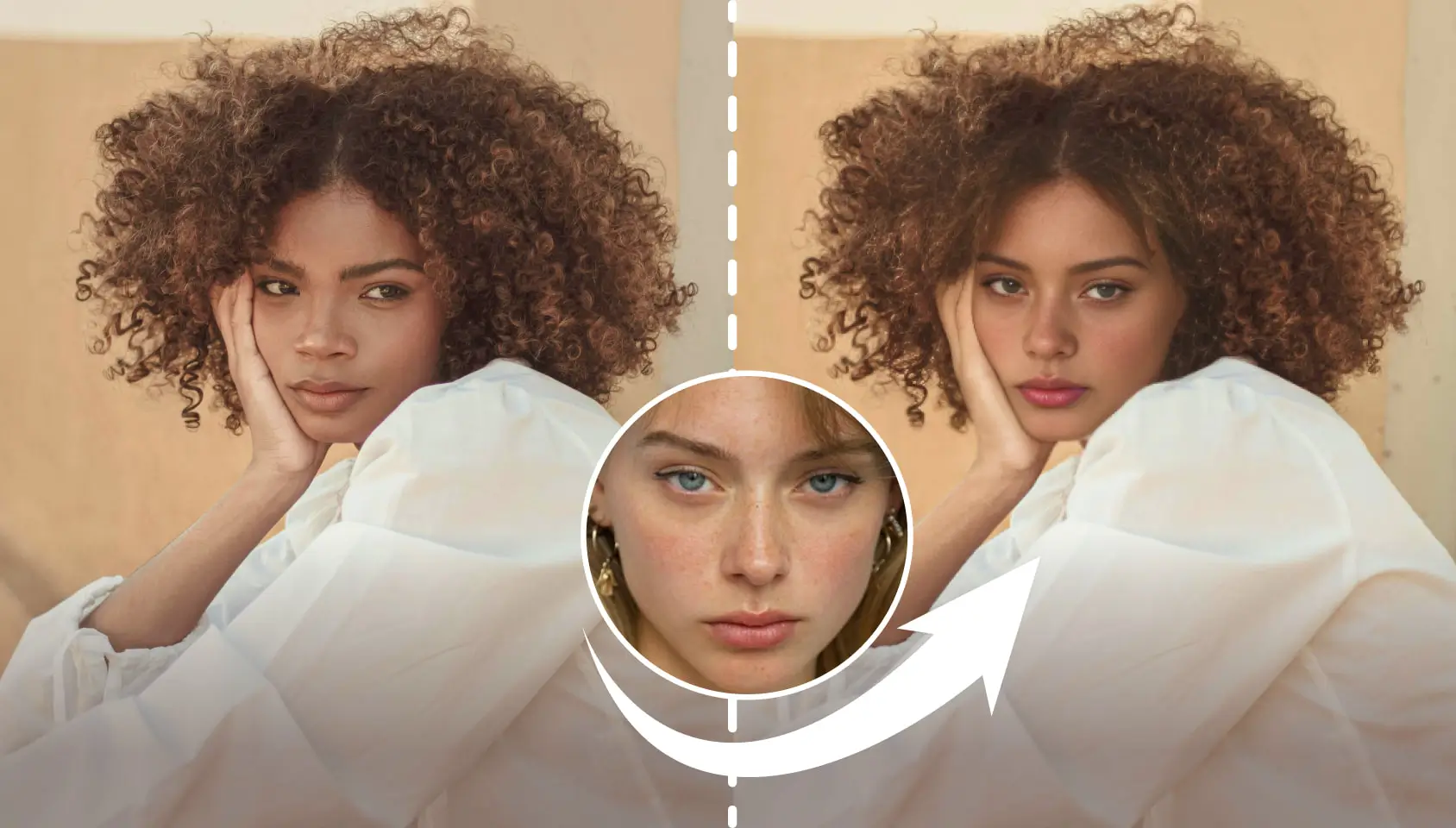

Quick Overview of Best AI Face Swap Tools
Updated as of June 2026: We refreshed this guide to reflect current face swap video tools, open-source options, watermark limits, and Vozo’s broader AI video workflow, including face swap, lip sync, video translation, dubbing, and VoiceNATIVE voice cloning for natural-sounding multilingual dubs.
Quick Picks
- Quick Picks
- Best all-around AI video workflow: Vozo
- Best open-source/local face swap tool: FaceFusion
- Best free browser-based face swap option: Vidwud
- Best enterprise-style creative suite: Akool
- Best quick credit-based testing option: Remaker AI
With the rise of open-source face swap libraries, a multitude of online tools and apps have emerged offering face swap functionalities. However, many of these platforms are simply wrappers around these open-source models. This makes it difficult to distinguish between high-quality, genuine solutions and low-quality ones that simply repackage existing open-source models.
In this article, I will analyze, test, and suggest the best face swap services available, making it easier for you to choose the one that fits your needs. If you need face swap as part of a broader video workflow, Vozo is worth considering because it connects face swap with AI lip sync, video translation, dubbing, voice cloning, and VoiceNATIVE for more natural-sounding multilingual video production.
How AI Face Swap Tools are Evaluated
- Output Image Quality and Naturalness:
The primary measure of any face swap tool is the quality of its output. I focus on how realistic and natural the swapped faces appear, ensuring that the images or videos blend seamlessly with the original content. - Facial Expression, Lip Motion, and Emotion Preservation:
A good face swap should preserve not only the appearance but also the subtle details—like facial expressions, lip movements, and emotional nuances. Advanced tools now integrate face swap lip-sync technology to ensure mouth movements remain natural and synchronized with audio, making the resulting video or image feel authentic. - Ease of Use:
User-friendliness is crucial. Whether you’re a beginner or more experienced, the tool should offer an intuitive interface that makes the face swapping process straightforward without requiring too much technical knowledge. - Free Trial Availability:
I also consider whether the tool offers a free trial. A free trial allows users to test the tool’s capabilities before committing to a paid plan, ensuring they get a chance to evaluate the quality and usability firsthand. - Consent, Privacy, and Usage Limits:
For face swap videos, I also check whether the tool gives users clear control over uploads, watermarks, and commercial usage. Always use face swap tools with permission from the person whose face is being used, and avoid deceptive or harmful edits.
Compared with many free or paid face swap tools, Vozo is a strong option when you need clean face swap results as part of a complete AI video workflow. Vozo supports face swap for photos and videos, and it can be paired with AI lip sync, video translation, dubbing, and voice cloning when your final video needs to look and sound natural across languages.
As of June 2026, Vozo’s broader video workflow also includes VoiceNATIVE, a voice cloning model designed for natural-sounding dubs with native target-language delivery. This is useful when a face-swapped video also needs localized voice, timing, and mouth movement for ads, tutorials, product explainers, or social content.
Like most face swap tools, Vozo can still require review on difficult shots, especially when faces turn quickly, are partially covered, or have objects moving across the face.
FaceFusion: Best Completely Free Open-Source Face Swap Tool

- Platform: PC, Mac, Linux
- Pricing: FaceFusion remains open-source and free. As of June 2026, it supports GUI, headless, and batch workflows, with pre-built installers available for Windows and macOS.
- Notes: FaceFusion can run locally, but a capable GPU is strongly recommended. NVIDIA CUDA or Apple Silicon/CoreML can significantly improve processing speed; CPU-only setups may be slow.
FaceFusion is a face swap tool available as a GitHub repository, which means you can run it locally on your machine if you have some technical know-how. Most users can complete setup in 10–15 minutes without advanced technical knowledge (though GPU-equipped machines/NVIDIA CUDA/Apple M-series chips still ensure faster processing), there are clear instructions available, including a YouTube tutorial (you can check it out here) that walks you through the installation.
For the best performance, FaceFusion runs faster on machines with a GPU or Apple’s M series chips. You’ll need to enable CUDA for NVIDIA GPUs or CoreML for Apple devices to optimize processing. Although there are several technical options to choose from, which might be overwhelming at first, most of them are designed to enhance the final output. Even with the default settings, however, you can still achieve good results relatively easily.
In hands-on use and recent product checks with FaceFusion has been quite positive. It took me around 30 minutes to set up everything on my PC, and having the tool run locally made me feel confident about its safety and reliability. While there were occasional glitches when faces moved quickly or turned to the side (which caused some distortion), the tool generally performed well. In fact, the results I got were often just as good, if not better, than those from some paid online services.
Vidwud: Best Free Online Service for Face Swap

- Platform: Web
- Pricing: Free tier available
- Notes: Vidwud still positions its face swap tool as free and watermark-free, including multi-face photo and video swaps. Before using it for heavier production, check current daily usage, video length, and processing limits.
Vidwud is an online service that offers face swap capabilities for both photos and videos, including multi-person images and videos, all completely free of charge. One standout feature is that the service doesn’t add a watermark to the generated videos, which is a huge plus for those looking for clean, professional results.
The output quality is impressive—sharp, detailed, and with high resolution. The naturalness of the face swaps is also remarkable, especially when compared to other tools like Akool, Remaker, and aifaceswap.io, some of which are paid services. Vidwud truly stands out as a strong competitor in this space.
As of June 2026, Vidwud remains a strong free browser-based option for quick face swaps, especially when no-watermark output is important. Keep the caveat that difficult angles, fast movement, or occlusion may still produce artifacts. Vidwud offers additional free AI tools, although their quality isn’t as high as the face swap feature. Still, the fact that these are completely free makes Vidwud a highly competitive option compared to other services.
Comparison & Final Thoughts:
Most of the face swap tools on the market today are based on open-source projects like FaceFusion or SimSwap, resulting in fairly similar outputs across the board. From the result above for instance, In my tests, Akool produced smoother-looking faces that sometimes lost fine detail; its free-tier outputs may include watermarks, while paid plans are better suited for production use. Remaker AI is useful for quick tests, but its credit-based workflow and side-view consistency should be checked before using it for longer or more polished videos.
As of June 2026, face swap tools fall into three practical groups: local open-source tools like FaceFusion, free browser-based tools like Vidwud, and broader AI video platforms like Vozo. If you only need a quick free swap, Vidwud or FaceFusion can be enough. If you need face swap inside a production workflow with lip sync, dubbing, voice cloning, and multilingual video localization, Vozo is the better fit to evaluate.
