visual translation for E-Commerce Product Videos
What is visual translation for e-commerce?
Visual translation for e-commerce is the process of localizing everything a shopper sees and hears in a product video, including speech, subtitles, lip movements, and on-screen text like prices, sizes, and calls to action.
Core Idea
Visual translation localizes the entire viewing experience, not just the voice track. The goal is for the video to look and feel like it was made for the target market.
How It Works
Teams translate audio, add captions, and replace or recreate on-screen text such as prices, specs, and CTAs. In face-to-camera videos, optional lip sync can align mouth movement with the new language.
Where It’s Used
It is used on product pages, marketplaces, and paid social where muted autoplay is common. It is also useful for post-purchase tutorials and support videos where accuracy matters.
Who It’s For
It benefits DTC brands and marketplace sellers expanding internationally, performance marketers iterating creatives quickly, and enterprise teams that need consistency, accessibility, and compliance across regions.
Why This Matters Now
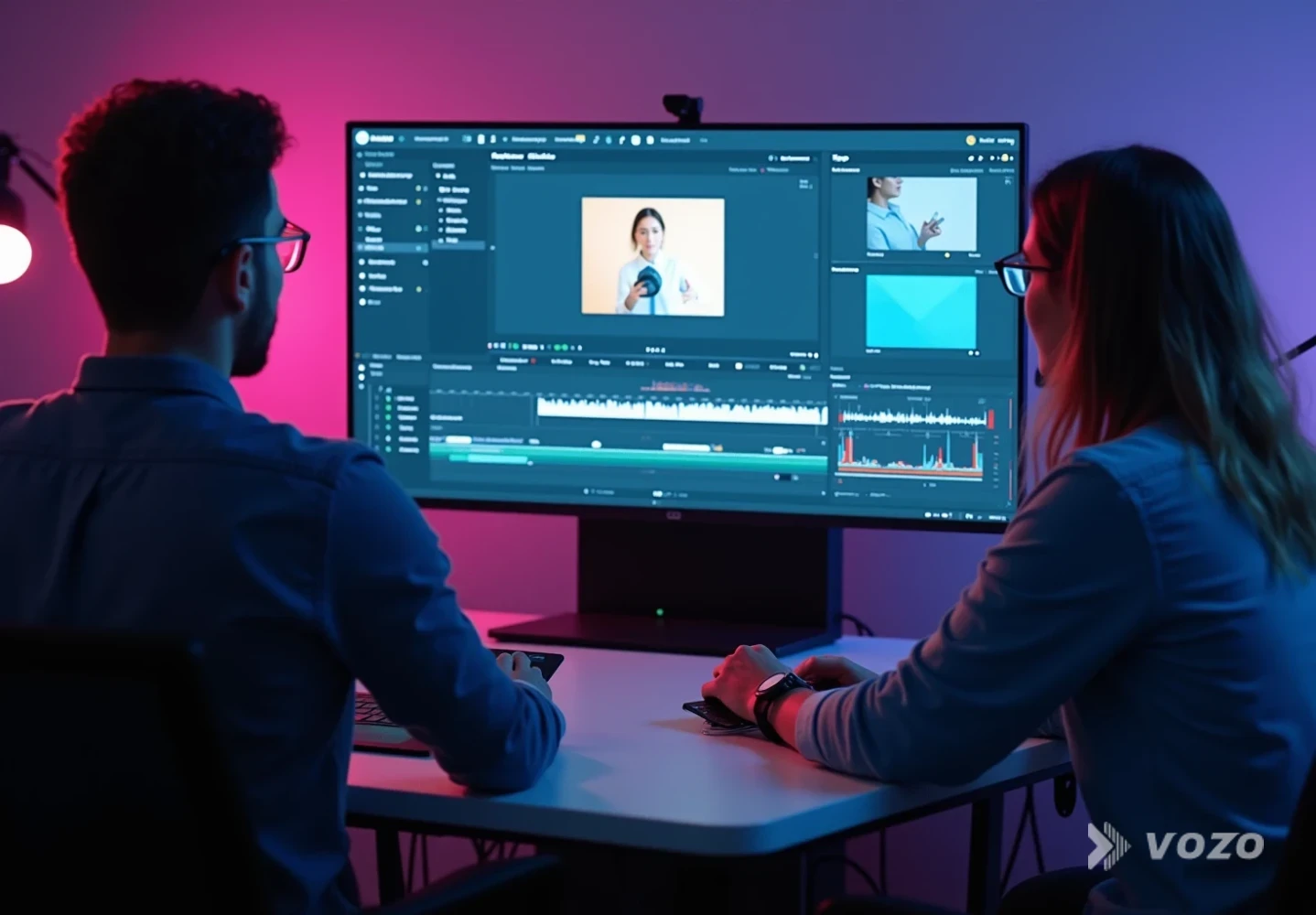
E-commerce teams used to treat “translation” as swapping the voice track. In 2026, that is rarely enough because product video is consumed in real browsing conditions, including muted autoplay, small screens, and fast scrolling.
- Muted viewing is common: Many product videos autoplay muted on product pages, and many shoppers browse in quiet or noisy environments where audio is impractical.
- Captions tie directly to accessibility expectations: WCAG 1.2.2 requires captions for prerecorded synchronized media with audio (W3C, referenced in Swarmify’s 2026 product video best practices).
- Global demand is not optional: A Common Sense Advisory study cited in iTranscribe (2026) reports that 76% of online consumers prefer buying when information is in their native language.
- Voice behavior is local: iTranscribe also cites Google’s 2025 Search Report, stating that 71% of voice searches happen in users’ native languages, even if they speak English.
Those realities lead to the core lesson: if the visuals remain “foreign” while only the audio changes, the video still feels translated, trust drops, and conversion suffers.
Visual Translation for E-Commerce, in Plain Terms
A product video is not just narration. It is a bundle of cues that shoppers use to judge relevance, clarity, and trust within the first few seconds.
- The presenter’s mouth and facial expressions
- Captions viewers rely on when muted
- On-screen overlays that carry the offer (price, discount, bundle contents)
- Measurements and specs (cm vs inches, volts, ounces, pack sizes)
- UI screens inside the video (app settings, checkout steps)
- Trust elements (warranty terms, shipping promises, certifications)
Why audio translation is not enough for product videos: if the speaker’s lips do not match, or if the overlay still shows the original language, shoppers instinctively label the content as “not for me.” That reaction is fast and often happens in the first few seconds.
Swarmify’s 2026 guidance also pushes a “video must work on a phone before it works anywhere else” mindset, including readable captions and clear visual storytelling even without narration. Seller Labs’ marketplace video advice makes it blunt: test on mute. If the message fails silently, the video underperforms.
How Visual Translation Works
At a high level, visual translation takes the original video and rebuilds the shopper-facing meaning in the target language, across both audio and visuals. Instead of treating the voice track as the entire message, the workflow treats every visible and audible element as part of the conversion story.
Step-by-step (plain language)
- Translate what is said: create a script that sounds natural in the target market, then produce dubbing or voiceover.
- Translate what is read: add captions and subtitles that are timed to what appears on screen, and sized for mobile.
- Translate what is shown: replace on-screen text (prices, sizes, feature labels, guarantees, CTAs) so the offer is understandable without sound.
- Optionally align faces: apply lip sync when a human presenter is on camera and trust depends on facial credibility.
- Quality-check the full experience: verify accuracy, cultural fit, and design layout, especially when text length expands or shrinks.
What “done right” looks like technically
In practice, teams separate elements into layers and assets: audio stems, subtitle files (with timing), and editable project files for overlays. When overlays are baked into footage, editors use replacement techniques to remove the original text, then render localized overlays that match the visual style and safe zones. A final QA pass checks timing, currency and unit formatting, legal claims, and mobile readability.
Key Components of Visual Translation
- Subtitles and captions: Timed, readable text that carries meaning when muted.
- On-screen text localization: Accurate translation of prices, specs, claims, and CTAs.
- Lip sync (optional): Mouth movement alignment for face-forward presenters.
- Cultural and commercial localization: Units, norms, compliance, and buying language adapted to the market.
- Metadata localization: Titles, descriptions, and supporting page text localized for discoverability.
1) Subtitles and captions that are built for conversion
Subtitles are not the same as captions, but for product videos the practical requirement is the same: the viewer must understand the value without sound. If captions are late, tiny, or overly literal, they fail in the exact contexts where e-commerce video is most often consumed.
Actionable tips:
- Keep lines short for mobile. Prioritize meaning over literal word order.
- Time captions to product actions. When the feature appears, the caption should appear.
- Use local punctuation and number formats (decimal separators vary by region).
- If you must choose, caption the offer and the key differentiator first.
2) On-screen text translation (overlays) that stays accurate
This is where many localization efforts fail. In many product videos, overlays carry the actual offer, so leaving them in the original language breaks comprehension even if the audio is perfectly dubbed.
“On-screen text translation” for product videos includes:
- Prices, discounts, bundle details
- Feature callouts (battery life, materials, compatibility)
- Shipping and guarantee claims
- CTAs like “Shop now,” “Add to cart,” “Limited stock”
A practical workflow tip from Vozo’s overlay translation guidance (2026) is to build a “text map” by scrubbing at slow speed and capturing every moment text appears. This prevents missing small but critical overlays.
Also consider two realities:
- Burned-in text (part of the footage) requires editing or replacement techniques.
- Editable text layers (from templates or project files) are faster and safer to swap per language.
Globibo highlights a common localization issue: translation length changes layout. English to German often expands, while English to Chinese often shrinks. Plan spacing and safe zones so overlays do not collide with the product.

3) Lip sync for human presenters (optional, but powerful)
If your product video features a person talking to camera, lip sync often makes the difference between “localized” and “dubbed.” This matters most when attention is expensive, such as in paid social, and when trust depends on the speaker’s presence.
Use it when:
- The presenter is central to trust (founder-led, expert demo, skincare routine)
- You run paid ads where attention is expensive
- The language change significantly alters timing
Skip it when:
- The video is mostly hands-only product footage
- It is a silent loop with captions doing the heavy lifting
4) Cultural and commercial localization (not just language)
Translation is not localization. A correct translation can still be commercially wrong if it uses the wrong unit system, the wrong level of formality, or claims that create compliance risk in the target region.
- Swap units (inches vs centimeters; Fahrenheit vs Celsius).
- Adjust phrasing for local buying norms (politeness levels, formality).
- Make sure claims comply with local ad policies.
- Avoid culturally specific jokes or references that do not travel.
5) Metadata and discoverability
Subtitles can support SEO because caption text can be crawled when provided properly (as noted in Checksub’s e-commerce translation guidance). For commerce, this is most useful when localized captions and metadata reinforce the same product terms shoppers use in that market.
Also localize:
- Video title and description on the product page
- Chapter markers (if used)
- Alt text and surrounding page copy
Real-World Examples
Example 1: A 30-second skincare demo for three markets
Original video: a presenter explains a routine, overlays show “Derm-tested,” “Free shipping,” and “30-day guarantee,” and price appears briefly during the offer. Visual translation done right keeps tone and pacing in the dub, uses large mobile-friendly captions, translates and reformats overlays to local number conventions, adapts guarantee language to match local policy wording, and optionally uses lip sync so the presenter’s face remains credible.
Example 2: A gadget product page autoplay loop
Swarmify recommends 15 to 30 seconds for autoplay loops on product pages, and stresses that autoplay is typically muted. If you only translate audio, the loop still reads as foreign and the buyer misses the key value proposition. A visual translation version avoids relying on narration, shows clear action shots for scale and usage, and uses local-language overlays to answer the single buying question the loop is designed to resolve.
Example 3: Marketplace listing videos
Seller Labs recommends keeping the close around 25 to 30 seconds and strongly emphasizes the mute test. Visual translation focuses on one benefit shown quickly, local-language overlays that clarify the “after” state, and captions that mirror the overlay rather than repeating a long script.
Benefits and Limitations
Benefits
- Higher comprehension in silent viewing: Captions and translated overlays carry the message when audio is off.
- More trust and “native feel”: Local language on screen reduces the “imported content” signal.
- Faster creative iteration across regions: With templated overlays, teams can update offers without rebuilding the whole video.
- Better accessibility alignment: Captioning supports accessibility expectations and standards referenced in industry guidance.
- Improved global reach: The iTranscribe-cited CSA statistic (76% prefer native-language information) suggests a clear upside for localization.
Limitations
- Overlay translation is detail-heavy: Prices, units, disclaimers, and timing can introduce errors without strong QA.
- Design challenges: Text expansion can break layouts, requiring flexible templates and safe zones.
- Lip sync is not always necessary: It adds processing and review time, and ROI depends on how face-forward the video is.
- Brand voice consistency: Literal translations can sound unnatural, so human review remains important for high-volume campaigns.
How Visual Translation Compares to Alternatives
| Aspect | Visual Translation | Audio-Only Translation | Subtitles Only | Re-shoot Per Market |
|---|---|---|---|---|
| Cost | Mid-range. Costs include overlays, captions, and optional lip sync. | Lower upfront cost, but often leaves performance on the table in muted placements. | Lower to mid. Cheaper than full dubbing, but still needs good caption production. | Highest. Production, talent, and logistics scale poorly across many SKUs. |
| Complexity | Medium to high. Requires text mapping, formatting, and QA across audio and visuals. | Low. Primarily script translation and voice production. | Medium. Requires timing, readability, and language QA. | High. Multiple creative versions and ongoing synchronization challenges. |
| Best For | Scalable international growth where muted viewing and overlays matter for conversion. | Audio-first content with minimal on-screen text, or internal training where speed beats polish. | Budget-conscious localization and fast market testing where subtitles are accepted. | High-ticket products and brand campaigns where cultural nuance is everything. |
| Main Risk | Overlay mistakes, layout issues, or inconsistent brand voice without careful review. | Feels untrustworthy if overlays stay foreign or lips do not match on camera. | Emotional impact may drop without native voice, and small captions can fail on mobile. | Slow iteration and difficult coordination when pricing or features change. |
A Practical Workflow for Catalog-Scale Localization
For catalogs, the goal is repeatability. A consistent workflow reduces missed overlays, inconsistent phrasing across SKUs, and last-minute design breakage when translations expand.
1) Decide the goal per video
- Product page loop: 15 to 30 seconds
- Standard demo: 30 to 90 seconds
- In-depth explainer: 2 to 5 minutes
2) Create a localization inventory
- Spoken script: all dialogue and any voiceover lines
- Subtitles and captions: including timing and mobile formatting requirements
- Every on-screen text element: build a timestamped text map
- Any UI screens: app settings, checkout steps, notifications
- Claims and disclaimers: items that may require legal review
3) Localize in a stable order
- Translate script with conversion intent, not word-for-word literalness.
- Generate dubbing (if needed) and captions.
- Translate overlays and format numbers, units, and currency correctly.
- Apply optional lip sync for face-forward content.
- Run a QA pass by a fluent reviewer for the market, including a mobile preview.
4) Run the mute test
If the shopper watches muted, the video should still answer:
- What is it?
- What does it do?
- Why is it better?
- What is the offer?
Tools That Make Visual Translation Scalable
At scale, tooling matters because the bottleneck is rarely just translation. The bottleneck is managing overlays, timing, reviews, and variant production without introducing errors across dozens or thousands of SKUs.
For teams that want an integrated workflow, Vozo Video Translator supports translation into 110+ languages with natural dubbing, voice cloning (VoiceREAL™), optional lip sync (LipREAL™), and a built-in proofreading editor. That combination is useful when speed matters but teams still need control over phrasing and timing.
If the immediate bottleneck is voice only, Vozo Audio Translator can help preserve the speaker’s tone and emotion in new languages. For e-commerce outcomes, it is typically strongest when paired with subtitles and overlay updates so the muted viewer experience remains complete.
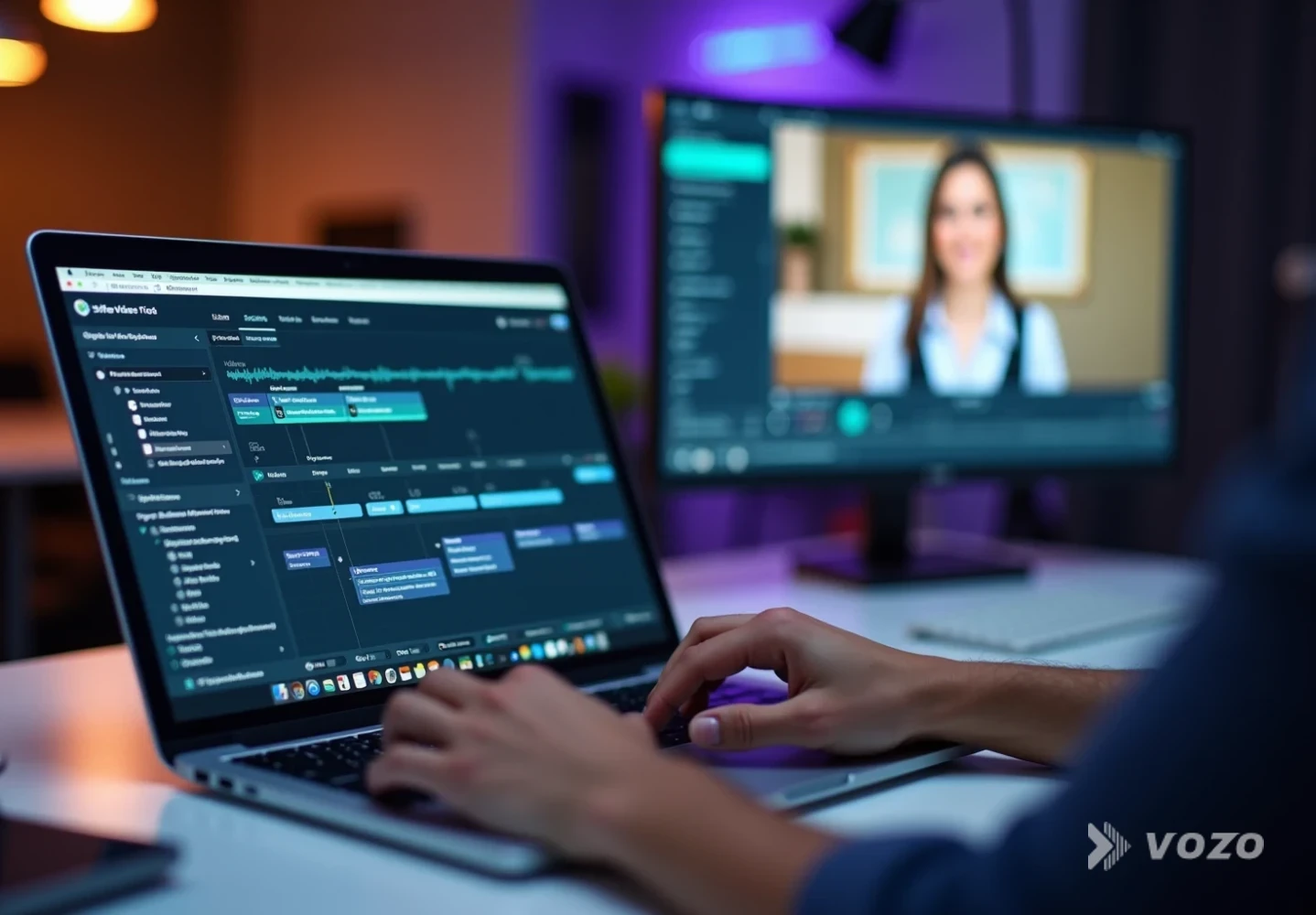
When the “native feel” depends on a presenter’s face, Vozo Lip Sync helps match mouth movements to the new audio, which can reduce the cognitive disconnect that makes dubbed ads feel less trustworthy.
For teams that want localization baked into a publishing pipeline, Vozo API can integrate translation, dubbing, and lip sync into internal systems so new product videos can ship in multiple languages as part of the same workflow.
Frequently Asked Questions
What is visual translation for ecommerce?
It is end-to-end localization of a product video’s viewing experience, including spoken audio, captions, lip movements when needed, and all on-screen text such as prices, measurements, and CTAs. The goal is for the video to feel native to the market rather than “translated.”
Why is audio translation not enough for product videos?
Many shoppers watch muted, and product videos often contain key conversion details as overlays. If those visuals stay in the original language, comprehension and trust drop even if the voice is translated.
What on-screen text should be translated first?
Start with anything that changes buying decisions: price and discount, bundle contents, shipping and return promises, warranty and guarantee claims, key specs (sizes, compatibility, capacity), and the primary CTA. These elements often carry more conversion weight than the narration.
Do you always need lip sync?
No. Lip sync is most valuable when a person’s face is prominent and speaking on camera, especially in paid ads or founder-led content. For hands-only demos or silent loops where captions do the heavy lifting, it is usually optional.
How long should localized product videos be?
Industry best practices commonly recommend 15 to 30 seconds for autoplay loops on product pages (Swarmify, 2026) and 30 to 90 seconds for most demos. Longer formats can work for high-consideration products, but they are often best supported by multiple video types rather than a single long clip.
Does adding subtitles help SEO?
It can. Subtitles and captions provide indexable text that can support discoverability when implemented properly (as noted in Checksub’s e-commerce translation guidance). In practice, the biggest gains come when localized captions and metadata match the terms shoppers actually use in that market.
Localize What Shoppers Actually Use
If a product video is meant to sell, it has to communicate under real browsing conditions: muted autoplay, small screens, fast scrolling, and global audiences. That is why visual translation strategies outperform audio-only dubbing. When you translate overlays, captions, and timing, the video stops feeling like an “international version” and starts feeling native.
For teams scaling across regions, a practical baseline is a workflow that covers audio, subtitles, and on-screen text, then adds lip sync selectively where faces drive trust. Done consistently, visual translation becomes a repeatable production system that protects clarity, credibility, and conversion across markets.