
Introduction
In today’s digital landscape, video content is one of the most powerful tools for communication and engagement. However, language barriers can limit a video’s reach and effectiveness. Video translation provides an efficient solution, enabling creators to break through these barriers and connect with a global audience. Whether you’re a content creator, marketer, or educator, mastering video translation can help you expand your impact and reach new viewers across different languages and cultures. In this guide, we’ll explore the key steps, top video translation tools on the market, common issues, and effective solutions to make your video translation process seamless and successful. If you want a workflow built specifically for spoken dialogue, subtitles, dubbing, and review, an AI video translator can help you turn one source video into localized versions for multiple markets faster.
Updated as of June 2026: Vozo now supports 165 languages for video translation, with VoiceNATIVE available for more natural target-language accents in dubbed videos.
What is Video Translation?
Video translation is the process of converting the spoken language, subtitles, or on-screen text in a video into another language. It allows video content to be understood by audiences who speak different languages, making it accessible on a global scale.
This process involves various techniques, including translating spoken dialogue, creating subtitles or captions, dubbing voices in different languages, translating on-screen text with an AI visual translator, and incorporating lip-sync functionality. Lip-sync ensures that the translated audio aligns with the speaker’s mouth movements, providing a seamless viewing experience. With the help of modern AI tools, video translation has become faster, more efficient, and more accurate, allowing content creators to easily reach international audiences.
Why is Video Translation Important?
Video translation plays a vital role in breaking down language barriers and connecting content creators, businesses, and educators with global audiences. It involves more than just translating spoken dialogue or on-screen text—it can also include localization, a process that adapts the content to fit the cultural norms and idiomatic expressions of the target language.
Video Translation vs. Video Localization
While video translation typically focuses on converting text and speech into a different language, localization goes further by interpreting the content in a culturally relevant way. This means adjusting dialogue to fit idioms and expressions in the target language. For example, in the movie Inside Out, the character’s dislike for broccoli in the English version was changed to green peppers in the Japanese version, as broccoli isn’t as commonly disliked by Japanese children. After localization, the video can be subtitled or dubbed for the audience. For teams handling repeated client projects or large video libraries, a dedicated AI video localization platform for agencies can make translation, dubbing, subtitle review, and lip sync part of one production workflow.
Key Benefits of Video Translation:
- Wider Audience Reach: By translating video content into multiple languages, creators can engage with a broader global audience. This can help expand the content’s impact and visibility across different regions.
- Improved User Experience: Audiences are more likely to engage with and enjoy content in their native language. Translating videos enhances comprehension and provides a more meaningful experience for viewers.
- SEO Benefits: Multilingual videos improve search engine visibility, enabling your content to appear in search results in various languages. This helps drive more traffic from different regions and increases discoverability.
- Increased Engagement and Retention: Videos presented in the audience’s native language are more likely to be watched longer and shared, leading to greater engagement and retention. This can significantly boost content performance and overall viewer satisfaction.
- Accessibility: Video translation, including subtitles, makes your content accessible to non-native speakers and individuals with hearing impairments. Beyond being beneficial, ensuring accessibility is often a legal requirement for online platforms.
Incorporating both video translation and localization ensures that your content is not only accessible but also culturally relevant, helping to maximize reach, engagement, and impact.
Easy Steps in Video Translation (Using Vozo AI as an Example)
Step 1: Get Started
After creating an account and logging in, go to your dashboard. Open Translate & Dub, then upload your video or paste a video link, then upload the video you want to translate or simply paste the video link.

Step 2: Set Your Preferences
Choose the original language of the video and the target language for translation (supports any uploaded audio language, with 80 TTS languages for voice options and 165 target languages for Translate & Dub workflows.).
Note: AI Lip Sync is only available in Premium/Business/Enterprise plans (Pro Plan and Free tier do not include this feature).
Next, select the number of speakers in the video, and decide whether you want to add subtitles. Once everything is set, let the platform process your video.

Step 3: Adjust and Finalize
After the one-shot translation is complete, you’ll be directed to the editing interface. Here, you can easily adjust the script, timing, and subtitle style to your liking. If needed, you can also create a lip-synced version with dubbed audio. When you’re satisfied with the edits, you can export the video in MP4 format, along with the subtitles in SRT format.
If your project needs both translated captions and natural voice output, combine an AI subtitle translator with AI dubbing so viewers can either read or listen in their native language.

Additional Help
For step-by-step guidance, a tutorial video is also available. You can follow along with the video for a one-on-one learning experience, making the process even easier to understand and complete.
What to Keep in Mind When Selecting a Video Translator
When choosing a video translator, it’s important to consider several factors to ensure you get the best results for your specific needs. Here are key aspects to keep in mind:
- Translation Accuracy: Ensure the tool provides high-quality and accurate translations, particularly for idiomatic expressions and specialized terminology.
- Supported Languages: Check if the video translator supports the languages you need, especially if you’re targeting less commonly spoken languages.
- Automation Features: Consider whether the tool offers automated translation, subtitling, dubbing, and lip-syncing to streamline your workflow and save time. Lip-sync ensures that dubbed audio matches the speaker’s mouth movements for a more seamless experience.
- Customization Options: Look for options to manually edit translations, adjust timing, and modify subtitle styles to fit your preferences.
- User Interface and Ease of Use: A user-friendly interface will make the translation process smoother, especially if you’re not a technical expert.
- Compatibility: Ensure the tool supports the video formats you’re working with and integrates well with other platforms you use.
- Pricing and Plans: Compare the pricing structure and whether it offers a free trial or affordable plans for your budget.
- Customer Support: Reliable customer support is essential to quickly resolve any issues that may arise during the translation process.
Top Video Translation Tools
Vozo AI Video Translator

Updated as of June 2026, Vozo AI Video Translate & Dub is built for AI video translation, dubbing, subtitles, voice cloning, and optional lip sync in one workflow.
Key features:
- Translate & Dub supports 111 source languages and 165 target languages.
- Voice cloning includes VoiceREAL and VoiceNATIVE. VoiceREAL is better for preserving the original speaker’s tone and personality, while VoiceNATIVE is better for more natural target-language accents in professional, tutorial, e-learning, product, and corporate videos.
For more details, see Vozo’s Voice Cloning Models guide. - Built-in proofreading lets users edit translation scripts, timing, subtitles, and terminology before export.
- Multi-speaker support helps localize interviews, podcasts, webinars, and training videos.
- Optional lip sync helps align dubbed speech with speaker mouth movement.
- Subtitle workflows support translated and bilingual subtitles.
- Visual Translate can help detect and translate on-screen text in videos.
Pricing
Updated as of June 2026, Vozo uses a points-based pricing model across Free, Creator, Studio, and Enterprise options.
Free Plan – $0
Best for trying Vozo’s AI tools. Includes limited AI translation, 20 trial AI points, approximately 6 AI dubbing minutes, 2 lip sync minutes, 2 visual translate minutes, 1 seat, 1 concurrent task, and videos up to 20 minutes.
Creator Plan – $29/month
Best for independent creators. Includes unlimited AI translation, 150 AI points per month, approximately 50 AI dubbing minutes, 15 lip sync minutes, 15 visual translate minutes, all AI tools unlocked, 1 seat, 2 concurrent tasks, videos up to 60 minutes, and watermark removal.
Studio Plan – $99/month
Best for professional creators and teams. Includes unlimited AI translation, 600 AI points per month, approximately 200 AI dubbing minutes, 60 lip sync minutes, 60 visual translate minutes, 3 seats, 6 concurrent tasks, videos up to 120 minutes, bulk upload, glossary and brand governance, and faster processing.
Enterprise Plan – Custom pricing
Best for organizations with custom volume, security, compliance, API, SLA, invoicing, or account management needs.
Heygen
As of June 2026, HeyGen is positioned as an AI video creation and localization platform with strong avatar, voice, and video generation features. Its paid creator plans list 175+ languages and dialects, while the Free plan lists 30+ languages.

Key features include:
- AI video creation with avatars and digital twins.
- Video translation support with script editing and proofreading.
- Voice cloning on paid plans.
- 500+ to 700+ stock video avatars depending on plan.
- 1,000+ AI voices.
- Video translation max duration varies by plan, from 3 minutes on lower tiers to 30 minutes on creator/pro tiers and higher limits for business/enterprise.
- Useful for users who need avatar-led content creation plus video localization.
Rask
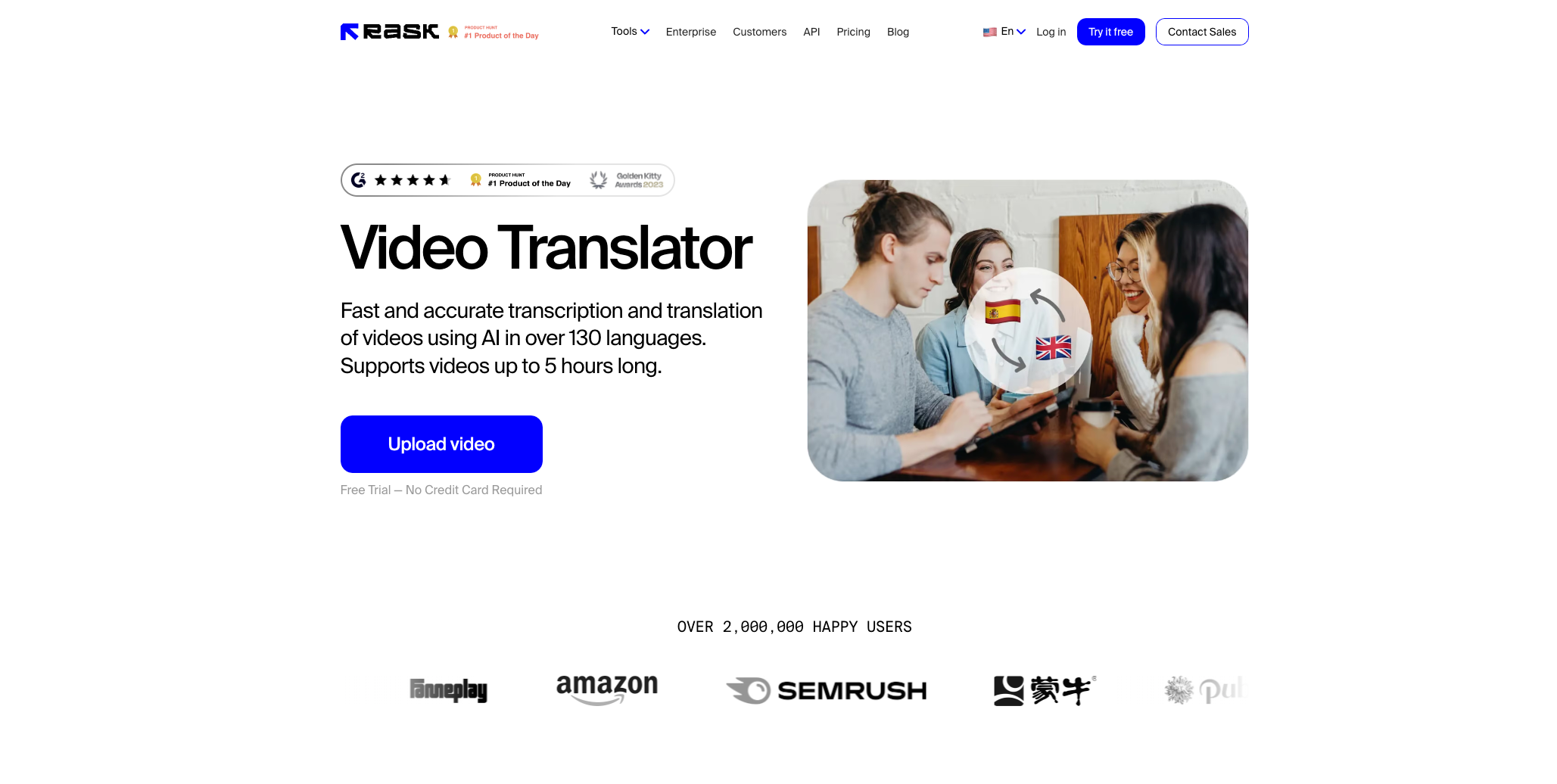
As of June 2026, Rask is positioned as an AI video and audio localization platform for translation, dubbing, lip sync, subtitles, and API-based localization workflows.
Key Features:
- Dubbing in 135+ languages.
- Voice cloning in 32 languages.
- Auto transcription and translation.
- Subtitle download and upload with SRT support.
- Lip sync and subtitle features available on higher plans.
- Creator plan starts at $60/month monthly, with annual pricing from $33/month.
- Creator Pro starts at $150/month monthly, with annual pricing from $78/month.
- Business starts at $750/month monthly, with annual pricing from $600/month.
- Enterprise is custom.
Common Video Translation Issues and Solutions
When translating videos, several challenges can arise that may affect the quality and effectiveness of your content. Here are some common issues and practical solutions:
1.Inaccurate TranslationsIssue: Automated translations can sometimes result in literal or incorrect interpretations, particularly for idiomatic expressions or technical jargon.
Solution: Use a video translation tool that allows for manual edits and fine-tuning, like Vozo AI or Rask, which let you adjust the script and subtitles to ensure accuracy.
2.Loss of Cultural ContextIssue: Direct translations may not convey the cultural nuances or humor present in the original language.
Solution: Incorporate localization into your translation process. Localization adapts the content to fit the target audience’s cultural context, ensuring that idiomatic expressions and references make sense to viewers.
3.Mismatched Audio and VisualsIssue: When dubbing videos, the translated voiceover may not sync properly with the speaker’s lip movements, leading to a disjointed viewing experience.
Solution: Use tools with lip-sync features, like Vozo AI or HeyGen, which provide accurate synchronization between the audio and the speaker’s mouth movements.
4.Limited Language SupportIssue: Some tools may not offer translations in all the languages required for a global audience.
Solution: Choose a platform with broad language coverage and a review workflow. Vozo supports 165 languages for video translation, with dubbing, subtitles, proofreading, VoiceREAL, VoiceNATIVE, and optional lip sync for more complete localization.
5.Subtitle Timing IssuesIssue: Subtitles that are out of sync with the video can confuse viewers and reduce engagement.
Solution: Ensure your translation tool includes precise subtitle editing features. Choose a workflow that lets you review translated scripts, adjust subtitle timing, and export SRT files; Vozo’s subtitle translation workflow is useful when captions need to stay readable and synced after translation.
6.Handling Multi-Speaker TranslationsIssue: Videos with multiple speakers may cause confusion if the translation tool can’t differentiate between voices.
Solution: Use tools with multi-speaker recognition, like Rask or HeyGen, which can detect and separate multiple voices, providing clear and accurate translations for each speaker.
Recorded webinar translation also requires a separate review of slides, speaker labels, screen shares, and CTAs.
Conclusion
Video translation is a critical tool for anyone looking to share their content with a broader, global audience. By overcoming common challenges like inaccurate translations, poor synchronization, and cultural misinterpretations, you can ensure that your translated videos are both effective and engaging. Using the right tools, such as Vozo AI, HeyGen, or Rask, you can streamline the translation process and create high-quality, localized content that resonates with viewers around the world. With careful attention to detail and the right strategies, video translation can help you expand your reach, enhance engagement, and maximize the impact of your content.
