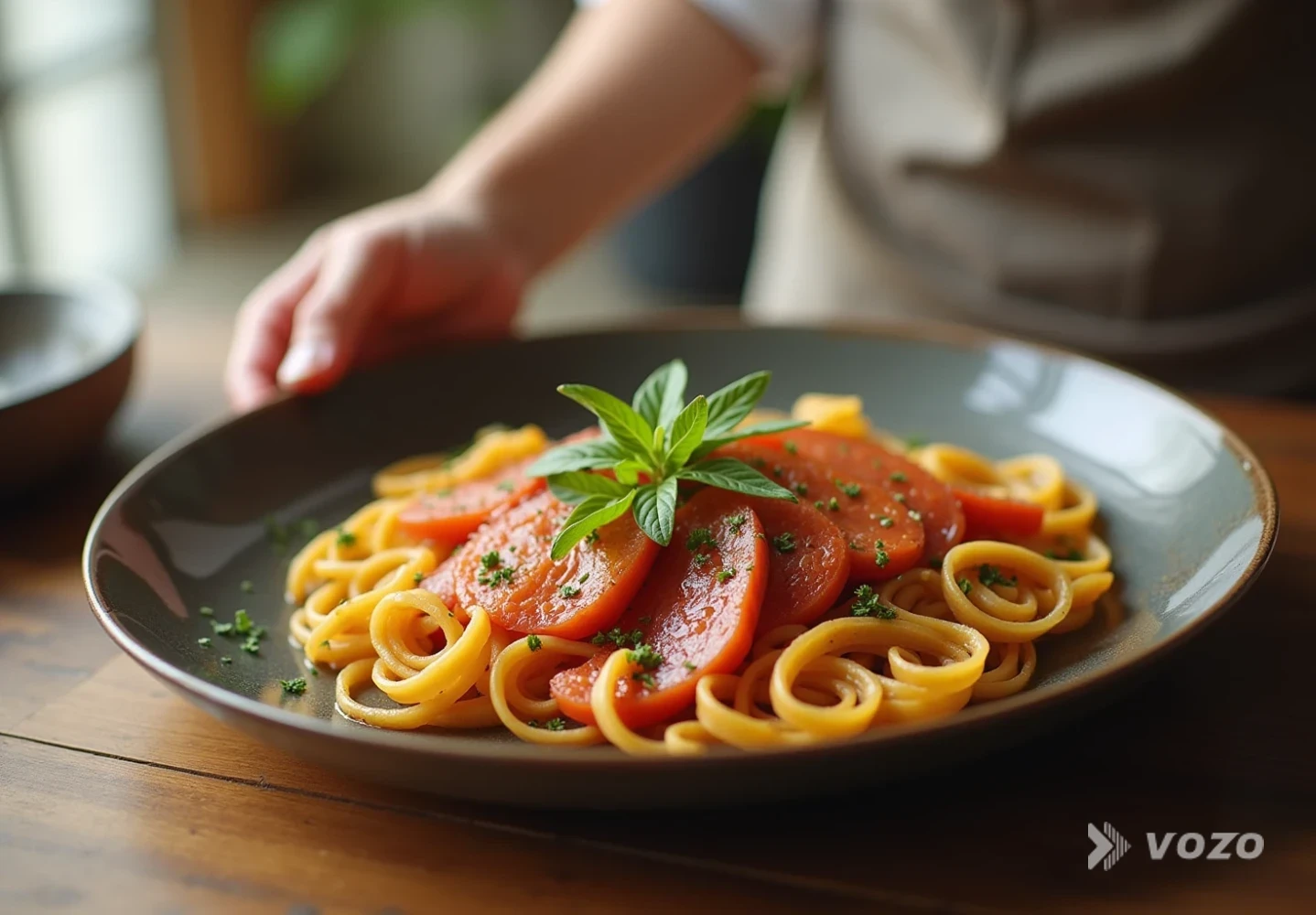

Translate Kitchen Product Videos for Global Sales
A kitchen tool can look obvious in a demo, right up until you try selling it abroad. The moment you cross borders, small details start costing conversions: a measurement unit that feels unfamiliar, an ingredient name that does not match local packaging, a safety warning that needs different phrasing, or a voiceover that sounds unnatural and lowers trust.
If you want international buyers to feel as confident as domestic shoppers, you need more than subtitles. You need a repeatable localization workflow that keeps your message accurate, culturally comfortable, and fast to update.
This guide shows how to translate food product videos and kitchen demos step by step, with practical examples, quality checks, and honest method tradeoffs.
What it means to translate food and kitchen product videos
Translating food and kitchen product videos for international buyers means turning a single product video (recipe clip, unboxing, how-to, or appliance demo) into market-ready versions in other languages.
That typically includes:
- Transcription (turning speech into editable text)
- Translation (converting the script to another language)
- Localization (adapting units, phrasing, cultural references, and compliance cues)
- Subtitles and or dubbing (new on-screen text and or new audio)
- Optional lip sync (matching mouth movements to the new audio)
- QA (proofreading, timing checks, terminology consistency, and brand voice)
Done well, localization pays off. One industry analysis reported that videos with translated subtitles can see 80% higher viewership and 70% better engagement than videos without subtitles, assuming the localized version feels authentic to the audience (travod.com).
Step-by-step: How to translate food and kitchen product videos
Step-by-step workflow
Pick target markets based on demand, not guesswork
Before translating anything, choose markets where you can actually win. Start by identifying countries where you already get traffic, inquiries, or distributor interest.
Then confirm you can support buyers there (shipping, returns, warranty, manuals, customer support) and check platform fit by region since the right channel differs by country.
A practical approach is to start with two to four languages that map to real demand, then expand after measuring results. This matches best-practice guidance to define target markets before you commit budget (sukudostudios.com).
Example: a cookware brand with strong EU traffic might prioritize German, French, Italian, and Spanish. A specialty ingredient brand might prioritize languages aligned with existing export partners.
Decide whether you need subtitles, dubbing, or both
Your method choice affects cost, speed, and buyer trust. For many product videos, these patterns are common: short social clips often work with subtitles, cooking demos may convert better with dubbing, and long setup videos may benefit from dubbing plus subtitles for accessibility.
Pricing benchmarks vary, but one 2026 localization guide cites typical subtitle costs around $2 to $5 per minute and dubbing around $5 to $15 per minute for professional work (influenceflow.io).
If your demo is highly visual (hands, steps, close-ups), subtitles work well. If your demo relies on persuasion and trust (presenter-led, founder story, premium positioning), dubbing is often worth it.
Prepare the source video to reduce cost and errors
The easiest way to lower translation cost and mistakes is to make the original video translation-friendly.
Use clear, simple sentences and avoid idioms. Speak at a moderate pace since fast speech causes subtitle crowding and timing issues. Record clean audio because background music and appliance noise can break transcription. Leave visual space for subtitles so they do not cover key steps. Avoid baked-in on-screen text when possible, or keep it minimal.
These are standard design-for-translation principles that reduce rework later (sukudostudios.com).
Example: instead of “This gadget is a total game-changer in the kitchen,” say “This tool reduces prep time and makes blending smoother.”
Create a localizable script, even if the footage is finished
Even if the video is already shot, treat the spoken content like a script you can refine.
Export a transcript, fix product names, ingredients, and technical terms, remove jokes or slang, and add clarifying words where visuals might be ambiguous in another culture.
Kitchen example fixes: “Broil” may not translate cleanly in some markets and may need “top heat” phrasing. “Cilantro” versus “coriander” varies by region. “Baking soda” versus “bicarbonate of soda” differences matter.
This is where kitchen product video localization international work really happens. You are not only translating, you are reducing ambiguity.
Build a terminology list to keep every video consistent
A small glossary prevents a classic international mistake: the same part name translated three different ways across your catalog.
Include product name and model naming rules (do not translate or do translate), branded feature names, appliance parts (lid, gasket, blade assembly, safety lock), ingredients and dietary terms (gluten-free, dairy-free, kosher, halal where relevant), plus measurements and temperature conventions.
Localization providers consistently warn that rushing translation without review leads to embarrassing errors (sukudostudios.com).
Choose a workflow: AI-first with human QA or fully managed
In 2026, most effective teams use a hybrid model.
AI translation plus human oversight is widely used because software is fast, but people catch nuance and cultural fit issues (travod.com). AI video translation tools can reduce production cost and turnaround dramatically, with some reports citing 80 to 95% cost reduction and 90 to 97% time savings compared to traditional multilingual production (landing.colossyan.com).
For product videos that directly drive sales, I recommend AI translation and dubbing for speed, plus human QA for terminology, compliance, and brand voice.
Translate and dub with tooling built for video localization
At this point you need tooling that handles timing, voice, and exports.
A strong option is Vozo’s Video Translator: https://www.vozo.ai/video-translate
It translates video into 110+ languages, produces natural dubbing with VoiceREAL™ voice cloning to keep the presenter’s tone consistent across markets, supports optional LipREAL™ lip sync for a more native feel on talking-head segments, and includes a proofreading editor so your team can fix terminology and phrasing before final render.
If you are localizing audio-first content (for example, a recipe podcast snippet repurposed into video), Vozo’s Audio Translator is purpose-built for voice-preserving translation: https://www.vozo.ai/audio-translator
Localize the details that actually change buying decisions
This is where many teams stop too early. They translate words, but they do not localize purchasing context.
For food and kitchen product videos, localize units and measurements (grams versus ounces, Celsius versus Fahrenheit, liters versus cups), regulatory and safety language (heat warnings, blade handling, choking hazards for accessories, and food safety temperature guidance), ingredient availability (suggest locally common substitutes if an ingredient is rare), and cultural cooking habits (weekday dinner framing and spice tolerance assumptions vary).
This is the difference between translation and localization, where you adapt message and context to the market (influenceflow.io).
Fix timing so subtitles are readable and dubbing feels natural
A translated line often expands, sometimes by 20 to 35% depending on the language. If you ignore this, you get subtitles that flash too fast to read, dubbing that overlaps the next step, or awkward pauses that break credibility.
Shorten sentences in translation when needed, prefer two subtitle lines rather than three, keep step labels short and consistent (even if spoken text is longer), and match dubbing pacing to what is happening on screen (pouring, chopping, blending).
If you want your dubbed presenter to look natural, consider dedicated lip sync. Vozo’s standalone Lip Sync tool is useful when you already have a finished dub track and want mouth movements to match precisely: https://www.vozo.ai/lip-sync
QA like a buyer, not like a translator
Quality assurance is the difference between “we translated it” and “it sells.”
Check terminology consistency (model name, features, parts, ingredient terms), numbers (time, temperature, quantities), on-screen visuals (subtitles do not cover key actions), audio mix (voice stays clear over appliance noise and music), cultural fit (no confusing jokes or slang), and compliance (avoid unsubstantiated claims, keep safety statements accurate).
Also review thumbnail and title metadata per market, but keep the video itself your priority.
Export per platform and measure market-level performance
Localization is not complete until it ships in the right format. Export vertical versions for short-form platforms, horizontal versions for product pages and video platforms, and subtitle formats that match each platform’s requirements.
Then measure success by language version, as recommended by global video translation guides (sukudostudios.com). Track views by language, average watch time, click-through to product pages, add-to-cart or lead completions, and support ticket volume (a surprising indicator of clarity).
One dubbing industry article notes that over 40% of watch time on dubbed videos can come from viewers who do not speak the original language, highlighting why localized versions can materially expand reach (3playmedia.com).
Reference visuals from the workflow
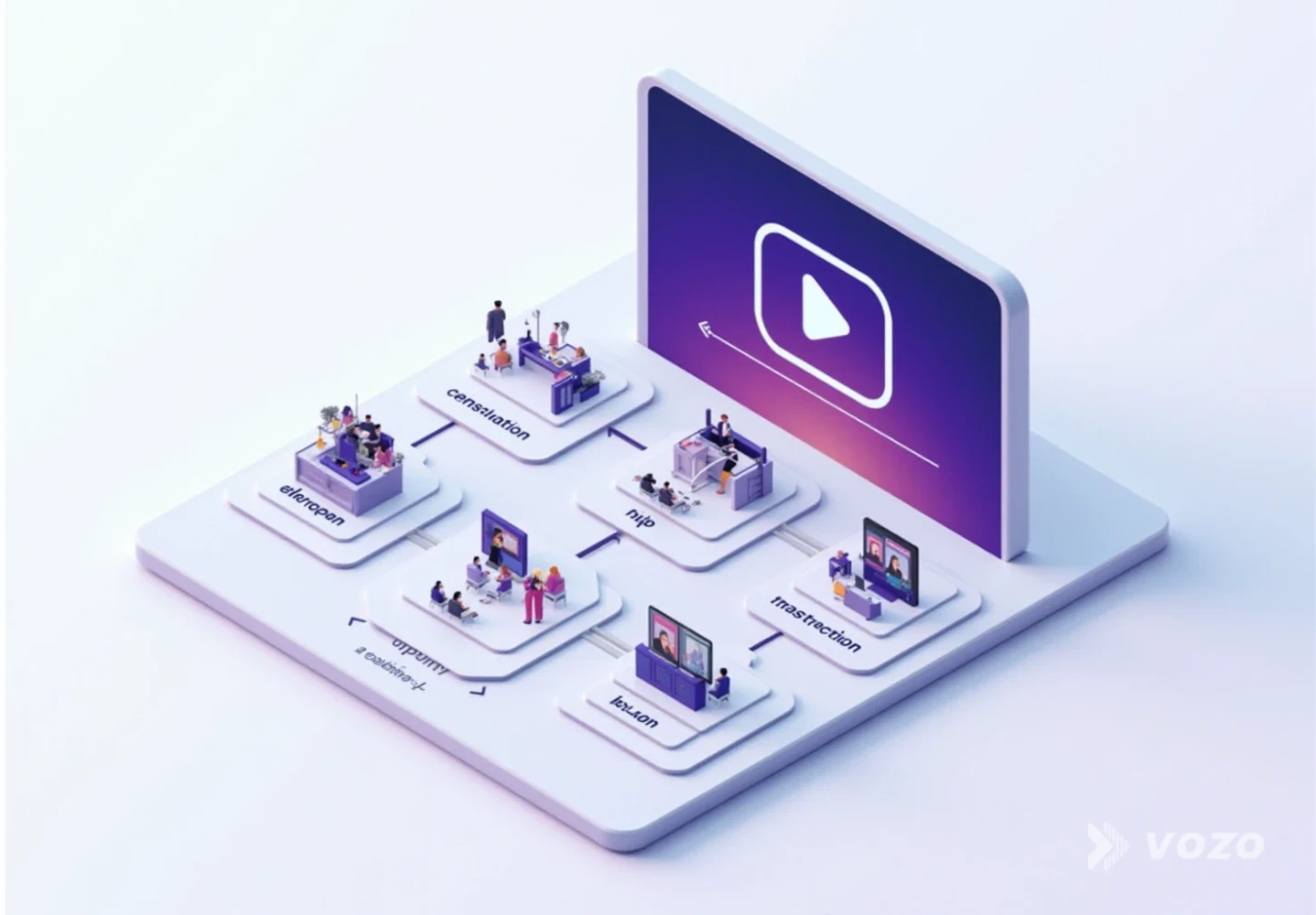
The workflow above is easier to execute when your team has a few consistent reference points for what “done” looks like in each stage. The visuals below are placed where teams commonly document decisions (target market selection, script cleanup, tool output, QA checks, and lip sync review).
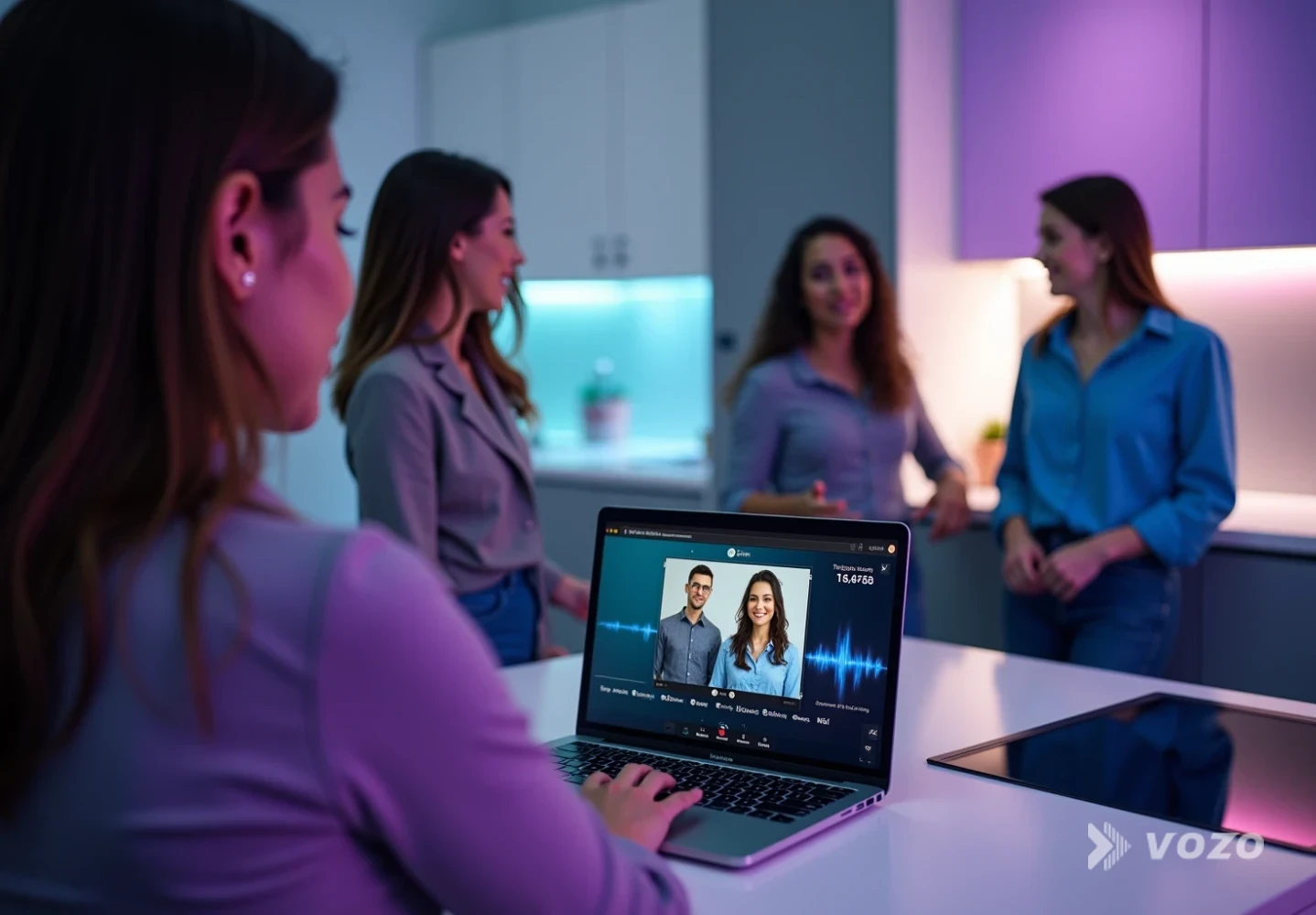
Market selection documentation usually lives alongside performance data like traffic by country, marketplace analytics, and distributor inquiries. The goal is to justify languages with demand and operational readiness, not gut feel.
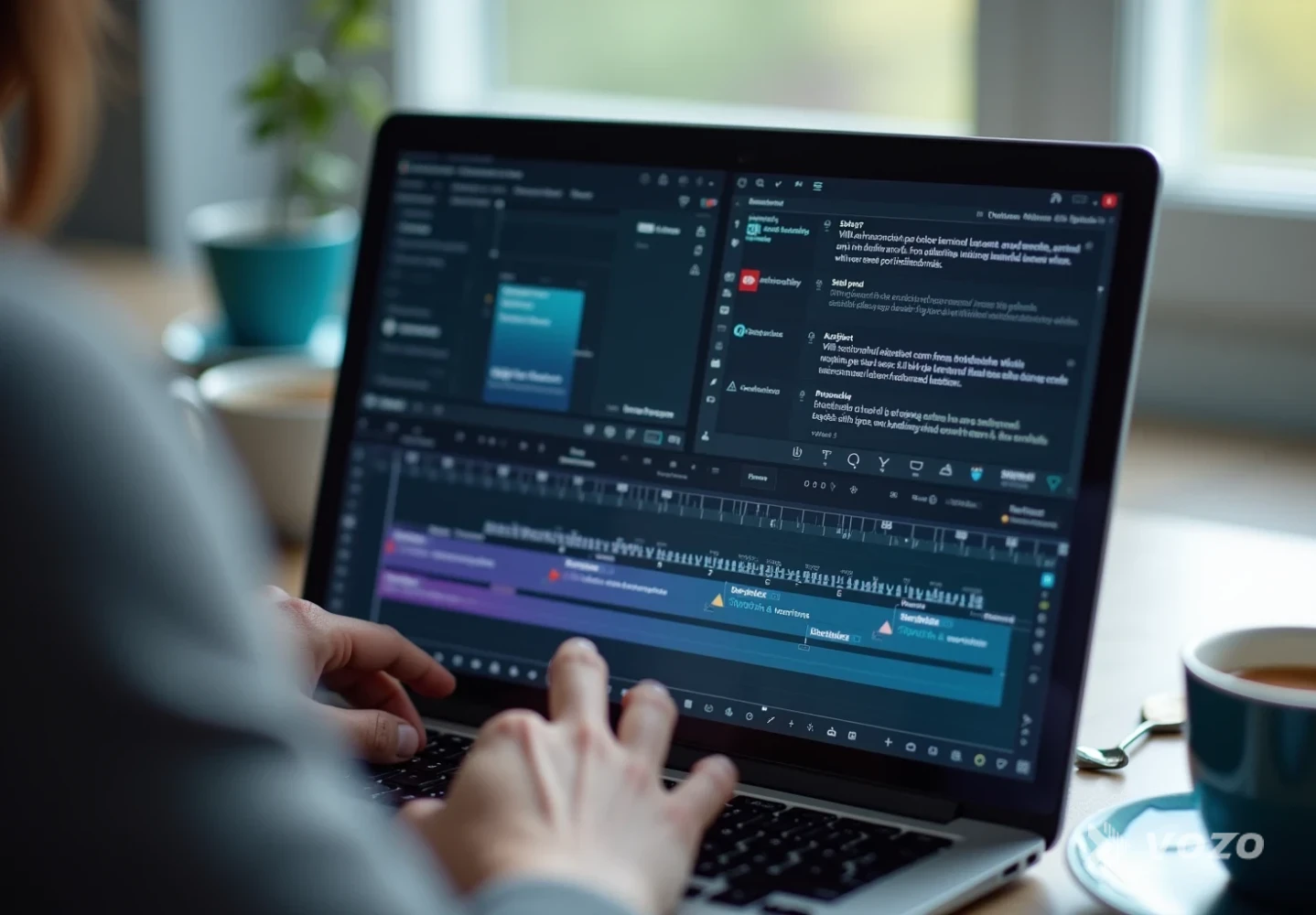
A “localizable script” snapshot helps reviewers spot problems that often break kitchen translations, like region-specific oven modes, ingredient naming conventions, and unclear references to tools or attachments.
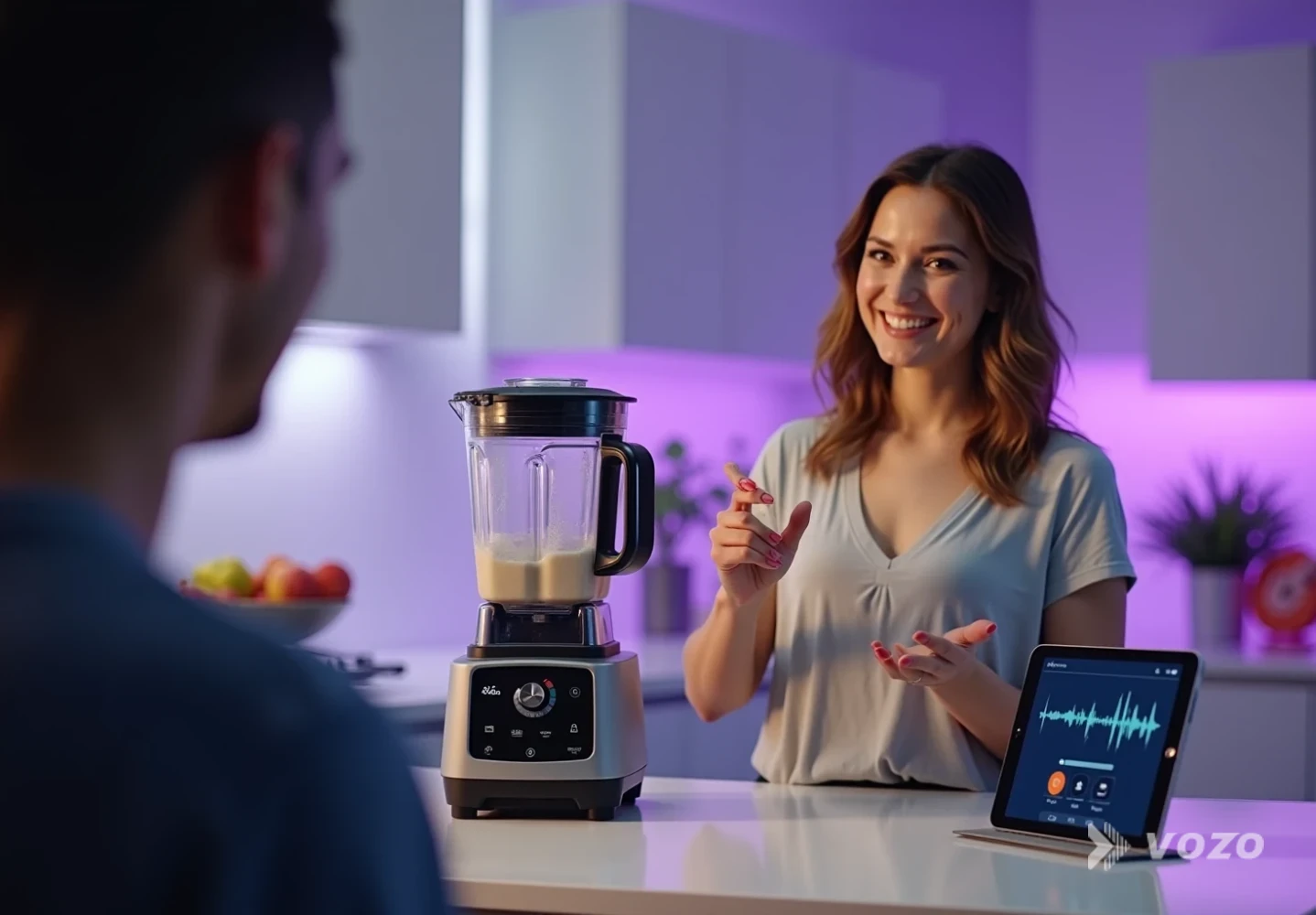
Tool output reviews are where you validate timing, voice quality, and export settings. This is also where you typically apply glossary rules so product parts and branded features remain consistent across an entire catalog.
QA check visuals are especially helpful when subtitles risk covering key steps, like button presses, safety icons, measurement markings, or ingredient quantities shown on screen.
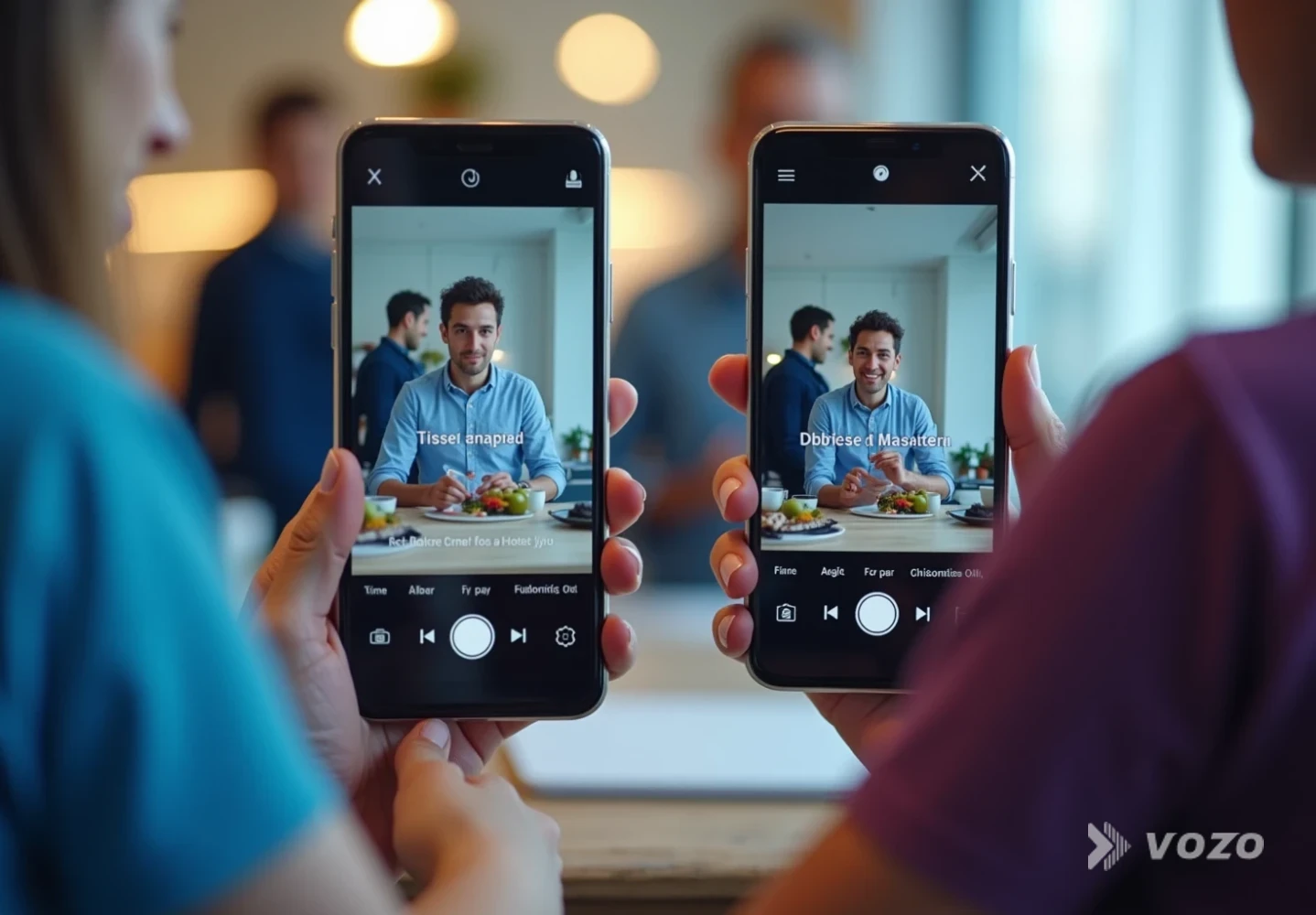
Lip sync review frames matter most for presenter-led segments where trust is tied to a founder, chef, or spokesperson. For hands-only demos, the same level of lip sync detail is often unnecessary.
Pros and cons of subtitles, dubbing, and lip sync
Subtitles
Pros
- Lowest cost and fastest turnaround
- Keeps the original voice, which can signal authenticity
- Great for highly visual cooking steps and quick product clips
Cons
- Less immersive since some viewers do not read subtitles
- Can cover important visuals if the video is not designed for subtitle space
- Fast-paced demos can become hard to follow if the viewer cannot keep up
Dubbing (AI or professional)
Pros
- Often feels more natural for buyers and can strengthen persuasive impact
- Works well for presenter-led demos and premium positioning
- Helps viewers multitask while listening
Cons
- More expensive than subtitles
- Requires careful QA to avoid awkward phrasing and terminology drift
- Audio mixing matters since appliance noise can clash with voice
Lip sync (optional enhancement)
Pros
- Reduces the dubbed feeling, especially for close-up presenter shots
- Can improve trust for founder-led or spokesperson videos
- Makes high-investment brand stories feel more native in each market
Cons
- Extra processing step and additional time in the workflow
- Not always necessary for hands-only cooking demos
- Quality varies by footage, so it should be tested on your typical video style
Practical example: Translating a cooking product demo video
Scenario: a 90-second blender demo in English (smoothie recipe plus cleaning steps).
A strong localization plan looks like this:
- Create DE, FR, ES versions first (based on EU demand)
- Convert cups to milliliters, Fahrenheit to Celsius
- Localize ingredient naming (for example, “coriander” conventions)
- Dub voice for the recipe explanation, keep original kitchen sounds
- Add subtitles anyway for accessibility and noisy viewing environments
- QA with a native reviewer for appliance part names and safety wording
This is a typical translate cooking product demo video workflow that scales because the same glossary and template can be reused for future recipes and product updates.
Recommended Vozo tools for a scalable workflow
- Video Translator (best all-around for product video localization): https://www.vozo.ai/video-translate. Ideal when you need speed, many languages, natural dubbing, and an editor to proof translations before you export.
- AI Dubbing (focused dubbing workflow): https://www.vozo.ai/dubbing. Useful when the main goal is high-quality voice replacement across multiple languages and voices.
- Voice Studio (Video Rewrite) (fix wording without reshooting): https://www.vozo.ai/video-rewrite. Perfect when your original demo is strong but one line needs to change for a market, a regulation update, or a feature rename.
- Long to Shorts (repurpose localized demos into clips): https://www.vozo.ai/video-clip-generator. Helpful after you localize the main video so each market gets short versions for discovery.
How to make product videos feel native in every market
Translating food and kitchen product videos is no longer only for giant brands. With modern AI workflows and a disciplined QA process, you can ship high-quality localized demos quickly, test what performs, and expand market by market.
If the goal is to scale beyond subtitles and produce natural, buyer-ready versions, I recommend starting with Vozo Video Translator (https://www.vozo.ai/video-translate) and building a repeatable pipeline: clean source audio, a localizable script, consistent terminology, the right mix of dubbing and subtitles by market, then QA and performance measurement.
That is how a single product video becomes a global sales asset while staying accurate, culturally comfortable, and fast to update.
