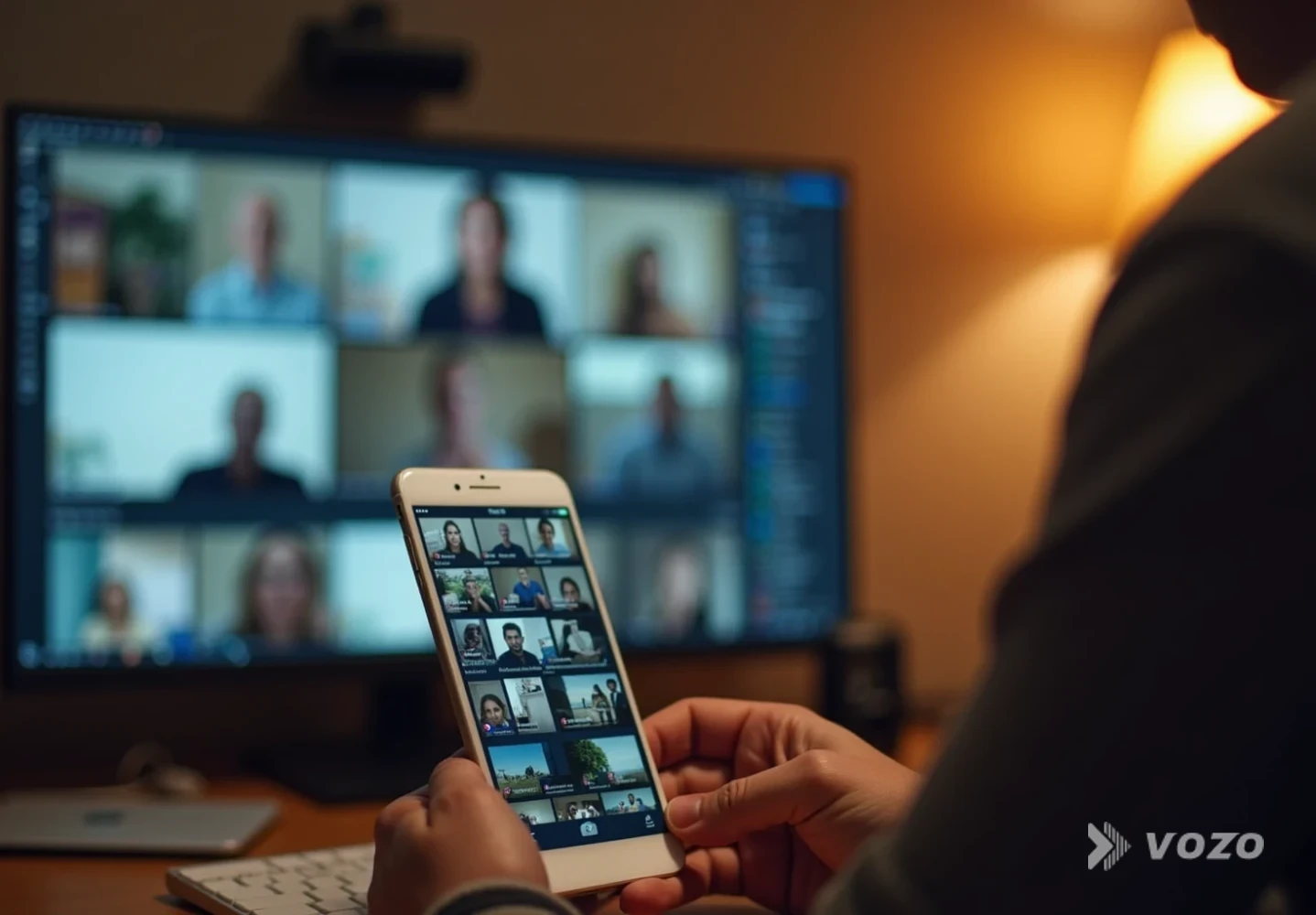

Translate Live Commerce Replays Globally
Live commerce is no longer live only. In fact, a huge share of revenue shows up after the stream ends. Caast reports that 70% of sales attributed to live commerce come from replays, not the live broadcast itself. That changes the game: if your replay is only understandable in one language, you are leaving most of the long-tail value on the table.
I’ll show you how to translate live commerce replay video content for international markets without turning your post-production into chaos. You’ll get a practical, step-by-step workflow, real localization examples (currency, units, cultural references), and a clear way to choose between subtitles, dubbing, and lip sync depending on budget and goals.
What is live commerce replay video localization?
Live stream replay video localization is the process of adapting a recorded live shopping stream for a specific region and language so it feels native to that audience.
It is more than swapping words.
- Traducción changes language.
- Localización adapts the full viewing and shopping experience, including:
- Spoken audio (dubbing or voiceover)
- Subtítulos y subtítulos
- On-screen text and graphics (size guides, promo overlays, CTAs)
- Cultural references and examples
- Currency, date formats, units of measurement
- Pacing and timing (some languages expand and need more screen time)
This localization-first approach is now widely recommended for high-volume video programs because it prevents the constant retrofitting problem later. XTM’s 2026 best-practices guide highlights that localization-first workflows are especially effective when you publish many videos across multiple languages and need frequent updates.
Also, localization tends to pay off. InfluenceFlow’s 2026 guide cites that companies with strong localization programs see 30 to 40% higher engagement in new markets.
Step 1: Pick the replay segments worth translating
A 60-minute live replay is rarely the right unit of work. Start by identifying the parts that create value internationally:
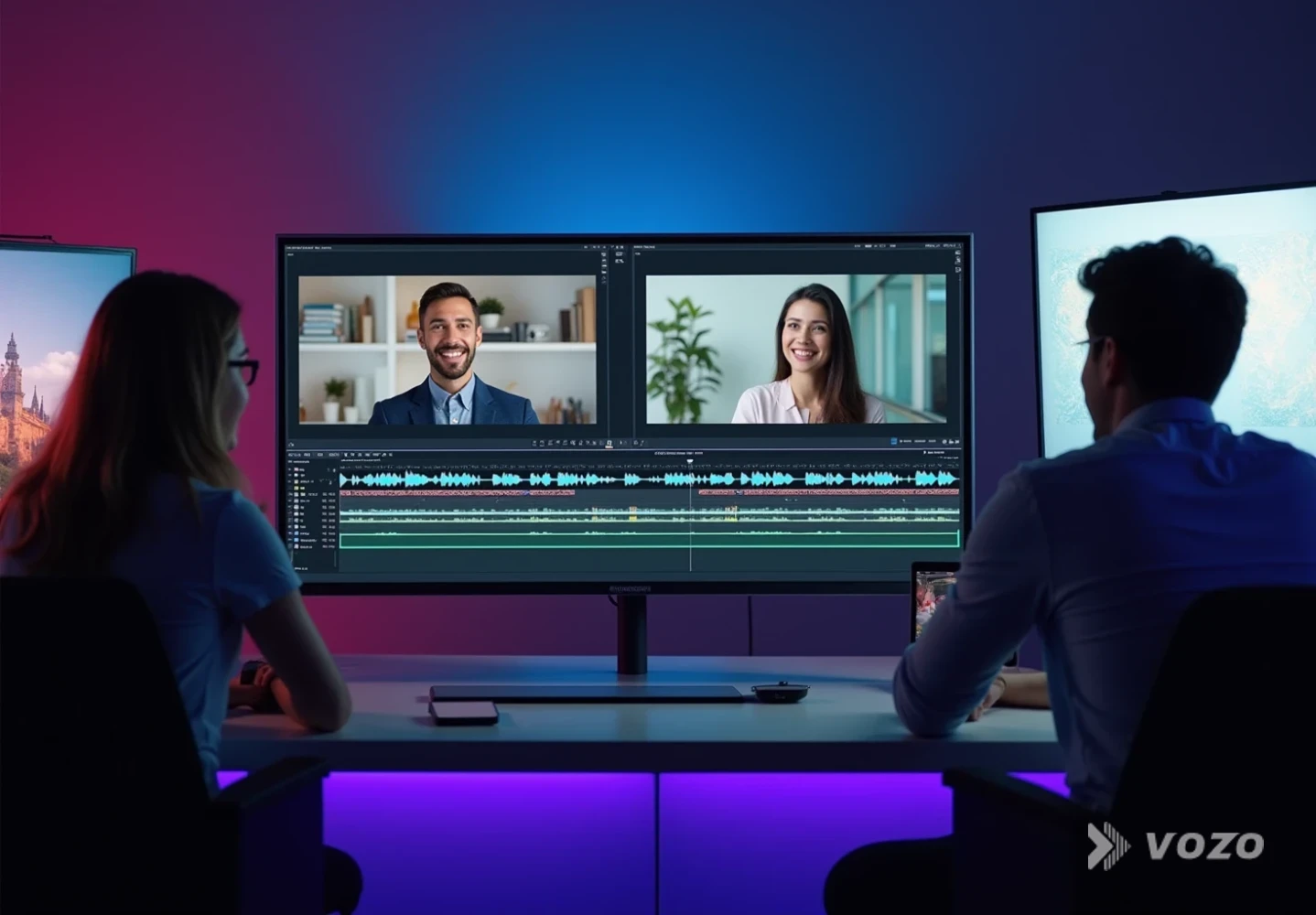
- The top product demos
- Sections with the clearest problem-solution explanation
- Moments with strong social proof (testimonials, live results)
- Key objections and Q and A (shipping, sizing, guarantees)
Enfoque práctico:
- Pull retention and drop-off points from your video analytics.
- Mark conversion moments, such as when the host shows the product close-up, compares variants, or explains returns.
- Create a shortlist of 10 to 20 minute hero cuts first, then localize the full replay later if results justify it.
Why this matters: translation and dubbing are easy to scale now, but review time and brand QA are still real constraints. You win by localizing the portions that actually convert.
Step 2: Decide your localization method (subs, dub, or dub plus lip sync)
There is no single best method for international live commerce video translation. Choose based on your audience, platform, and conversion goals.
Good default decision rule
- If viewers watch with sound off (many social feeds): start with subtítulos
- If you are selling higher-priced products or need trust and nuance: use doblaje
- If face-to-camera host presence matters a lot: consider dubbing plus lip sync
If you want a single tool that covers the full workflow, Vozo's Traductor de vídeo is a strong editorial pick for live shopping replays because it supports traducción a más de 110 idiomas, doblaje natural, voice cloning with VoiceREAL™, opcional lip sync with LipREAL™, and a built-in proofreading editor so teams can quickly refine the result without juggling multiple apps.
Step 3: Build a transcript-first workflow
Live commerce audio is messy: interruptions, laughter, overlapping speech, product names, and rapid-fire promos.
A transcript-first workflow keeps you in control:
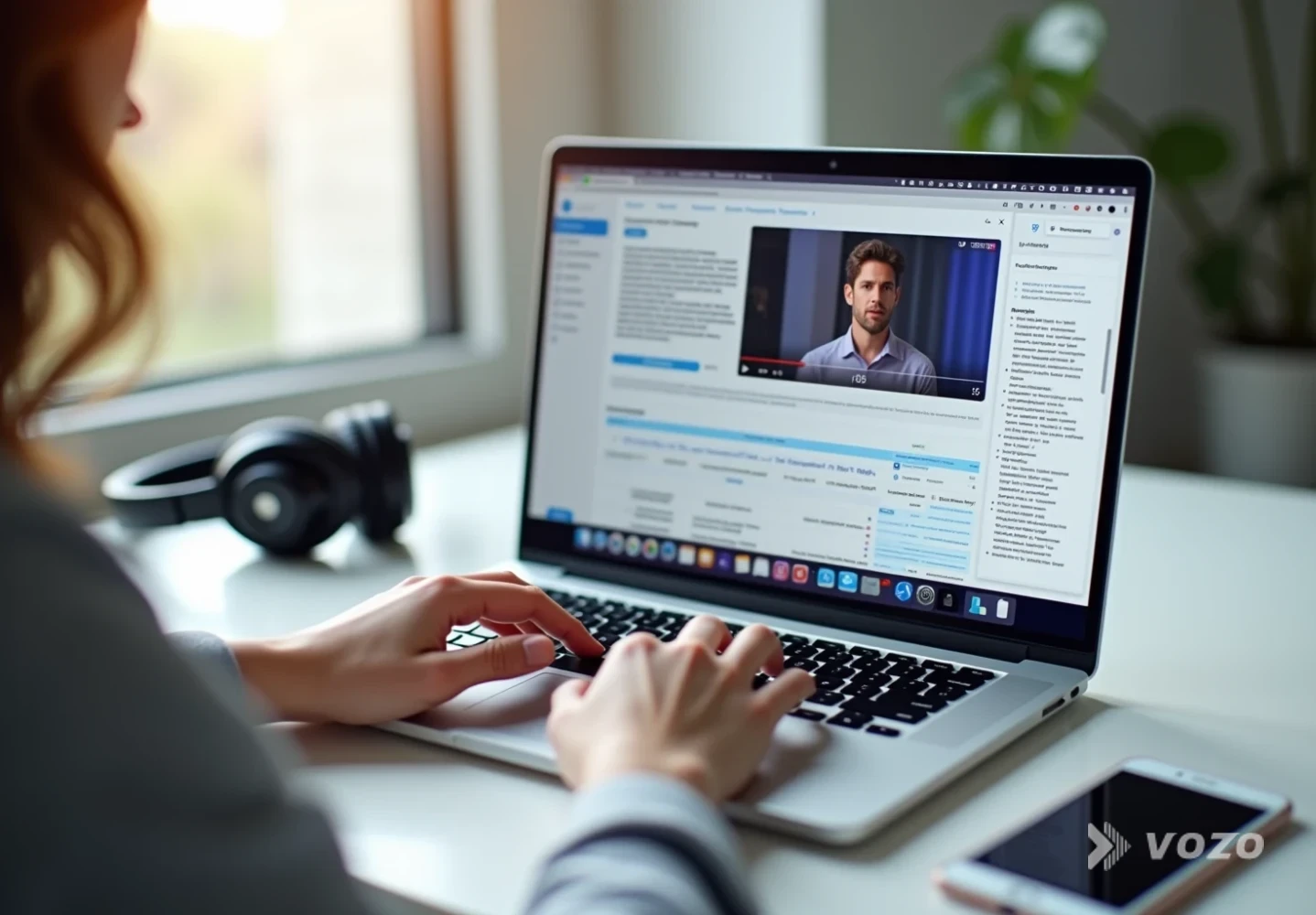
Transcript-first workflow
Transcribe the replay
Clean the transcript
Translate from the cleaned script
Generate subtitles and dubbed audio
If you need to polish phrasing after translation or adjust timing without re-recording, Estudio de voz (reescritura de vídeo) is useful because it lets you rewrite and redub lines in a text-based editor, which is far faster than traditional audio post.
Step 4: Localize commerce details, not just language
This is where replay localization starts improving conversion, not just comprehension.
Use a localization checklist tailored to shopping:
- Currency and pricing
- Show the right currency and rounding conventions
- Avoid mental math friction (a conversion killer)
- Unidades y dimensionamiento
- Convert inches to centimeters, pounds to kilograms, Fahrenheit to Celsius
- Localize size charts and fit guidance
- Shipping, returns, warranty
- Make sure the replay reflects what is actually offered in that region
- Cultural examples
- Replace references that do not land (holidays, idioms, local trends)
- Regulatory constraints
- Claims about results, ingredients, or guarantees can have region-specific restrictions
A concrete example (based on common ecommerce localization practice described by XTM): a product demo can be re-shot or re-versioned so the UK variant uses local units and context, while the German variant switches to euros, metric measurements, and different outdoor visuals. Even if you are not re-shooting, you can still localize overlays and audio to match local expectations.
Step 5: Choose the right voice strategy
For live shopping, voice is persuasion. If the host’s tone is a major part of why people buy, your dubbed voice needs to feel aligned with the original.
Opciones:
- Neutral AI voice: fastest, often fine for functional demos
- Clonación de voz: best when the host is the brand, or when the replay includes emotional storytelling

If you want to preserve the speaker’s identity across languages, Vozo’s Doblaje AI y Traductor de audio are designed for exactly that: keeping tone and emotion consistent while producing new-language audio.
A 2026 Streaming Media article notes how much AI dubbing quality has improved, citing large-scale deployments that preserve the voice and feel of original commentary, and it highlights localization providers supporting close to 200 languages for live and on-demand scenarios. The takeaway for commerce teams is simple: high-quality dubbing is no longer reserved for giant media budgets, but QA still matters.
Step 6: Fix timing and synchronization
Two technical problems tend to tank replay translations:
- Subtitle timing that feels rushed or late
- Audio doblado that drifts out of sync with the speaker’s mouth or scene cuts
Buenas prácticas:
- Aim for shorter subtitle lines and natural reading speed.
- Avoid stacking too many clauses into one caption.
- Re-time cuts if needed. A two-second pause can make a translated line feel native.
If the host is prominent on camera (beauty, fashion, fitness), lip mismatch can reduce trust. In those cases, use a dedicated lip sync pass like Sincronización labial to align mouth movements with the translated audio, especially for close-ups.
Step 7: Publish localized versions like a system
Caast calls out a major 2026 trend: the replay is now a durable marketing asset, often enhanced by shoppable video technology. Translation multiplies that value when you operationalize distribution.
A simple publishing system:
- Localize the title, description, and thumbnail context for each region (not just the video)
- Upload per language to the right channels (site embed, marketplace PDP, social)
- Create a post-live calendar:
- Day 1: full replay localized
- Days 2 to 14: localized short clips from the replay (best moments)
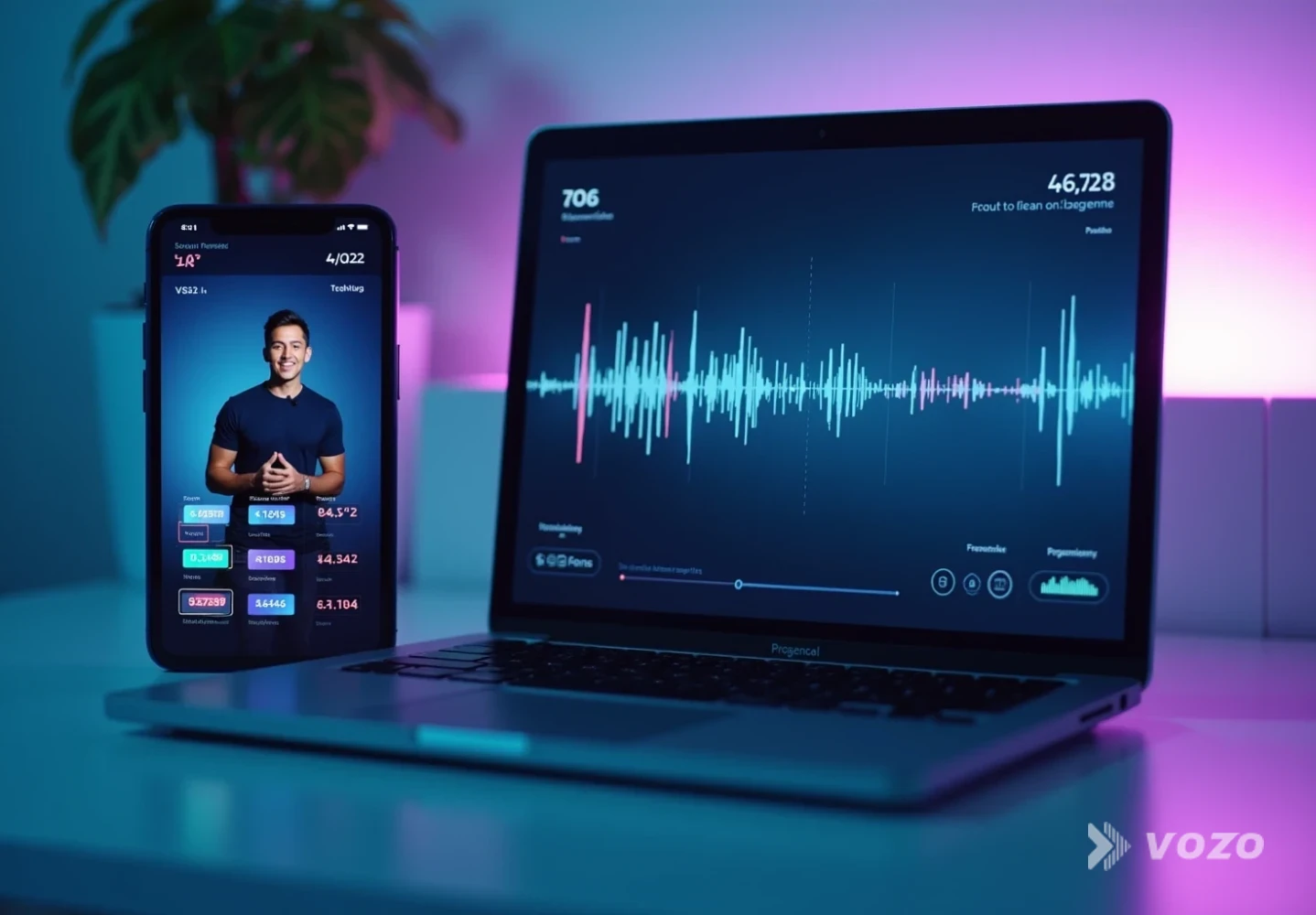
To scale clips, De largo a corto is a practical add-on because it converts a long replay into multiple short segments, which you can then translate and dub per market.
Step 8: QA with native review where it counts
AI gets you speed. Humans protect meaning.
Utilice un modelo híbrido de control de calidad:
- Native reviewer checks:
- Product terminology correctness
- Tone (too formal, too casual, too salesy)
- Cultural red flags
- Compliance-sensitive claims
- Your team checks:
- Offer accuracy (shipping, returns, bundles)
- SKU and variant naming consistency
- Timing and on-screen graphics
This aligns with common guidance in translation practice: cultural nuance and idioms often require native judgment, and synchronization is a frequent technical challenge if left unchecked.
Step 9: Measure localization performance with replay-first KPIs
Replay localization should be measured differently than live.
Pista:
- Replay conversion rate by language
- Add-to-cart rate from replay viewers
- Watch time and retention at key product moments
- Drop-off during pricing and shipping sections (often a localization problem)
- Support tickets or comments that indicate confusion (units, sizing, delivery)
Why so granular? Caast notes that 2026 live commerce teams are moving beyond basic view counts to more precise KPIs. Localization makes those KPIs more actionable because it reduces hidden friction that analytics otherwise cannot explain.
Ventajas e inconvenientes de cada método
Subtítulos (subtítulos traducidos)
Pros
- Fastest to produce and update
- Lowest cost at scale
- Great for silent viewing and accessibility
Contras
- Feels less immersive for persuasion-heavy selling
- Can get cluttered during fast demos
- Does not help viewers who prefer listening over reading
Dubbing (new-language audio)
Pros
- More natural and higher trust for many audiences
- Better for long replays and complex explanations
- Can boost engagement when tone is preserved
Contras
- Requires QA for pronunciation, product names, and pacing
- Timing mismatches can feel off without careful sync
Doblaje y sincronización labial
Pros
- Strongest made-for-me feeling for host-led commerce
- Best for face-to-camera and close-up speaking
Contras
- More processing and review time
- Not necessary for every category or platform
A practical example workflow (repeatable for every replay)
Here is a realistic workflow for live shopping video translation ecommerce teams:
Step-by-step replay localization workflow
Create your cut list
Transcribe and clean the script
Translate the script and subtitles
Generate dubbed audio
Fix subtitle timing and audio drift
Localize commerce overlays and offers
Add lip sync where trust depends on it
Run native review for top markets
Publish, measure, and iterate by language
If you need to scale this across your stack, the API Vozo is worth considering because it lets you integrate translation, dubbing, and lip sync into your own publishing pipeline, including automation for high-volume replay programs.
How to turn one live event into a global replay engine
Translating live commerce replay videos for international audiences is no longer a nice-to-have. With most sales coming from replays, localization is one of the cleanest ways to extend revenue from the same production effort.
The winning approach in 2026 is not translate it at the end. It is building a localization-first, transcript-driven workflow, choosing the right method (subtitles, dubbing, or dubbing plus lip sync), and consistently localizing the details that affect purchase decisions like currency, units, and shipping rules.
If the goal is to ship high-quality localized replays quickly, start with Traductor de vídeo Vozo for multilingual dubbing and subtitles, then add Sincronización labial when on-camera trust is a key driver of conversion.
