
Translate Unboxing Videos Into Multiple Languages With AI
A great unboxing video does more than show what is in the box. It builds trust in seconds through the packaging, the first feel, the setup steps, and the honest reactions that viewers use as a shortcut for purchase confidence.
Now imagine that same trust working in Spanish, German, Japanese, and Arabic without reshoots, without booking voice talent in every market, and without turning your creator style into a stiff corporate voiceover.
Te mostraré cómo translate product unboxing videos for multiple languages using a simple, repeatable AI workflow that protects what makes unboxings convert: autenticidad, terminology accuracy, y natural delivery.
What is multilingual unboxing video translation?
Multilingual unboxing video translation is the process of converting the spoken, and sometimes on-screen, language in an unboxing video into other languages while keeping the message clear and the viewing experience natural.
Done well, it usually includes:
- Accurate translation of what the creator says, including specs and feature names
- Subtítulos for accessibility and silent viewing
- Doblaje AI that sounds human, not robotic
- Sincronización labial opcional so mouth movements match the dubbed audio when the creator is on camera
- A terminology workflow (glossary and protected terms) so you do not mistranslate brand and product names
In 2026, many teams use a localización híbrida approach: AI produces the first version, then a human does quick fixes on key lines like hooks, claims, measurements, and anything compliance-related. This matches the repeatable system mindset in seller-focused localization guidance where the goal is consistency and QC, not perfection everywhere.
Step-by-step: How to translate product unboxing videos
Before touching any tool, set your workflow up for scale. The biggest wins come from deciding the right localization method, preparing a clean master, and locking down terminology before you translate into five or ten languages.
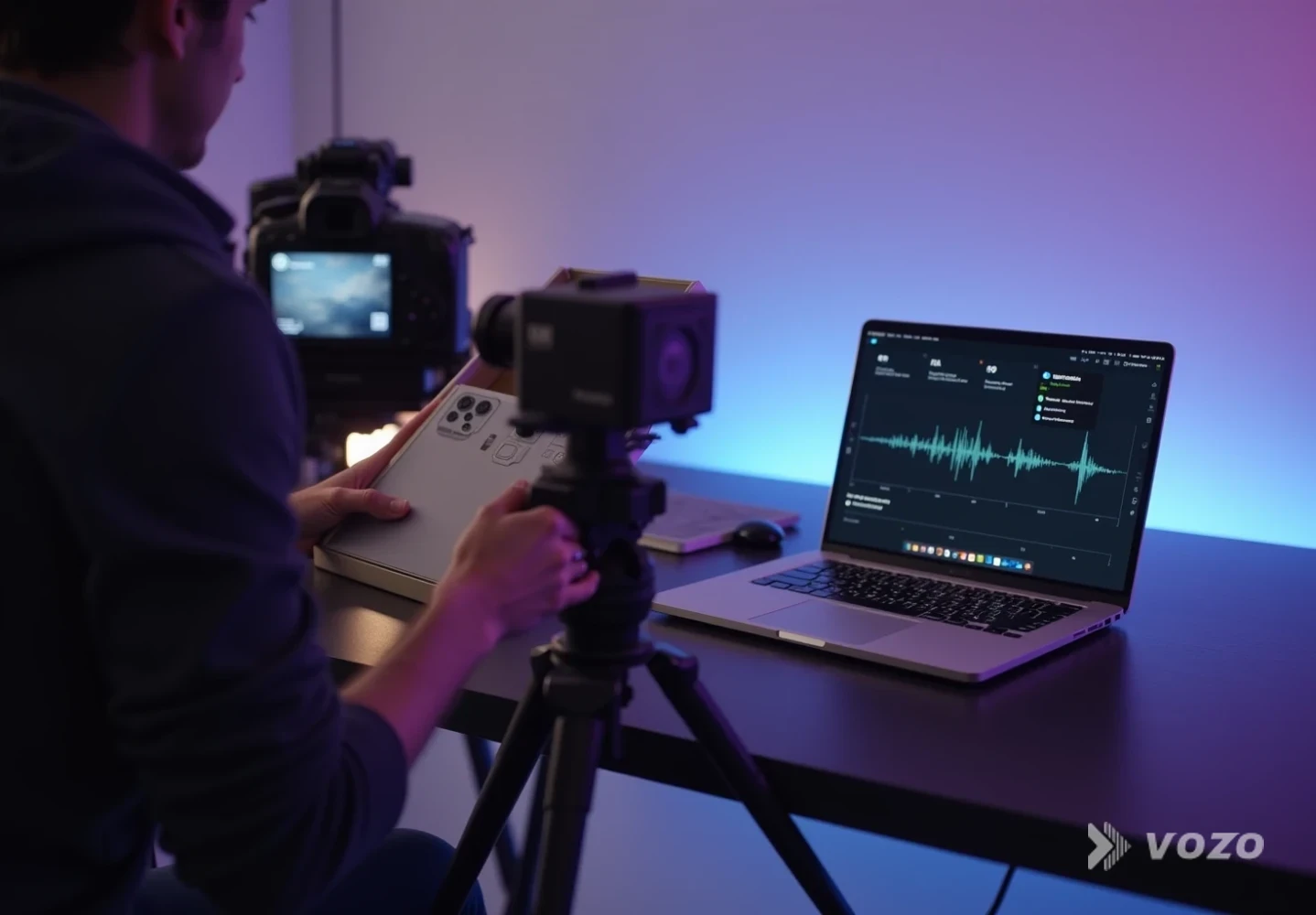
Step-by-step: Plan your localization method
Pick the right localization method for your video type
Decide how “native” the localized version needs to feel before you translate anything. This choice affects budget, speed, and how much QA you will need.
Utilice subtítulos cuando the unboxing is fast-paced, the speaker is not the main selling point, you want the lowest risk and fastest turnaround, or you publish on platforms where viewers often watch muted.
Use AI dubbing when the voice and personality are part of the brand, you want higher watch time in markets where dubbing is preferred, or you need strong comprehension for setup instructions and feature explanations.
Use lip sync when the presenter’s face is visible for long stretches, mismatch is distracting in your target market, or you are running paid ads where small friction can reduce conversion.
Industry comparisons in 2026 commonly report 95 to 98 percent translation accuracy for leading AI video translation systems, but the real difference shows up in terminology control, timing, and how natural the voice feels. That is why choosing the method first matters.
Prepare a localization-ready master unboxing
This is the cheapest quality upgrade you will ever make because it reduces translation errors and makes dubbing sound more realistic.
Best practices that help AI translation dramatically include recording clean audio (close mic, low room echo, stable levels), avoiding talking over loud tearing sounds while opening packaging, pausing briefly before reading specs and model numbers, and keeping brand names consistent instead of switching between nicknames and official names.
If possible, capture 10 to 15 seconds of room tone. It helps smooth audio edits and makes cuts less noticeable when you swap languages.
If you sell across regions, consider filming neutral B-roll (hands, product close-ups, ports, screen UI). That footage is perfect for covering edits in any language without needing face-on-camera continuity.
Build a glossary and protected terms list
Unboxing videos are filled with terms that should not be translated loosely: product names and model numbers, feature names that match packaging or UI labels, technical standards (Wi‑Fi versions, ports, wattage), warranty phrases, and included items.
Create a simple glossary table with the source term, the approved translation per language, and pronunciation notes where needed. This prevents “almost right” translations that cause returns, confusion, or support tickets.
In practice, glossary discipline is what separates a one-off translation from a repeatable workflow that stays consistent across creators, SKUs, and seasonal updates.
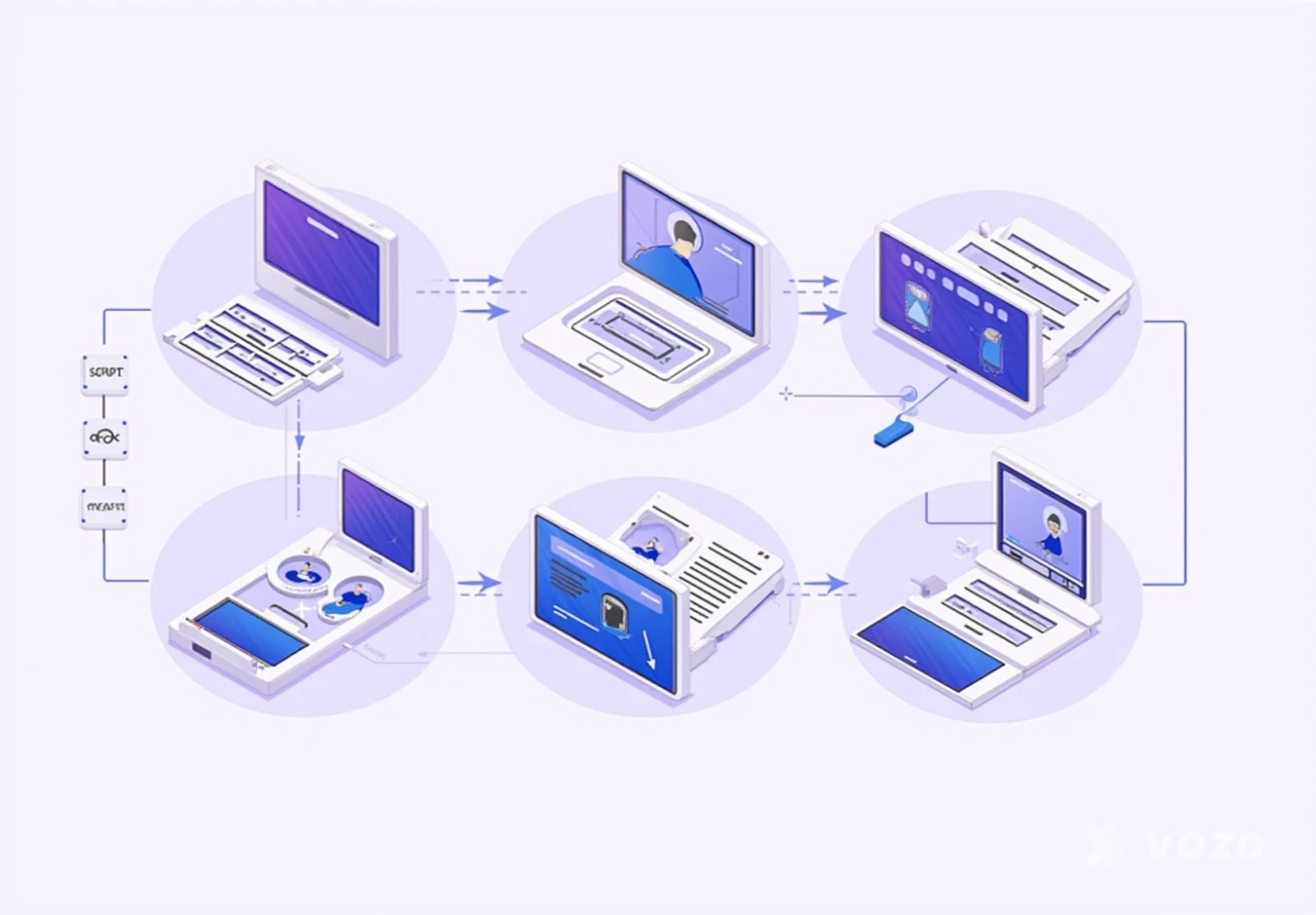
Step-by-step: Translate, dub, and edit for trust
Translate and dub with an AI video translator
For an unboxing workflow, the fastest path is usually an all-in-one video translation tool that handles transcription, translation, dubbing with voice preservation, timing alignment, optional lip sync, and script editing for quick fixes.
A strong editorial pick is Traductor de vídeo de Vozo: https://www.vozo.ai/video-translate. It translates video into Más de 110 idiomas, admite el doblaje natural con Voz REAL voice cloning, and offers optional LipREAL lip sync.
The built-in proofreading editor is especially useful for unboxings because you can fix a single product term or awkward phrase without restarting the project.
Consejo práctico: translate one priority market first and treat it as your template. Once your glossary and pacing choices are validated, the next languages move much faster.
Proofread the translated script like a conversion editor
AI gets you speed, but proofreading is where you protect trust. Your goal is not literary perfection. Your goal is that the localized version sounds like something a real creator would say out loud.
Focus review on unboxing-specific risk zones: the first 15 seconds (hook, first impression, value framing), claims and specs (battery life, compatibility, materials), what’s in the box, setup steps, and callouts to accessories that must match local listings.
A simple editing rule: if a line feels too formal or overly translated, rewrite it into natural spoken language for that market while keeping the meaning and staying inside compliance boundaries.
If you want to iterate on the voice track first and then reattach it to video later, Traductor de audio de Vozo can help: https://www.vozo.ai/audio-translator.
Decide if you need lip sync, then apply it selectively
Lip sync is not always necessary, but it is powerful when the camera stays on a face. For hands-only shots, it adds little value.
Lip sync trends in 2026 highlight two major improvements: language-aware phoneme and viseme mapping (more correct mouth shapes) and better identity preservation (the face still looks like the same person).
If you already have a dubbed audio track and want precise alignment, use Sincronización labial Vozo as a standalone step: https://www.vozo.ai/lip-sync. This is also useful when you combine AI dubbing with a short human re-record for the hook and need mouth movements to follow the final audio.
Cost-control tip: apply lip sync only to sections where the speaker’s mouth is clearly visible and central to the message.
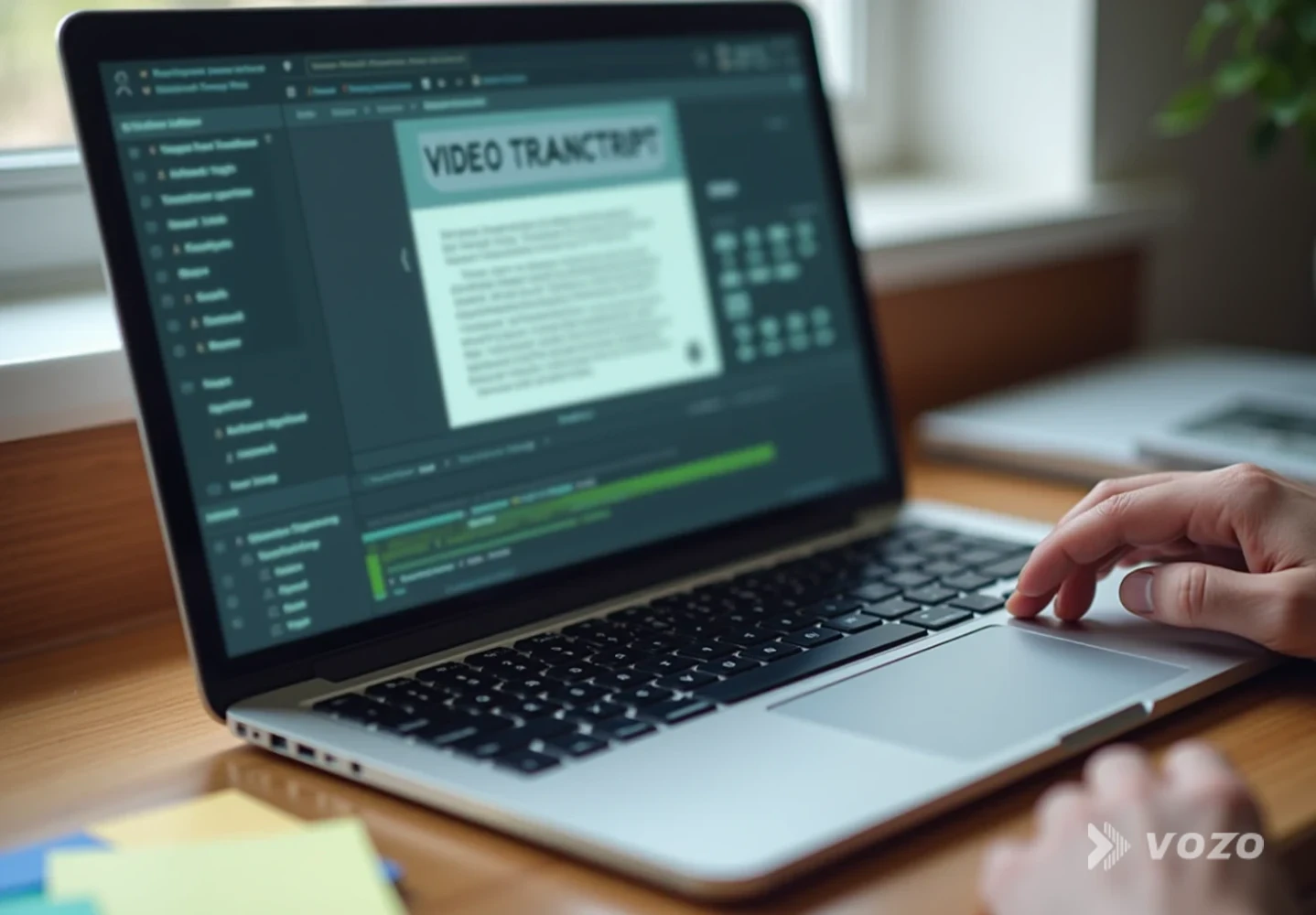
Step-by-step: Timing, QA, and publishing
Fix timing, pacing, and the unboxing rhythm
Unboxings have a rhythm: open, react, show detail, test feature, verdict. When translating, watch for dubbed lines that finish too early or too late compared to the action, pauses that feel unnatural, and phrasing that removes excitement.
Actionable pacing fixes include splitting long sentences into two shorter lines, replacing wordy phrases with simpler spoken equivalents, and matching the excitement level to the original, especially for wow moments.
If you need to rewrite and redub small parts without re-recording, Vozo Voice Studio (Reescritura de vídeo) is designed for text-based voice edits inside existing videos: https://www.vozo.ai/video-rewrite.
Run a QA pass that reflects real buyer behavior
Quality control is where multilingual unboxing video translation succeeds or fails. Run QA the way buyers actually watch: on a phone, often with imperfect audio, and with quick attention shifts between voice, visuals, and subtitles.
A fast QA checklist includes terminology (match listing and packaging), numbers (units, sizes, counts), audio mix (voice over music and packaging sounds), sync (the voice references what is on screen at that moment), compliance (avoid accidental overclaims), and subtitle readability (line breaks and punctuation on mobile).
Many platforms can process a 10-minute video in about De 10 a 30 minutos, while precision lip sync modes can take longer. Build QA time into your schedule so speed does not become a quality trap.
Publish in a way that helps each market find the video
Translating is only half the win. Distribution determines whether the localized version actually earns views and conversions.
For product pages and marketplaces: use the localized video on the localized listing, keep the first 5 seconds aligned with the product title and main benefit, and ensure the dubbed language matches the listing language.
For social platforms: upload per-language versions instead of one video with many subtitle tracks, localize the caption and hashtags (not just the audio), and consider shorter cuts tailored to each market.
If you want efficient repurposing from a long unboxing, Vozo De largo a corto can turn one full unboxing into multiple clips you can localize and distribute: https://www.vozo.ai/video-clip-generator.

Pros and cons of common unboxing translation methods
There is no single best approach for every product and platform. The right choice depends on how much the creator’s voice drives conversion, how instruction-heavy the unboxing is, and how sensitive your category is to compliance wording.
Sólo subtítulos
Pros
- Fast and low cost compared to dubbing and lip sync
- Minimal risk of uncanny voice issues or pronunciation errors
- Great for silent viewing, accessibility, and quick international testing
Contras
- Lower comprehension for viewers who strongly prefer audio
- Less emotional connection than hearing a familiar voice and delivery
- Harder to follow during fast hands-on moments when eyes are on the product
AI dubbing (with voice preservation)
Pros
- Stronger immersion and watch time in dubbing-friendly markets
- Scales to many languages quickly once you have a glossary and workflow
- Keeps creator personality when voice cloning quality is high
Contras
- Requires proofreading for natural phrasing and correct terminology
- Some languages need extra attention for pacing and pronunciation
- Audio mixing still matters because music and packaging noise can clash
AI dubbing plus lip sync
Pros
- Most native experience when the presenter is on camera for long sections
- Reduces distraction from mismatched mouth movement
- Often improves perceived professionalism for paid ads and product pages
Contras
- More processing time and more QA steps than dubbing alone
- Not necessary for hands-only footage where the mouth is not visible
- Requires careful identity-preserving output to maintain authenticity and trust
Practical example: Localizing a 6-minute tech gadget unboxing
Here is a realistic workflow for translating product unboxing videos into multiple languages without turning every launch into a scramble. The key idea is to build a template once (master edit, glossary, QA checklist) and then reuse it across languages and future unboxings.
Step-by-step: A repeatable 6-minute unboxing workflow
Create a clean master edit in one language
Remove dead air, keep clear feature sections, and make sure visuals match what is being said. A tight master is easier to translate and easier to keep in sync.
Build a glossary for product terms and claims
Lock down the model name, ports, included accessories, UI labels, and key claims. This prevents drift between your listing copy, packaging, and localized unboxing.
Translate and dub into your first target language
Use an AI video translator such as https://www.vozo.ai/video-translate and treat the first language as your pacing and terminology template.
Proofread the hook, specs, and setup steps
Edit the first 15 seconds, all numbers and measurements, what’s-in-the-box segments, and any instructions. Those are the lines most likely to create confusion or mistrust if they sound off.
Apply lip sync if the presenter is on camera
If most of the video is talking-to-camera, add lip sync with https://www.vozo.ai/lip-sync. If the unboxing is mostly hands and product close-ups, skip it and keep your workflow lean.
QA on mobile with headphones
Check timing against visuals, audio clarity over packaging noise, subtitle readability, and compliance wording. Fix any terminology issues immediately and update your glossary so the next language improves automatically.
Repeat for the next languages using the same template
Reuse the glossary, pacing decisions, and QA checklist. This is how multilingual unboxing translation becomes scalable instead of a one-off project.
Build once, sell globally
Product unboxings are trust engines. When you translate unboxing videos into multiple languages with a repeatable process, you turn one strong creative into a global asset that can live on product pages, marketplaces, and social platforms without losing the creator’s voice.
If you want the fastest path that still respects authenticity, I recommend this operating rhythm:
- Start with a localization-ready master edit that is clean and easy to sync
- Lock down terminology with a glossary and protected terms list
- Use AI dubbing, then proofread like a conversion editor for natural speech
- Add lip sync only where it materially improves the on-camera experience
- QA for numbers, claims, timing, subtitle readability, and audio clarity
Para ponerlo en práctica rápidamente, Traductor de vídeo Vozo is a strong place to start because it combines translation, natural dubbing, voice cloning, optional lip sync, and an in-app proofreading workflow in one tool: https://www.vozo.ai/video-translate.
