

Localizing Training Videos at Enterprise Scale
Global teams rarely fail training because the material is too advanced. They fail because the content feels foreign, hard to follow, or disconnected from what they see on screen.
That gap gets expensive fast: slower onboarding, inconsistent processes, more support tickets, and higher compliance risk. The fix is not just translating narration. Real enterprise video localization adapts audio, subtitles, and visuals so employees in every region experience the training as if it were made for them.
This guide breaks down how global companies build a repeatable training video localization workflow, including how to handle visual translation, on-screen text translation, and how to localize training videos at scale without blowing up cost or turnaround time.
- Design for localization early: Script, UI capture, and terminology decisions made in pre-production prevent costly rework later.
- Localize both meaning layers: Translate audio and captions, plus on-screen UI and slide text so learners are not forced to mentally reconcile mismatches.
- Use hybrid workflows for scale: AI accelerates high-volume updates while humans protect terminology, brand voice, and compliance accuracy.
- Maintain a single source of truth: Glossary, style guide, and translation memory reduce language drift across hundreds of modules.
- Measure results per locale: Completion rate, quiz performance, and support volume should improve when localization is done well.
What Localization Really Means for Training Videos
Localization is often misunderstood as “translate the script.” In practice, corporate training translation at scale includes multiple production and experience layers, not just language conversion.
Common components of enterprise training video localization include:
- Transcription and timing, including captions and subtitle files that meet reading speed constraints
- Dubbing or voiceover, often with voice consistency requirements across modules
- On-screen text translation, such as slides, callouts, lower-thirds, UI tooltips, and keyboard shortcuts
- Cultural adaptation, including examples, units, dates, compliance references, and tone
- Technical packaging, including formats that work in your LMS, correct encoding, and end-to-end QA
RWS frames localization as intent, usability, and cultural relevance, not just language conversion. That distinction matters even more in training, where clarity is the product and confusion becomes operational cost.
Why Enterprises Prioritize Training Video Localization Now
A few 2026 realities are pushing enterprise video localization from a “nice to have” to a baseline capability.
Remote work made training global by default
Translated notes that corporate training has shifted into a complex international operation, with video becoming the cornerstone of scalable upskilling. In practice, that means every training team is now operating like a global publishing team, even when training started as a single-language initiative.
Visual mismatch creates real learning friction
Translated provides a practical example: if a chart label stays in the original language while the subtitle is translated, learners experience cognitive dissonance and lose focus. The same is true for software onboarding videos where the UI stays in the original language. If learners must mentally translate the interface, the training slows down and error rates rise.
Scale and speed requirements are rising
Blend’s 2026 localization trends emphasize hybrid intelligence as the new standard: AI handles high-volume updates quickly, with humans ensuring accuracy where it matters. Training content changes constantly, so the ability to re-localize updates quickly is now a competitive advantage.
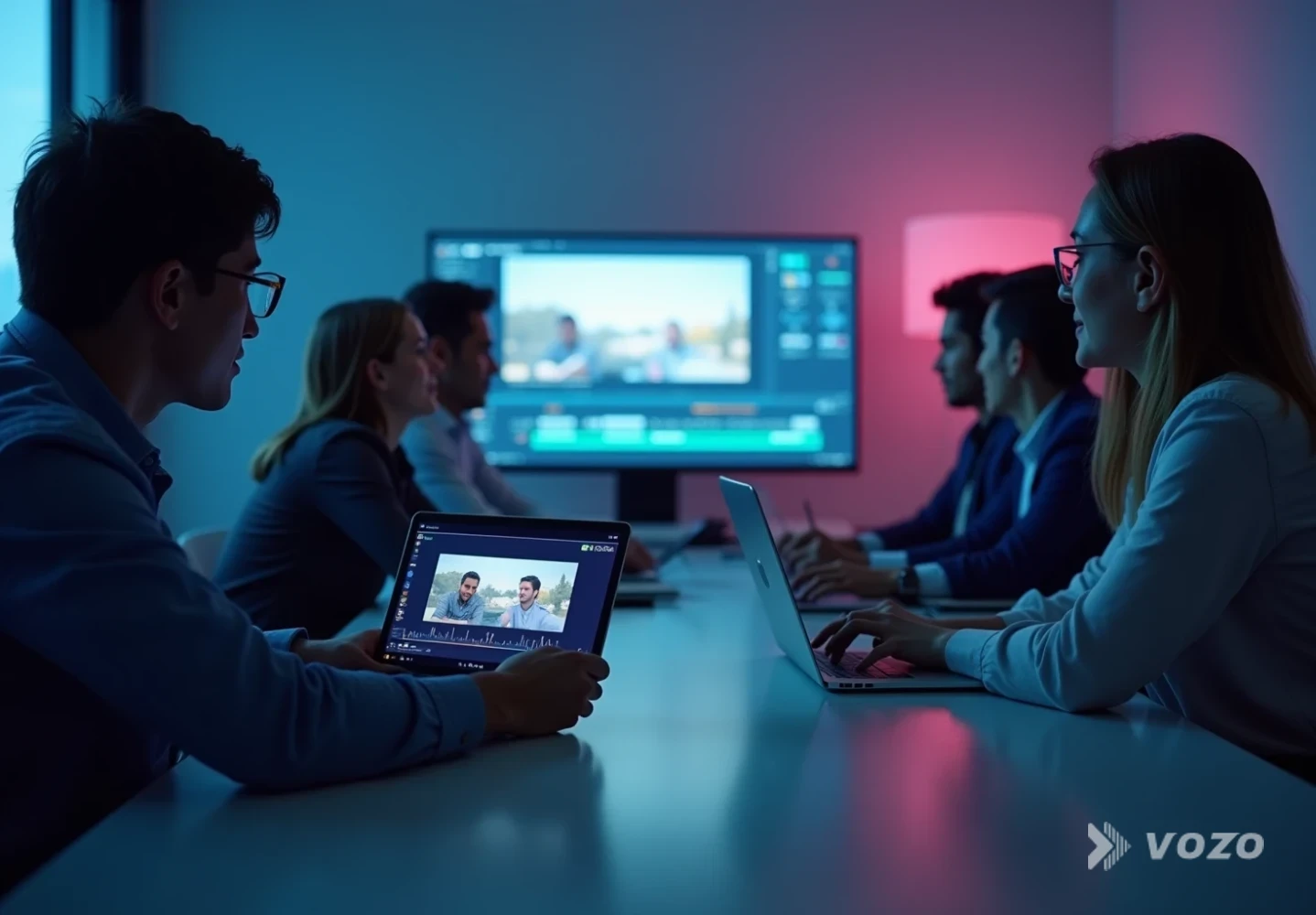
Quick Reference: What to Localize (and How)
Not every training video element carries the same learning weight. The table below helps teams prioritize what to localize, why it matters, and what tends to break at scale.
Quick Reference
| Narration and dialogue | Primary comprehension channel; use AI dubbing for scale with human review for high-risk modules. |
| Subtitles and captions | Accessibility and skim learning; use time-coded subtitles with reading-speed QA. |
| On-screen UI text | Critical for software and process training; use visual translation or targeted rebuild so learners can follow clicks. |
| Slides and callouts | Often contain the “answer” learners remember; rebuild visuals or re-render from source to avoid audio-visual mismatch. |
| Screenshots, diagrams, and charts | Anchor procedures and definitions; replace assets per locale and test for text expansion and layout breaks. |
| Quizzes and knowledge checks | Measure learning outcomes; fully localize with glossary enforcement to prevent inconsistent grading terms. |
| Compliance references | Legal and policy risk area; require human review with regional SMEs for correct legal phrasing. |
The Training Video Localization Workflow That Scales
A scalable workflow is less about one “magic tool” and more about controlling variability. The goal is a repeatable production system that supports multilingual training videos across dozens of languages, with predictable cost and turnaround.
1) Plan localization at pre-production (do not wait)
RWS and other localization practitioners consistently stress a simple point: designing for global scale from the start reduces rework and accelerates releases.
Practical steps that often save weeks later:
- Write scripts with shorter sentences and fewer idioms
- Avoid hard-baked text in motion graphics when possible
- Keep UI zoom and cursor movements slower than you think necessary
- Capture clean audio, since poor audio reduces dubbing accuracy
- Maintain a single canonical script version, not scattered “final_final_v7” copies
2) Create a terminology kit (glossary plus style guide)
Swift eLearning Services recommends building a glossary and style guide as part of preparation to ensure consistent tone and terminology. For enterprise teams, this is non-negotiable because language drift compounds across large libraries.
Your terminology kit should include:
- Product terms that must not be translated
- Preferred translations for UI labels and navigation elements
- Formal versus informal address rules per language
- Acronym handling rules, including when to expand on first use
- Compliance phrases that must match policy language
3) Build assets: transcript, captions, and timecodes
A reliable pipeline produces assets that can be reused across subtitle generation, dubbing, updates, and LMS packaging.
A good baseline set includes:
- A clean transcript, speaker-labeled when needed
- Time-coded subtitles (SRT, VTT, or your LMS-required format)
- A segmentation approach aligned to how you update modules, with chapter-level chunks often working best
Translated points out a key reality: even perfectly translated subtitle files fail if your LMS rejects the format or encoding renders characters unreadable. Treat LMS acceptance testing as part of QA, not as an afterthought.
4) Choose your localization method: subtitles, dubbing, or both
Most enterprises use a mix based on audience, risk, and how frequently content changes.
- Subtitles only: Fastest and cheapest, often best for internal communications and rapid updates.
- Dubbing: Higher engagement for onboarding, frontline teams, and mandatory training where attention matters.
- Subtitles plus dubbing: Strong for accessibility and for environments where audio may be unclear or inconsistent.
If you are localizing at scale, it helps to use a platform that combines translation, dubbing, and an editor for quick fixes. Vozo’s Video Translator supports 110+ languages, natural dubbing, voice cloning (VoiceREAL™), optional lip sync (LipREAL™), and includes a built-in proofreading editor so teams can refine wording without rerunning an entire pipeline.
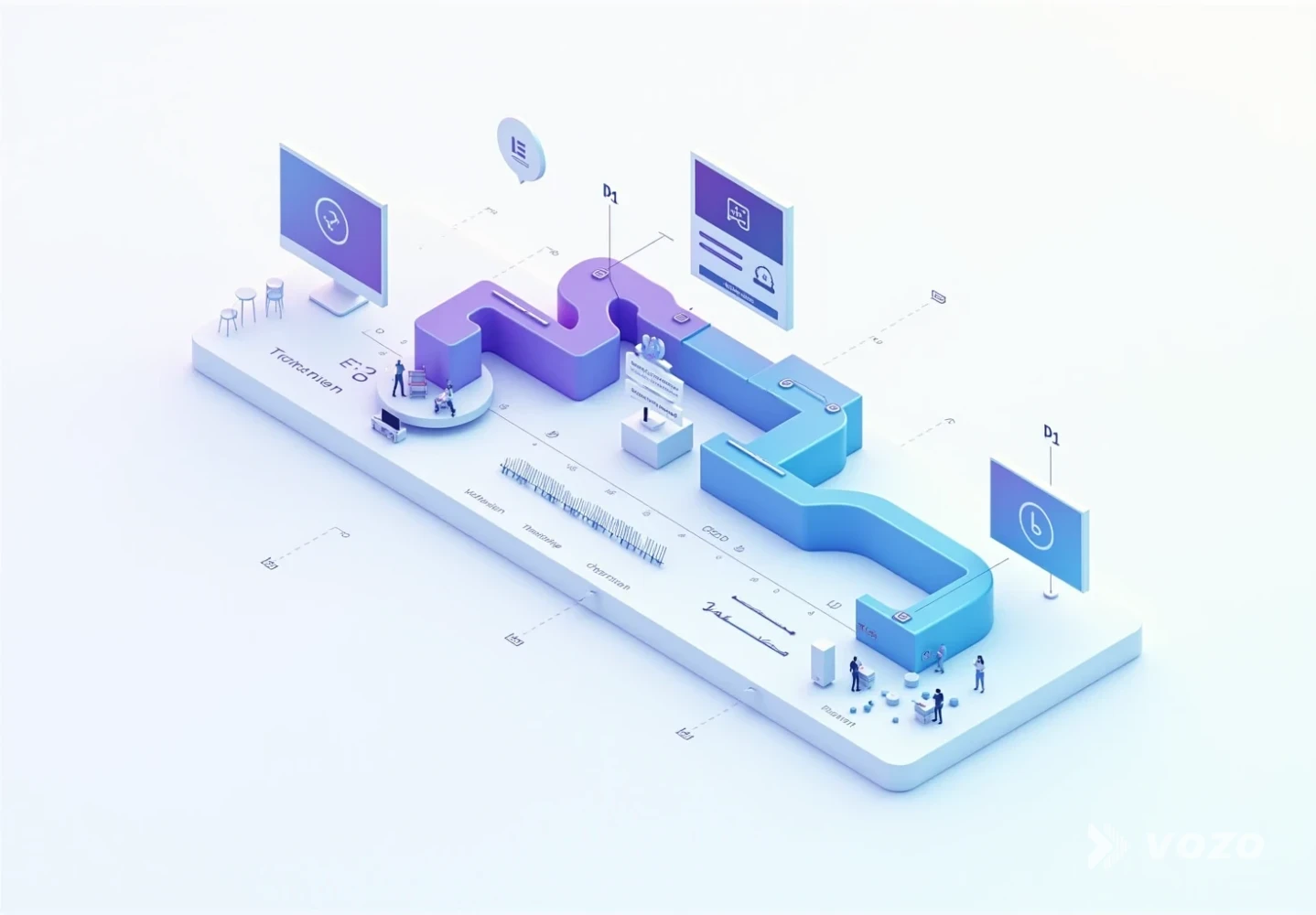
5) Handle visual translation (the step most teams miss)
This is where many corporate training translation projects fall apart. If your video shows slide headlines, callout boxes, UI menus, tooltips, keyboard shortcuts, or embedded charts, subtitles alone are not enough. You also need on-screen text translation and layout-aware visual adaptation.
Vozo’s Visual Translate is built for this scenario: it detects, removes, and replaces on-screen text in videos, rebuilding it in the target language even when original project files are missing. That is particularly useful for legacy training libraries where After Effects projects or source slide decks are unavailable.
Visual rebuild translation must fit the available space and match UI patterns. That is why glossaries, style rules, and review steps matter more here than in normal paragraph translation.
6) QA like a product release, not like a document
For enterprise video localization, QA needs multiple passes because failure modes are not purely linguistic. A translated sentence can be correct and still fail if it does not fit the screen, breaks timing, or does not match the UI shown.
- Linguistic QA: Terminology, tone, grammar, and regional appropriateness
- Functional QA: Timing, subtitle line breaks, reading speed, and audio sync
- Visual QA: Replaced text alignment, font sizing, overlap, and flicker
- LMS QA: Upload, playback, tracking, quizzes, and completion certificates
Welocalize’s case study on training video localization underscores that workflow and collaboration matter. A feedback loop between linguists and engineers can reduce friction and rework, especially when localizing UI-based training.
7) Ship, measure, and continuously improve
Vozo’s best-practices roundup emphasizes that localization does not end when files are exported. The operational win comes when teams can deliver, track, and prove outcomes in-region.
Metrics that often reveal localization quality:
- Completion rate by locale
- Quiz pass rates and retry rates
- Time to complete modules
- Support ticket volume for trained topics
- Qualitative feedback from regional enablement leads
Pros and Cons: AI-First, Human-First, and Hybrid
Enterprises rarely succeed with extremes. The most sustainable approach depends on content risk, update frequency, and how tightly training must match product UI and policy language.
AI-first localization
Advantages
- Fast turnaround for large libraries and frequent refresh cycles.
- Lower cost per minute at high volume, especially for long-tail content.
- Easier to keep pace with product releases when scripts and subtitles change weekly.
- Good baseline quality for straightforward, low-risk training topics.
Disadvantages
- Terminology drift without strict glossary and translation memory enforcement.
- Higher risk in compliance-heavy modules where phrasing must match policy language.
- Lower quality for niche domains and some low-resource language pairs.
- May miss visual constraints, such as text expansion that breaks UI overlays.

Human-first localization
Advantages
- Best nuance and cultural fit, especially for sensitive or high-context communication.
- Strong choice for legal, medical, and brand-critical content.
- Better judgment on ambiguous UI strings and region-specific compliance references.
- Can proactively flag unclear source content that should be fixed upstream.
Disadvantages
- Expensive and slower for large libraries, especially across many locales.
- Harder to keep consistent when work is distributed across multiple vendors.
- Bottlenecks during product release cycles when updates arrive in bursts.
- Manual coordination overhead increases with each additional language.
Hybrid (recommended for most enterprises)
Advantages
- Blend’s 2026 trend report frames this as the practical standard: AI for volume, humans for quality assurance.
- Best balance of speed, cost, and risk management across diverse content types.
- Scales more cleanly across frequent updates when QA gates are standardized.
- Works well for multi-layer localization, including dubbing, subtitles, and visual text replacement.
Disadvantages
- Requires process discipline, clear ownership, and consistent handoffs.
- Needs strong terminology management to prevent partial automation from drifting.
- QA planning must be explicit so human review focuses on high-impact issues.
- Tooling integration can take time if the content pipeline is fragmented.
Practical Examples: What “Good” Looks Like
Example 1: Software onboarding with UI-heavy screen recordings
Problem: Dubbing alone still leaves learners staring at an interface they cannot read.
Solution: Combine dubbing with visual translation so you can translate UI text in videos, including tooltips and menu labels. Maintain a glossary for UI terms so localized wording matches the actual product locale learners use day to day.
Recommended tools:
Example 2: Compliance training with slide-based rules
Problem: Audio is localized, but slide headlines remain in the source language, which undermines the “key rules” learners are expected to follow.
Solution: Rebuild slide text layers using visual translation, then run a strict linguistic QA pass with compliance reviewers to ensure phrasing matches policy and legal intent in-region.
Example 3: Executive messaging that must feel natural
Problem: Subtitles can feel impersonal for leadership updates, but dubbing must preserve tone and credibility.
Solution: Use voice preservation or voice cloning and consider lip synchronization for realism when the video format makes mouth movement noticeable.
Vozo recommendations:
- If the priority is accurate mouth movement with new audio, use Lip Sync
- For audio-only internal podcasts or town-hall recordings, use Audio Translator
Operational Tips to Localize Training Videos at Scale
Standardize your video template and filming rules
- Use a consistent intro and outro structure across modules
- Set speaker pacing guidelines, with slower pacing usually better for dubbing and captions
- Avoid talking over dense on-screen steps
- Leave breathing room between major actions so subtitles and voiceover can land cleanly
Batch intelligently
Batching reduces context switching and helps QA teams apply consistent rules. Group localization jobs by:
- Content type, such as UI-heavy screen recordings versus talking-head videos
- Domain, such as HR, security, sales, or product enablement
- Update frequency, since high-churn modules benefit most from automation and tighter change control

Treat on-screen text as a first-class asset
Create an inventory per module so on-screen text translation does not become a guessing game during production. A simple checklist often prevents the most common misses.
- Slide text list
- UI labels shown, including tooltips and navigation
- Callouts and annotations
- Charts and legends
That inventory becomes your QA checklist for visual translation and helps teams avoid missed strings that confuse learners.
Automate delivery where possible
For mature organizations, the biggest unlock is integration. If internal tools are part of the workflow, Vozo API can embed translation, dubbing, lip sync, and video localization capabilities directly into a content pipeline, which is useful when localizing hundreds of modules per quarter.
Scale Comes From Process, Not Heroics
Global companies localize training videos at scale by treating localization like a production system: plan early, maintain terminology, localize audio and visuals, run layered QA, and measure results per region.
If the goal is faster onboarding and consistent execution worldwide, invest in a workflow that can handle both corporate training translation and the hard parts people skip, like visual translation and on-screen text translation.
To move faster without sacrificing quality, many teams build their localization stack around:
- Vozo Video Translator for multilingual dubbing, voice cloning, and editing
- Vozo Visual Translate to translate text in video and localize UI visuals without source files
- Vozo Lip Sync when natural mouth movement matters
A scalable system pays off every time training updates, which in most enterprises is every week.
Frequently Asked Questions
What is the difference between translation and localization for training videos?
Translation converts language. Localization adapts the full learning experience, including tone, examples, formats, and visuals. Swift eLearning Services describes localization as the cultural adaptation layer beyond direct translation.
Do companies really need to translate on-screen text if they already have subtitles?
Often, yes. Translated notes that mismatches between visuals and subtitles create cognitive friction. In UI-heavy training, leaving the interface in the source language forces learners to mentally translate while following steps, which slows learning and increases errors.
Subtitles or dubbing: what is best for corporate training?
For quick updates and internal communications, subtitles are often sufficient. For onboarding, frontline operations, and mandatory compliance training, dubbing typically improves attention and completion. Many enterprises use both, especially when accessibility requirements apply.
How do companies keep terminology consistent across dozens of languages?
They maintain a shared glossary, style guide, and translation memory, then enforce linguistic QA. Consistency matters even more when translating UI text in videos, since UI terms should match what users see in localized products and documentation.
What does a scalable training video localization workflow include?
A scalable workflow includes pre-production planning, a terminology kit, transcript and timecoding, translation and dubbing, visual localization (including on-screen text translation), multi-pass QA, LMS acceptance testing, and performance measurement by locale.
