Typical Use Cases
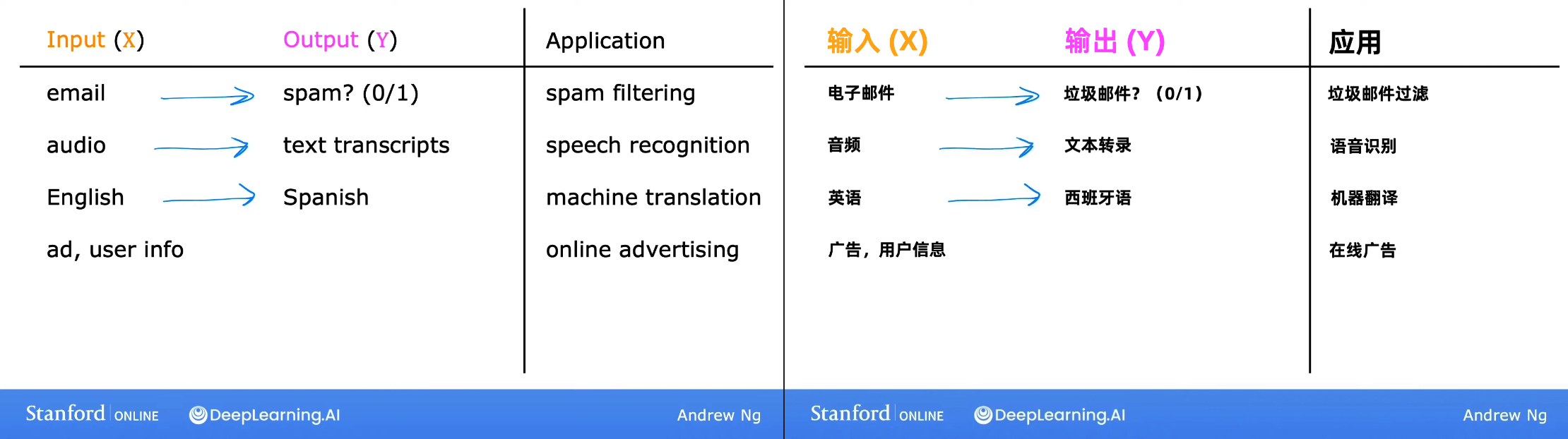
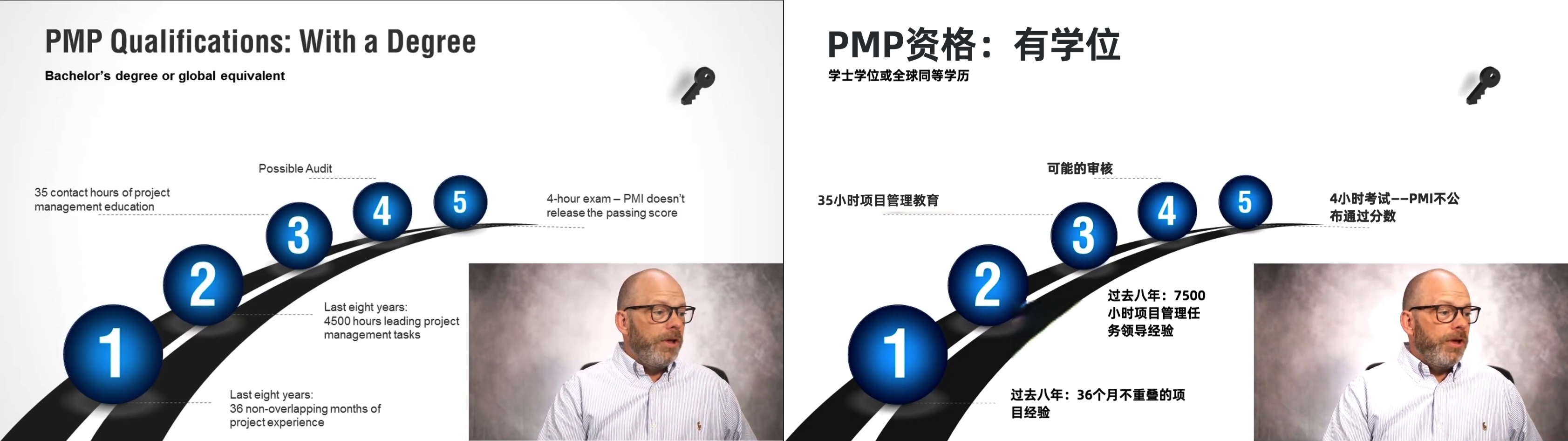
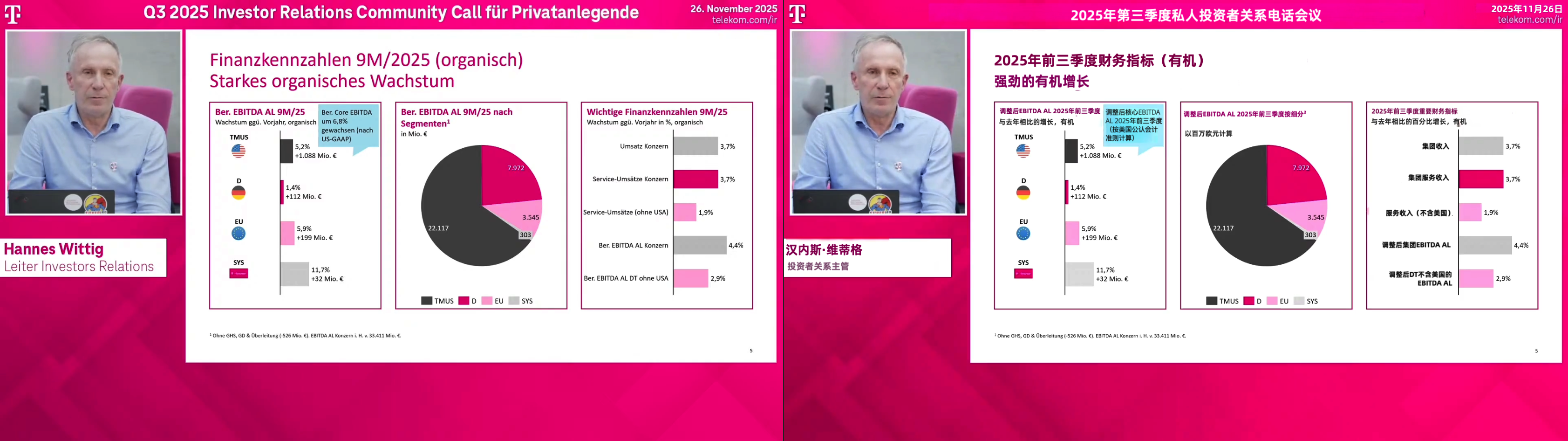
Presentation / Slide-based Videos
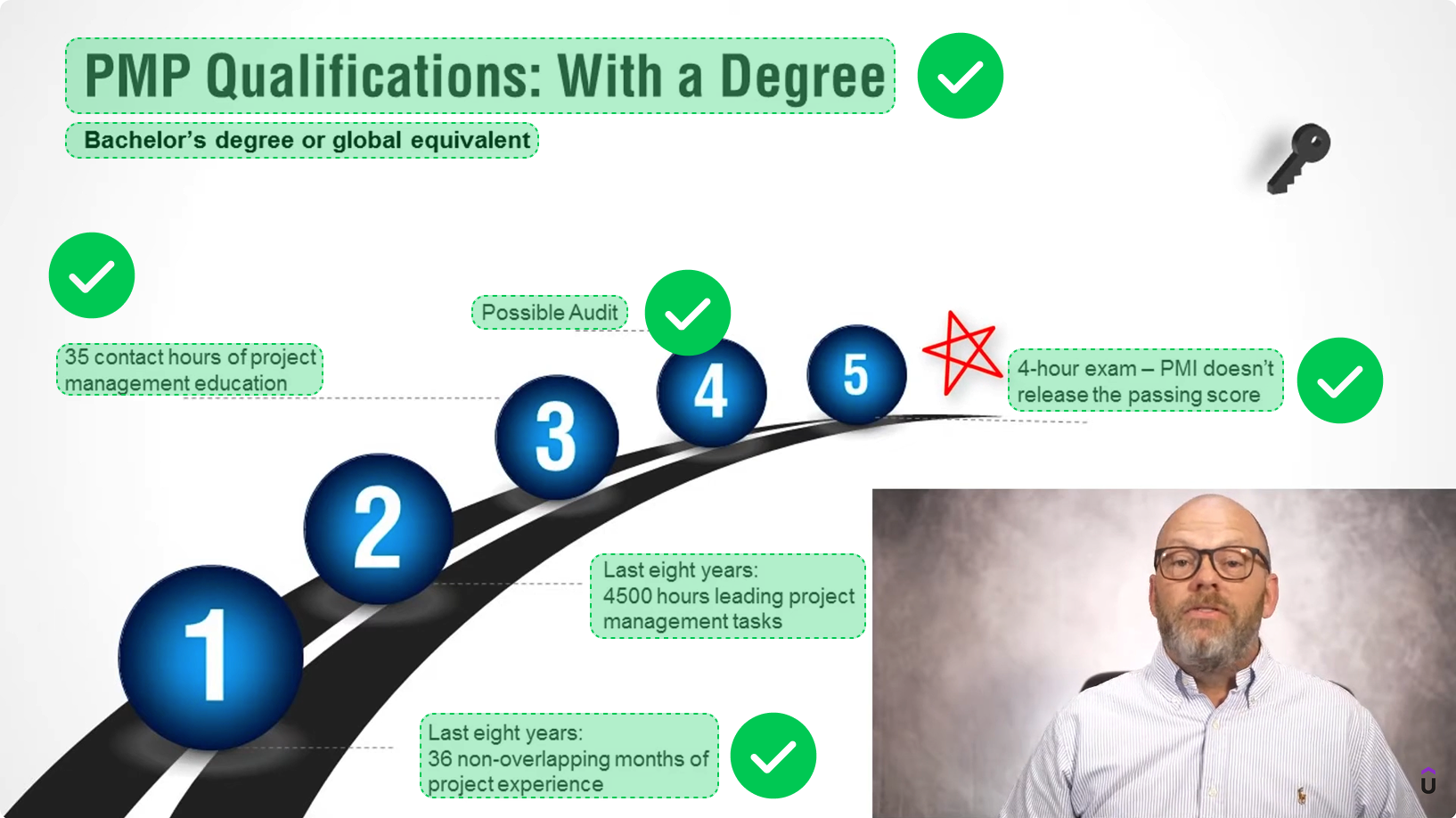
Videos where the main content is delivered through slides or presentation-style visuals.
- Educational and learning videos
- Internal or external training videos
- Briefings & analysis presentations
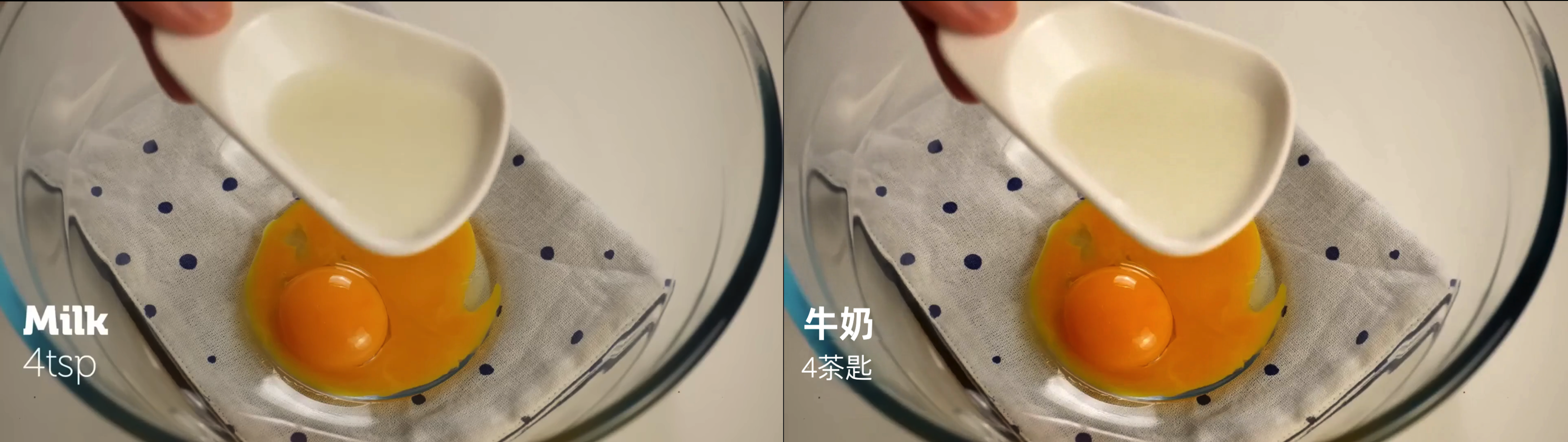
Live-action Videos with Simple On-screen Overlays
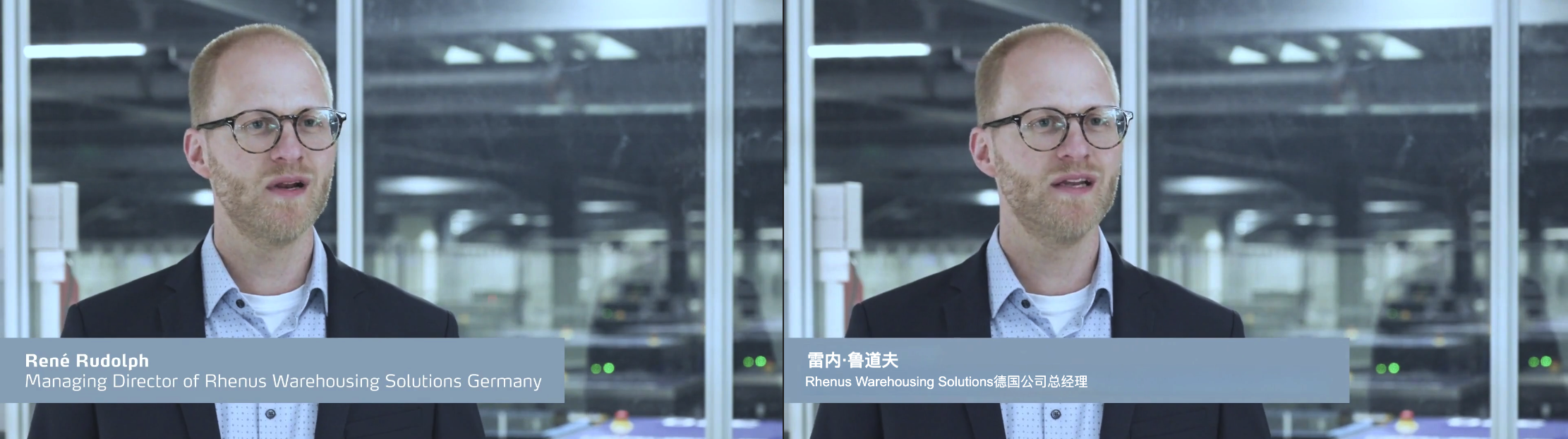
Real-world footage accompanied by simple on-screen text, labels, or callouts.
- How-to videos (crafts, cooking, DIY)
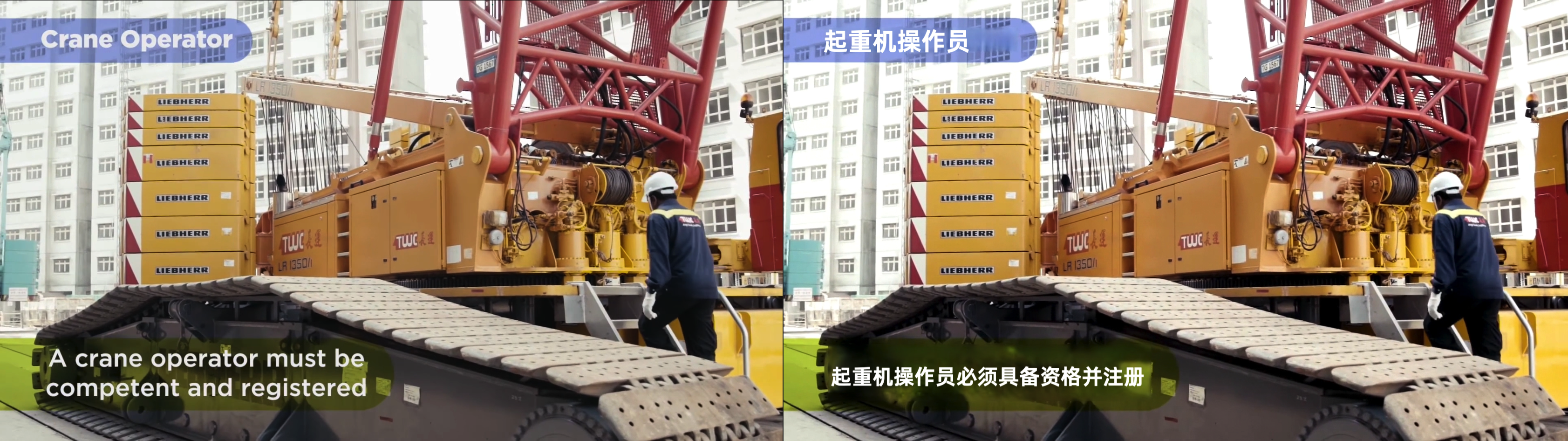
- Training videos (safety, setup, operation)
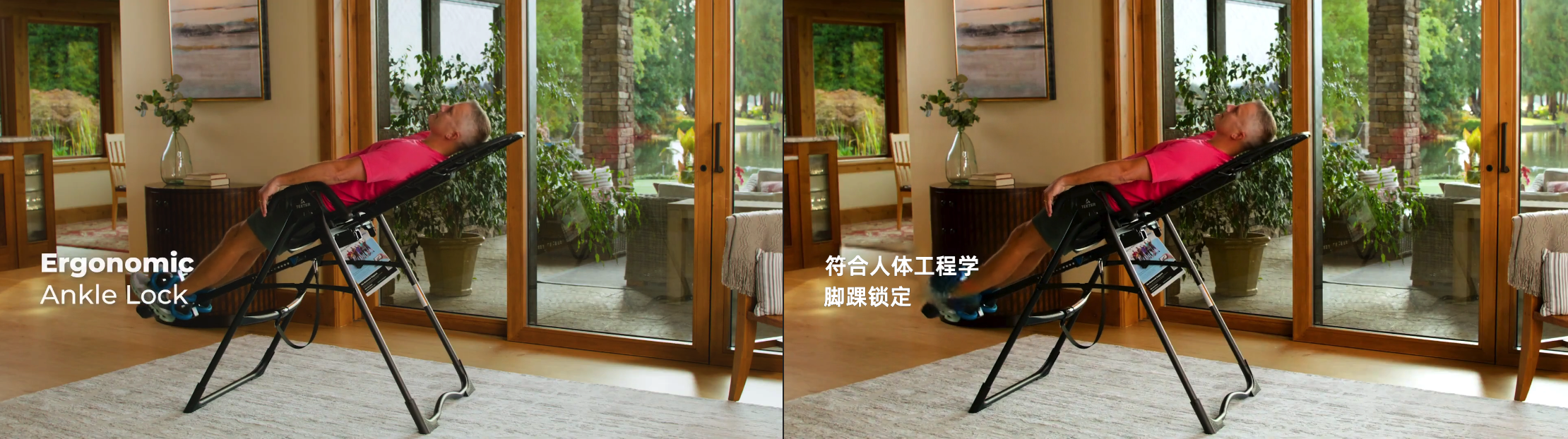
- Product overview & instructional videos
What Visual Translate Handles
Text That Will Be Translated
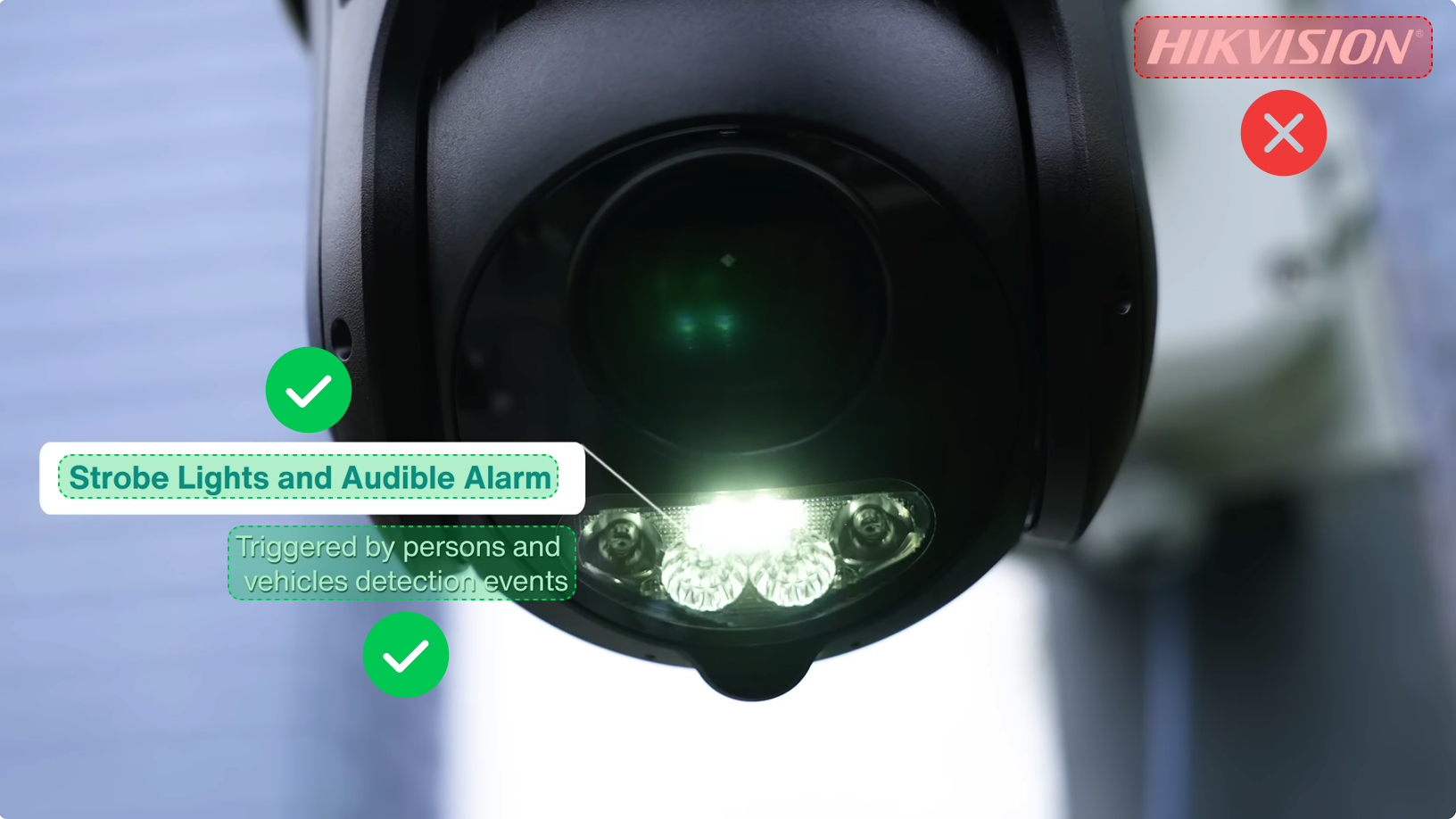
Visual Translate detects and translates explanatory on-screen text added to videos, which is intended to explain, guide, or annotate the video content. This includes:
- Text on slides shown in videos
- Text overlays added during video editing (excluding brand logos)
Text That Will Not Be Translated
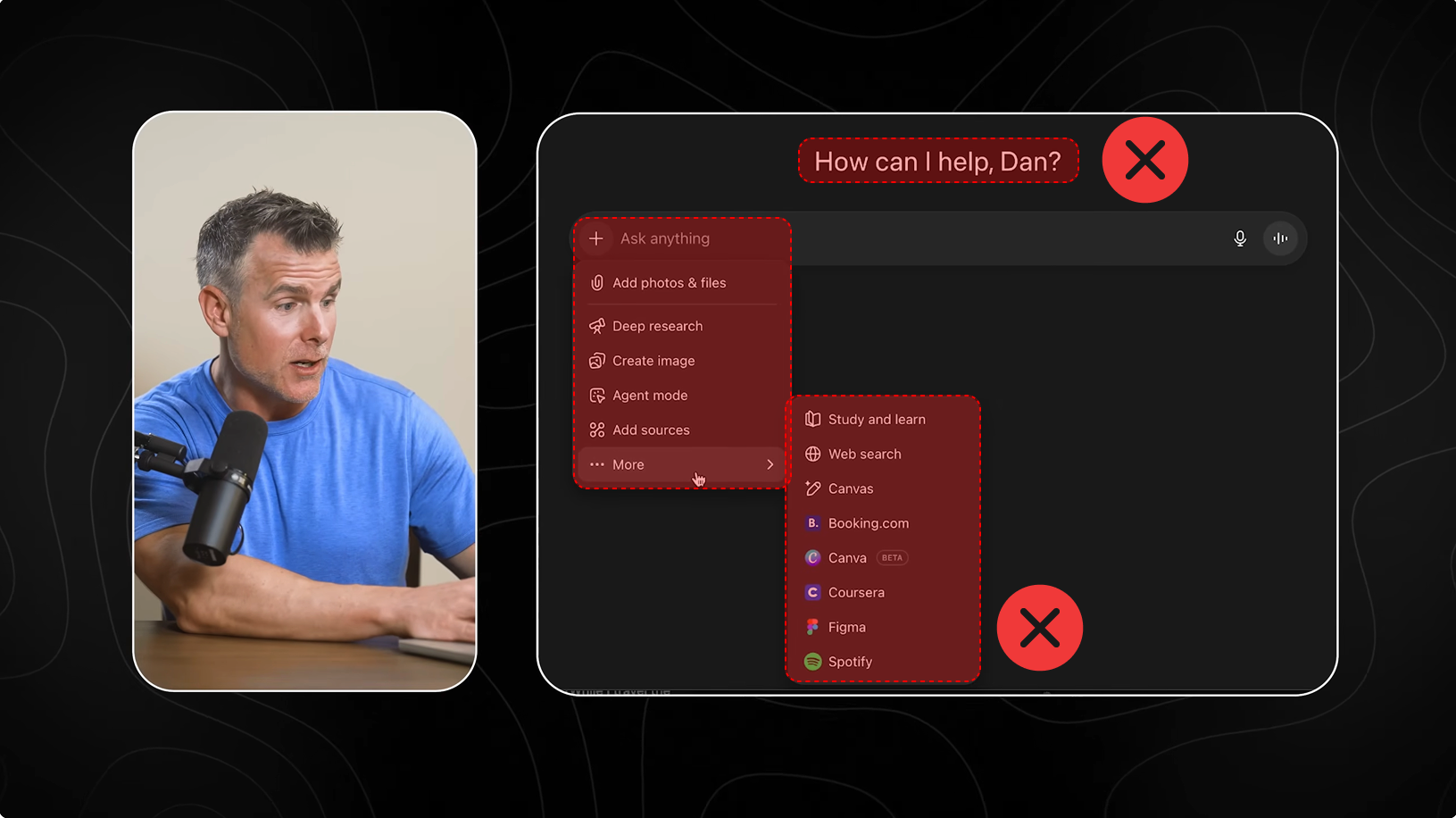
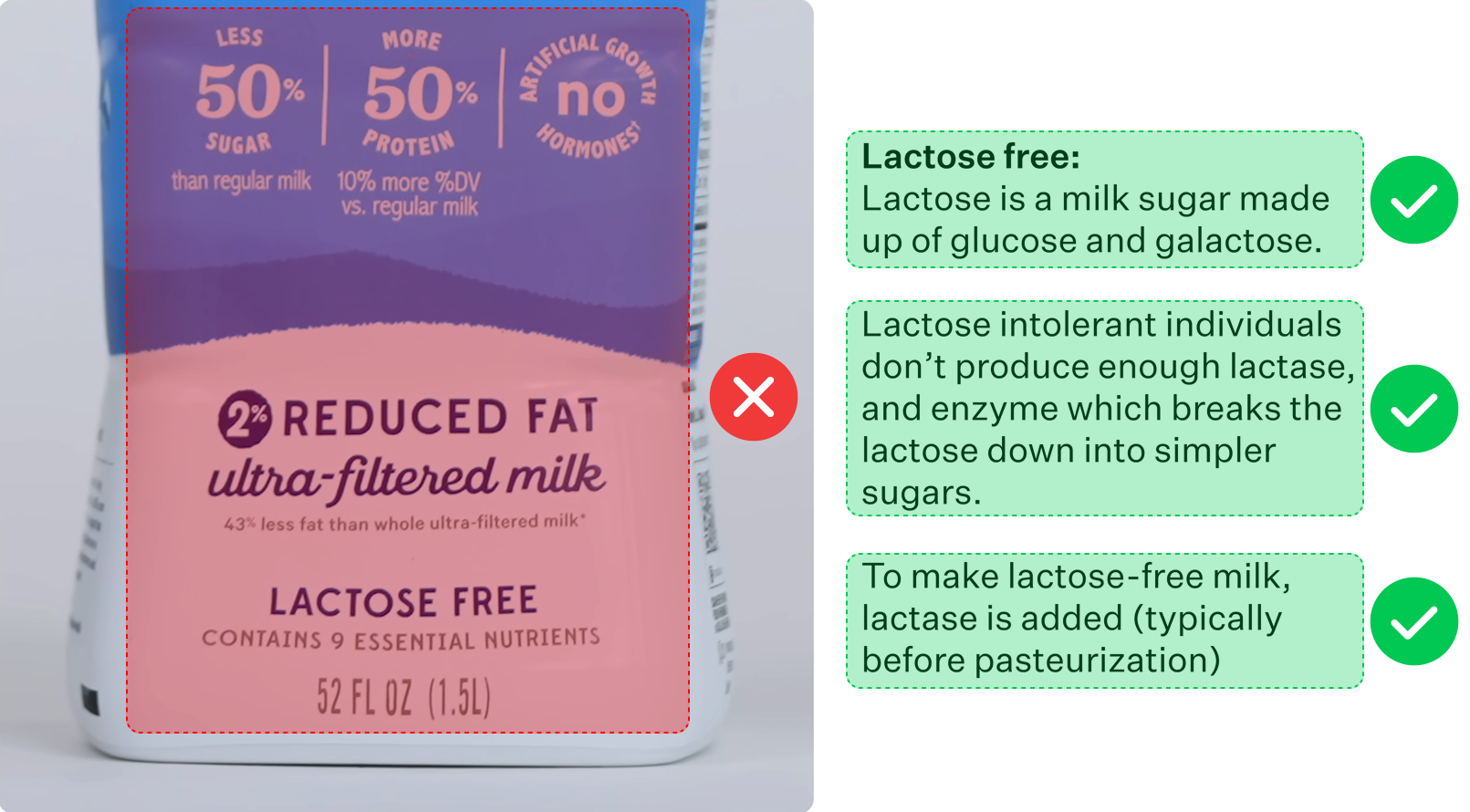
Text that is part of the original visual material of the video, and is not intended as explanatory content, is not supported. This includes:
- UI elements, such as software interfaces, buttons, or menus
- Real-world text, such as packaging, signage, or text on physical objects
Supported Text Styles and Animations
Visual Translate works best with text that has simple styling and animations.
Well-supported
- Plain text or text with basic styling (e.g. solid color text, simple outlines, drop shadows, or a basic background color)
- Static text or lightly animated text (e.g. fade in/out, simple slide in/out)
Limited support
- Text with heavy visual effects or special styling (e.g. glow effects, 3D text, distorted text, or text with varying colors or sizes for emphasis).
In these cases, Visual Translate may not fully reproduce the original styling and will simplify the text to a more basic appearance.
- Text with complex animations (e.g. continuously moving, rotating, or transforming).
While the system attempts to match the original placement and timing, complex motion may result in incomplete removal of the original text or visual misalignment.
Last modified on March 19, 2026