

translate product demo videos for E-Commerce
Selling internationally is often not a traffic problem. It is a comprehension problem.
A shopper who cannot fully understand how your product works will hesitate, bounce, or buy and return it. That is why translating product demo videos for international e-commerce has become one of the highest-leverage localization moves in 2026: you take a video that already converts in one market and turn it into multiple market-ready versions without rebuilding your entire production pipeline.
I’ll show you how to translate product demo videos step by step, with a practical workflow that covers subtitles, dubbing, lip sync, and the easy-to-miss visual parts like in-video labels and callouts.
What is product demo video translation?
Product demo video translation is the process of adapting a product demonstration video into other languages so international shoppers can understand it as easily as your original audience.
In practice, product demo video translation usually includes:
- Translated subtitles (captions)
- Translated dubbed audio (voiceover), often designed to preserve tone and pacing
- Optional lip sync so mouth movements match the new language
- Localization of on-screen text (prices, measurements, feature labels, UI strings, disclaimers)
This broader approach is often called international e-commerce video localization, because it goes beyond direct translation to match how people shop, talk, and interpret product details in each market.
Why now? Video is already doing the heavy lifting across the funnel. Industry stats cited in 2026 video marketing reporting show most marketers still see strong returns: Teleprompter.com reports 82% of marketers say video delivers good ROI, and that video helps with outcomes like product understanding and direct sales. When you localize the same explainer power into more languages, you are effectively multiplying an asset that already works.
Step-by-step: How to translate product demo videos
Fluxo de trabalho passo a passo
Pick the right source demo video
The best candidate is not the video you are most excited about. It is the video that already proves it can sell.
Choose one that has:
- Consistent conversion on your product page or ads
- Clear audio and a single primary speaker (easier dubbing)
- Minimal fast cuts and minimal background music collisions
- A structure that starts with the buyer’s main question
A useful creative guideline from Swarmify’s 2026 e-commerce video best practices is to match depth to price and complexity: low-cost items often work with tight, short clips, while higher-ticket products need more proof and clarity. Translation is faster and cheaper when the core video is focused.
Exemplo prático:
- A $20 accessory: a 15 to 30 second loop-style demo with captions
- A $400 device: a 60 to 90 second demo plus a separate setup clip and a short FAQ clip, each localized
Decide which translation method each market needs
Not every market needs the same treatment. Choose based on where the video will live (product page, ads, email, marketplace listing) and how it’s consumed (muted autoplay vs sound on).
Common options:
- Subtitles only: fastest and often enough for product pages with muted autoplay
- Dubbing plus subtitles: best for social ads, higher-consideration products, and markets that prefer voice-first content
- Dubbing plus lip sync: best for talking-head demos where the presenter’s face is central and trust matters
- Full visual localization: dubbing plus subtitles plus translation of in-frame labels and UI
If you want an all-in-one workflow for product video translation for global markets, Tradutor de vídeo do Vozo is a strong editorial pick because it handles translation into 110+ languages, supports natural dubbing with voice cloning (VoiceREAL™), offers optional lip sync (LipREAL™), and includes a built-in proofreading editor to refine lines quickly before you export localized versions: https://www.vozo.ai/video-translate
Prepare a localization kit (script, glossary, do-not-translate list)
Before you translate product demo video content, lock down the language rules that protect your brand and reduce QA cycles.
Create a simple localization kit containing:
- The final script or transcript (including filler words you want removed)
- Product name, model names, and feature names (with preferred translations)
- Do not translate list (brand name, trademarked features, SKU codes)
- Units and formatting rules (cm vs inches, decimal separators, currency format)
- Compliance lines and disclaimers that must be exact
Why this matters: translation without context leads to inconsistent naming and confusing feature descriptions. Localization teams often rely on context tools for accuracy. Crowdin’s localization strategy guidance highlights practical issues like UI text expansion and formatting differences, noting that layouts may need to allow around 20 to 30% text expansion in some languages. That same reality applies to on-screen callouts and lower-thirds in your demo videos.
Build a text map for everything that appears on screen
Most teams translate the voice track and forget the visuals.
Your demo likely contains:
- Feature labels and callouts
- Size charts, ingredients, specs, or pricing overlays
- UI screens (for software) with buttons and menus
- Safety notices and warranty terms
- End cards and offer frames
A practical workflow tip shared in Vozo’s visual translation guidance is to scrub the video and capture every moment text appears, essentially creating a text map. This prevents missing small overlays that still affect comprehension and trust.
Dica prática:
- Review at 0.5x speed once
- Create a list of timestamps where any text appears
- Mark whether each text element needs translation, replacement, or removal
Translate the script with intent (use transcreation where it counts)
Literal translations can be correct and still fail to sell.
For e-commerce demos, prioritize:
- Clarity over cleverness
- Concrete outcomes over feature lists
- Local phrasing that matches how shoppers search and talk
Exemplo:
- Source line: “It snaps on in seconds and stays put all day.”
- Direct translation may sound unnatural in some languages.
- Better localized version keeps the promise but uses a common local phrase for a secure fit or stays in place.
This is where review matters most: your hook, your claim, your guarantee, and your risk reducers (returns, warranty, shipping expectations).
Generate localized subtitles first (use them as your QA reference)
Even if you plan to dub, subtitles are a powerful truth layer:
- They give you visible, scannable proof the meaning is right
- They help with muted autoplay behavior
- They often provide indexable text when implemented correctly on platforms that support it
Keep captions readable:
- Short lines
- Natural line breaks
- Avoid cramming long sentences on screen
Research-backed timing guidance is consistent in 2026 e-commerce practice: Vozo’s visual translation discussion references common best practices of 15 to 30 seconds for autoplay loops e 30 to 90 seconds for most demos (also aligned with Swarmify’s guidance). If your translated captions force you to run longer, treat it as a signal: tighten the script, do not just shrink the font.
If you’re producing a lot of variants, Vozo’s BlinkCaptions mobile editor can help teams polish captions quickly on the go for social cuts and marketplace versions: https://www.vozo.ai/blinkcaptions
Add dubbing that matches tone and pacing
Dubbing is where many localized demos win or lose trust.
Targets to hit:
- Natural prosody (stress and rhythm)
- Correct pronunciation of product names
- Consistent loudness and clean noise floor
- Pacing that matches the visuals and demonstrations
If you only need audio output (for example, you already have market-specific visuals or you are translating podcast-style product explainers), Tradutor de áudio do Vozo is a fit because it translates audio while preserving the speaker’s voice, tone, and emotion: https://www.vozo.ai/audio-translator
If you want to focus on dubbing specifically, Dublagem de IA do Vozo is also worth considering for multi-language voice options and faster iteration on timing: https://www.vozo.ai/dubbing
Use lip sync selectively (where faces matter)
Lip sync is not mandatory for every e-commerce demo.
Utilize-o quando:
- The presenter’s face is prominent and close-up
- The demo is trust-heavy (premium products, health-adjacent categories, high returns risk)
- The platform is sound-on and viewers are likely to watch longer
Saltar quando:
- It’s mostly hands-on product footage with b-roll
- The video is designed for muted autoplay
- The speaker is off-camera most of the time
For precise control, Sincronização labial do Vozo tool is built for matching video to audio with natural mouth movement, including multi-speaker scenes: https://www.vozo.ai/lip-sync
Localize the visuals (UI, overlays, measurements, compliance)
This is the part many teams miss, and it is where returns and negative reviews often start.
Checklist:
- Convert measurements and sizes (and verify they match your product specs)
- Localize currencies and shipping claims
- Replace in-video UI strings (for software demos)
- Adjust safe zones so longer languages do not collide with the product
- Confirm legal lines and disclaimers per market
One real-world issue highlighted in localization guidance is that some language pairs expand and can break layouts. Plan safe spacing for overlays so you do not end up with cluttered, unreadable callouts.
QA like a buyer (mobile-first, muted-first, fast-scroll reality)
Your internal review should mimic how people actually shop:
- Watch on a phone
- Watch once muted (captions only)
- Watch once with sound
- Look for timing drift (demo action no longer matches the narration)
- Check for mistranslated on-screen text, especially small labels
- Validate product names, claims, and numbers
A useful process tip from tool testing guidance in 2026 is to define your quality threshold before you scale: decide what is acceptable for social content versus what must be broadcast-level for your product page hero video.
Publish with localized metadata and measure by market
Translation quality is only half the job. Discoverability and conversion tracking finish it.
Do:
- Localize the video title and description where platforms allow it
- Use market-specific product terms, not just direct translations
- Track video engagement (view-through, rewatches)
- Track add-to-cart rate and conversion rate (by locale)
- Track return reasons and support tickets (before vs after localization)
Product demo trends coverage in 2026 emphasizes analytics as a core trend: demos are increasingly treated as measurable performance assets, not static brand pieces. Translate, publish, measure, and iterate.
Reference visuals to collect during localization
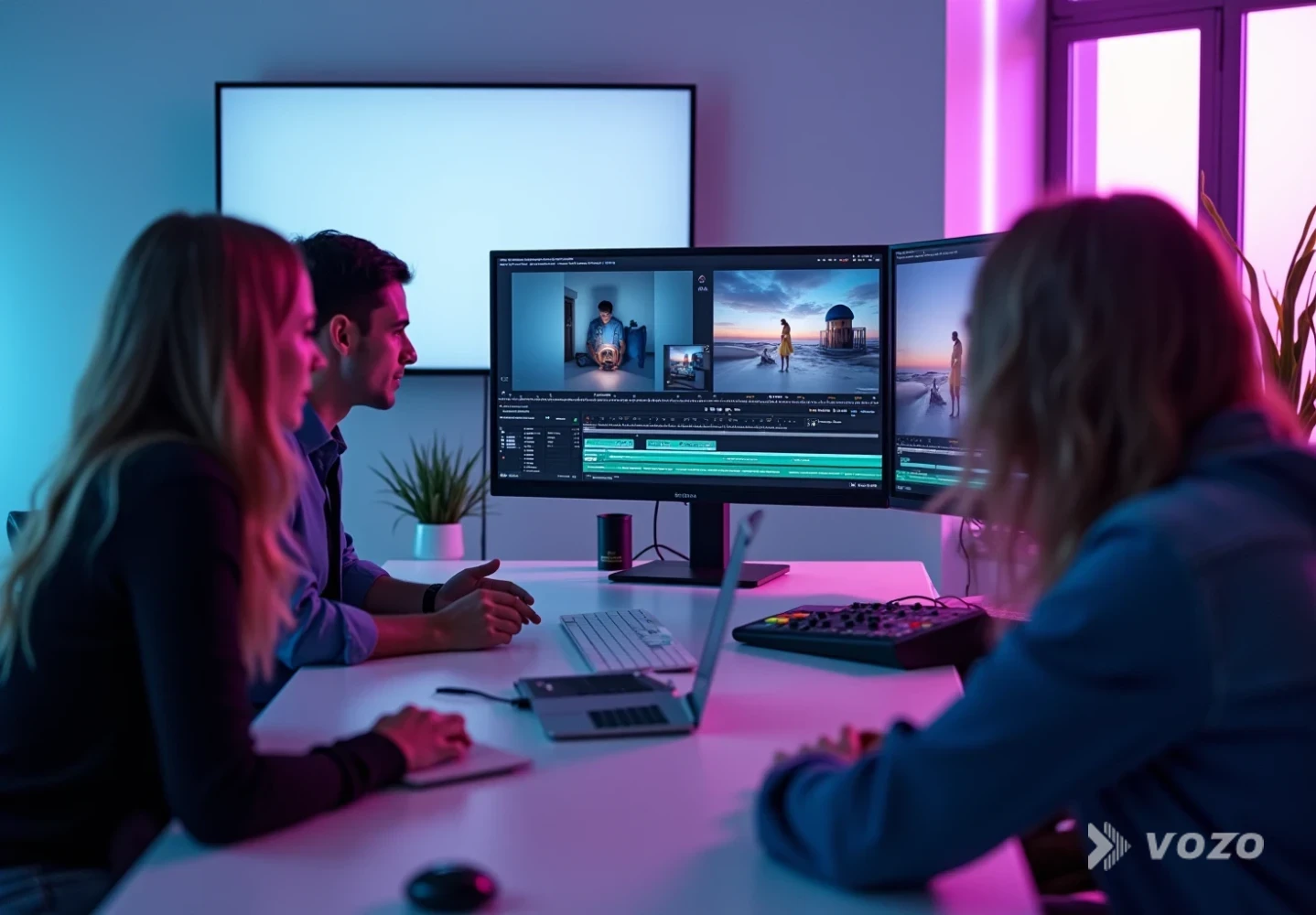
Use this slot for a frame capture of your chosen source demo, ideally showing the speaker, audio environment, and any existing overlays. It helps you validate that the starting asset is translation-friendly before you invest in multiple language versions.
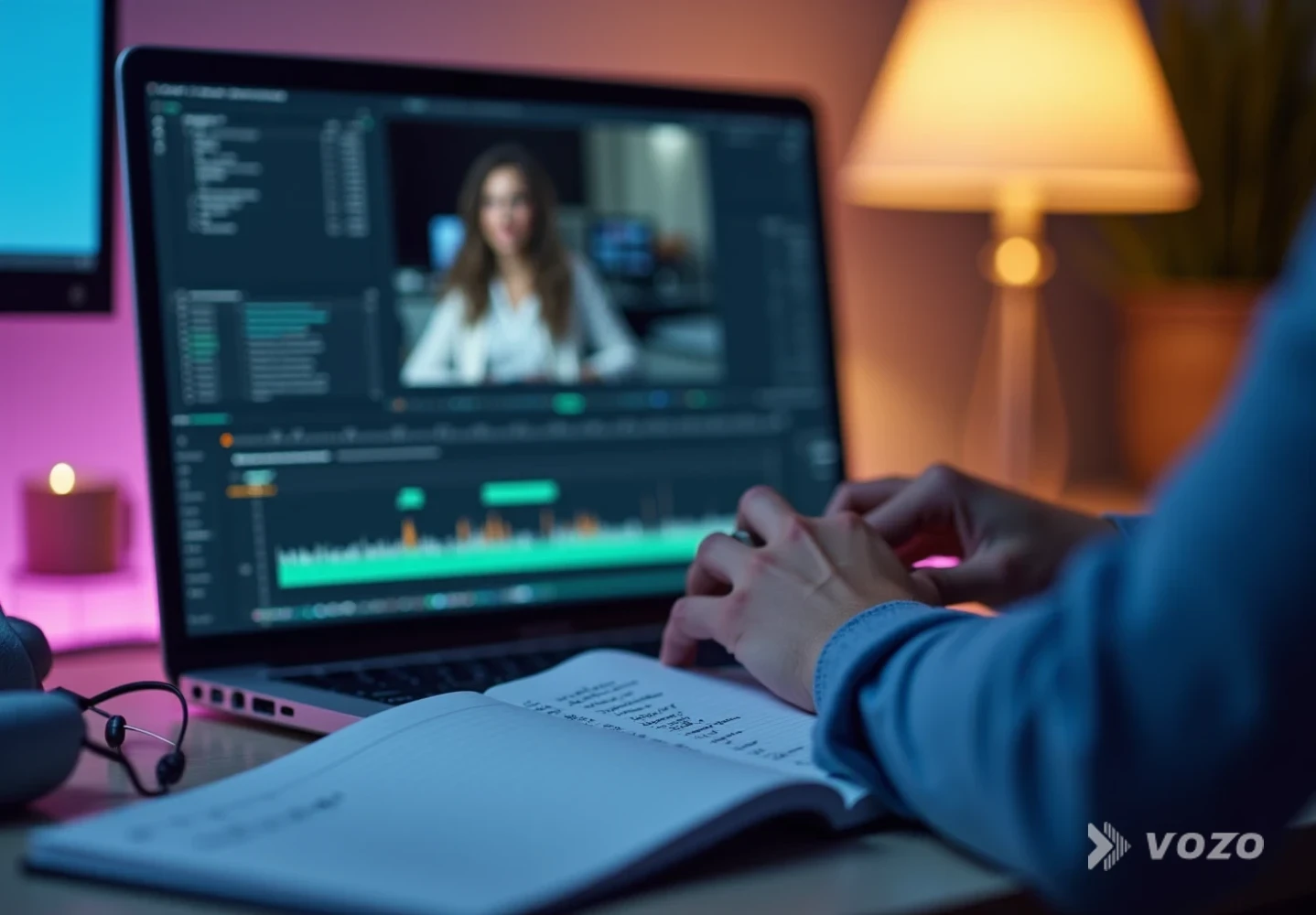
Use this slot for a screenshot of your text map or timestamp list. The goal is to prove you captured every on-screen label, disclaimer, UI string, and end card element that needs localization.

Use this slot for a caption review screen. Subtitles are your fastest QA layer, so having a visual of timing, line breaks, and readability makes internal approvals much faster.

Use this slot for an overlay localization example, such as measurements and pricing overlays adapted for a specific market. It is also a good place to show how you reserved safe zones for longer languages.
Pros and cons of common approaches
Subtitles-only localization
Prós
- Fastest way to translate product demo video content
- Works well for muted autoplay
- Lower cost and lower production friction
Contras
- Some shoppers prefer voice-first content
- Captions can feel dense on small screens
- Does not fix in-video text overlays unless you also localize visuals
Dubbing with voice preservation (plus subtitles)
Prós
- More native viewing experience in many markets
- Better for longer demos and higher-consideration products
- Reduces cognitive load versus reading captions
Contras
- Requires careful QA for tone, pronunciation, and pacing
- Background music can cause artifacts if audio is messy
Dubbing plus lip sync
Prós
- Best perceived polish for talking-head demos
- Builds trust when the speaker is central to credibility
Contras
- Extra processing and QA time
- Not necessary for hands-only demos
Full international e-commerce video localization (audio, captions, overlays)
Prós
- Highest clarity and conversion potential
- Reduces misunderstanding that leads to returns
- Creates a consistent brand experience across regions
Contras
- More moving parts: overlays, measurements, compliance
- Requires a repeatable workflow to scale efficiently
A practical first rollout plan (so this does not become a massive project)
If you’re new to product demo video translation, start small and systemize. The goal is to ship one localized win quickly, then turn it into a repeatable template.
First rollout plan
Localize one proven demo into 2 to 3 priority languages
Keep the structure identical to the original
Ship subtitles plus dubbing first, add lip sync only if needed
Track lift by market for 2 to 4 weeks
Turn the workflow into a template and scale to more SKUs
For teams that want to automate localization across many videos or integrate translation into a broader content stack, API Vozo can help you programmatically translate, dub, and lip-sync videos inside your own systems: https://www.vozo.ai/api
International growth gets easier when the shopper experience stays clear. Translating product demo videos for international e-commerce is one of the most direct ways to improve understanding, reduce hesitation, and scale what already works. If the goal is to move fast without sacrificing quality, start with one high-performing demo, localize it with a workflow that covers speech, captions, and on-screen text, then measure results market by market. For a streamlined, modern approach, Tradutor de vídeo Vozo is a strong place to begin for end-to-end product video translation for global markets, including natural dubbing, voice cloning, optional lip sync, and an editor for quick refinements: https://www.vozo.ai/video-translate
