" height="19px" id="Jc3VJwDiz" transform="translate(2.5 2.5)" width="19px"/></svg>)
" height="15.5px" id="wTjNrWZTm" transform="translate(3.5 4.5)" width="17.49964368157675px"/></svg>)

AI Talking Photo
AI Talking Photo
AI Talking Photo
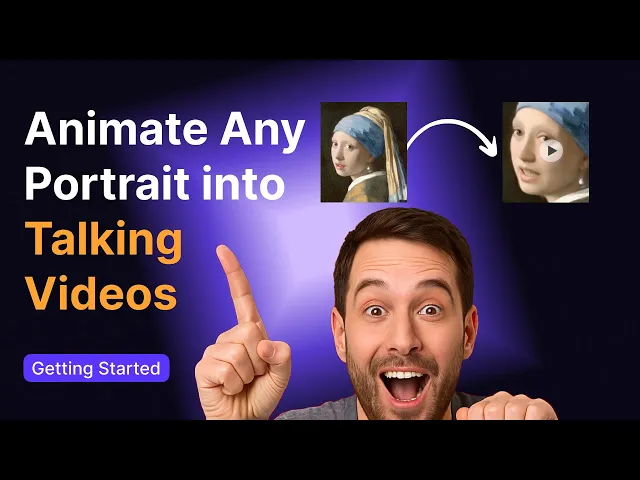
Animate any portrait into talking videos with ease. Bring pictures to life with vivid expressions, natural gestures, and realistic lip sync.
Animate any portrait into talking videos with ease. Bring pictures to life with vivid expressions, natural gestures, and realistic lip sync.
Animate any portrait into talking videos with ease. Bring pictures to life with vivid expressions, natural gestures, and realistic lip sync.
Animate any portrait into talking videos with ease. Bring pictures to life with vivid expressions, natural gestures, and realistic lip sync.



Trusted by 7M+ creators and companies in 40+ countries.

















Trusted by 7M+ creators and companies in 40+ countries.
Trusted by 7M+ creators and companies in 40+ countries.
Trusted by 7M+ creators and companies in 40+ countries.
Trusted by 7M+ creators and companies in 40+ countries.
Trusted by 7M+ creators and companies in 40+ countries.
How to Create AI Talking Photos Online
How to Create AI Talking Photos Online
How to Create AI Talking Photos Online
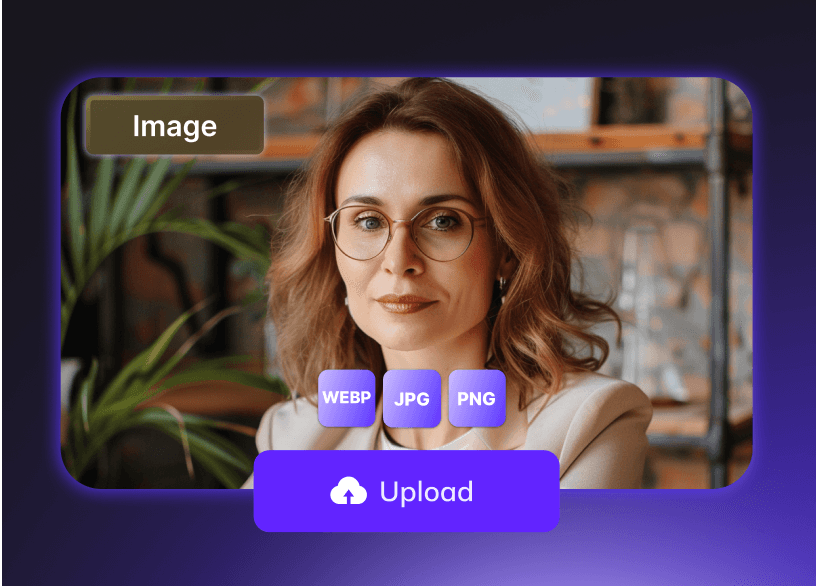
Step 1 Upload Your Photo
Step 1 Upload Your Photo
Simply identify a portrait image that you want to create a video with and upload it.
Simply identify a portrait image that you want to create a video with and upload it.
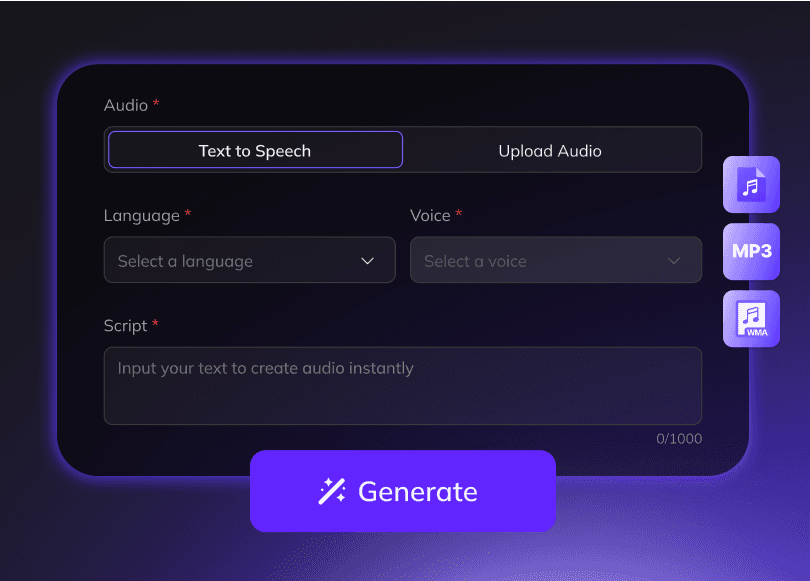
Step 2 Upload or Create Audio
Step 2 Upload or Create Audio
Add voiceover by either uploading an audio file directly or generating it via Text-to-Speech technology. You can pick one from the voice library or choose your cloned voice.
Add voiceover by either uploading an audio file directly or generating it via Text-to-Speech technology. You can pick one from the voice library or choose your cloned voice.
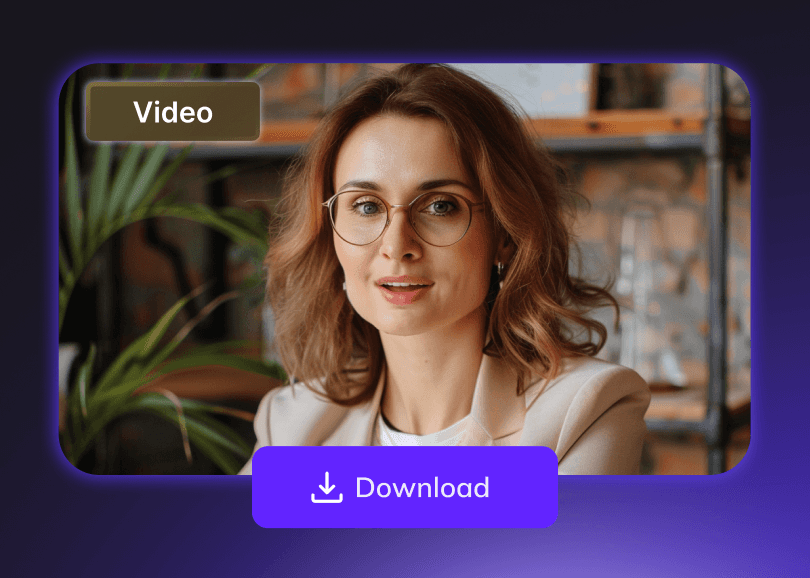
Step 3 Generate Online
Step 3 Generate Online
One click to animate your photo into videos with lip synced and body movements naturally added. Once satisfied, export and download your final video.
One click to animate your photo into videos with lip synced and body movements naturally added. Once satisfied, export and download your final video.
One click to animate your photo into videos with lip synced and body movements naturally added. Once satisfied, export and download your final video.
Why Choose Vozo AI Talking Photo
Why Choose Vozo AI Talking Photo
Why Choose Vozo AI Talking Photo
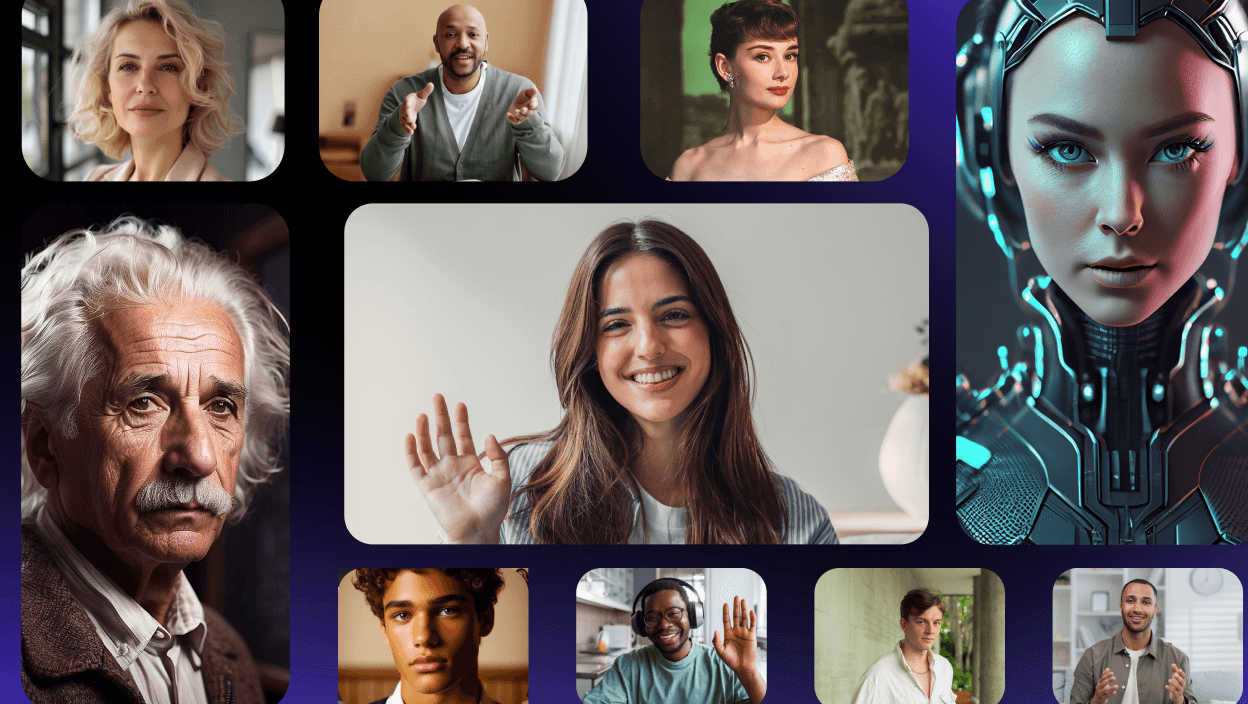
Animate Portrait Photos of Any Type and Style
Animate Portrait Photos of Any Type and Style
Animate Portrait Photos of Any Type and Style
Whether it’s real human, generated avatar, half-body portrait, or full-body shot, Vozo can bring them all to life with stunning realism.
Whether it’s real human, generated avatar, half-body portrait, or full-body shot, Vozo can bring them all to life with stunning realism.
Whether it’s real human, generated avatar, half-body portrait, or full-body shot, Vozo can bring them all to life with stunning realism.
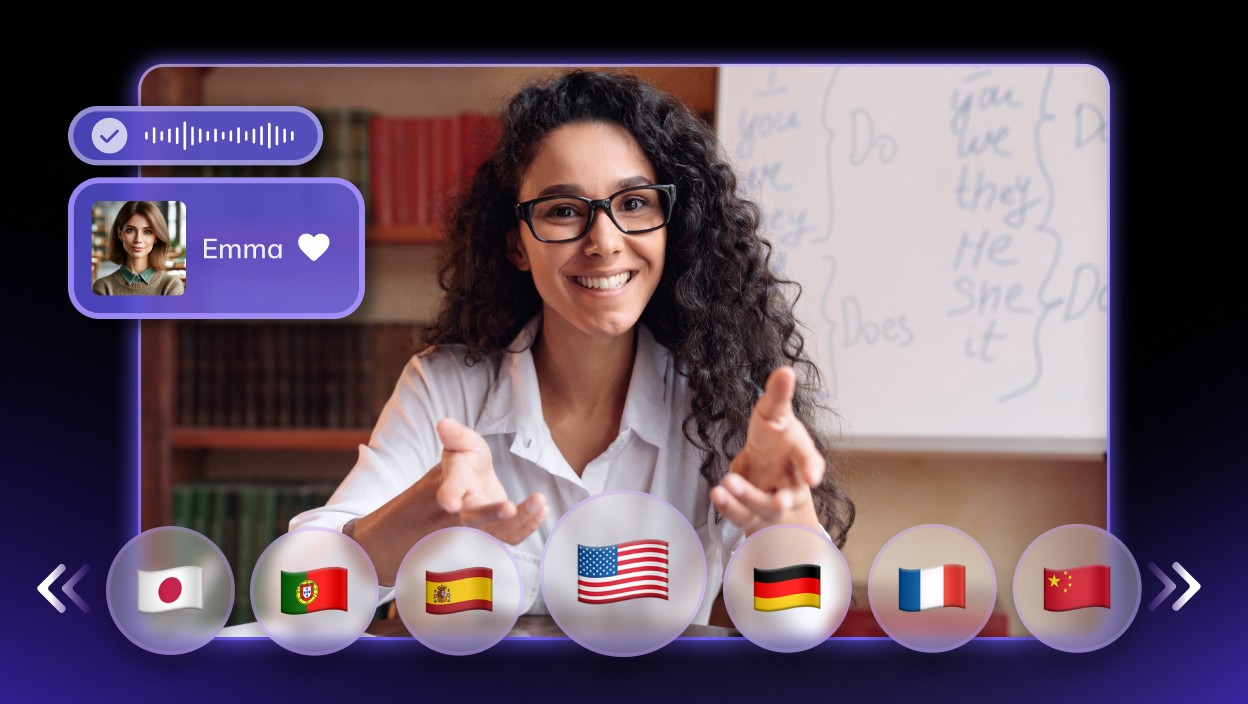
Say Anything in Any
Language with Lifelike
AI Voices
Say Anything in Any
Language with Lifelike
AI Voices
Say Anything in Any
Language with Lifelike
AI Voices
Upload recordings or files to create custom voices, or input text to generate lifelike speech using 300+ AI voices for your video translation workflow and other storytelling formats. Enables images to speak in any language, dialect, or even rap.
Upload recordings or files to create custom voices, or input text to generate lifelike speech using 300+ AI voices for your video translation workflow and other storytelling formats. Enables images to speak in any language, dialect, or even rap.
Upload recordings or files to create custom voices, or input text to generate lifelike speech using 300+ AI voices for your video translation workflow and other storytelling formats. Enables images to speak in any language, dialect, or even rap.
Ultra-Realistic Lip Sync
Ultra-Realistic Lip Sync
Ultra-Realistic Lip Sync
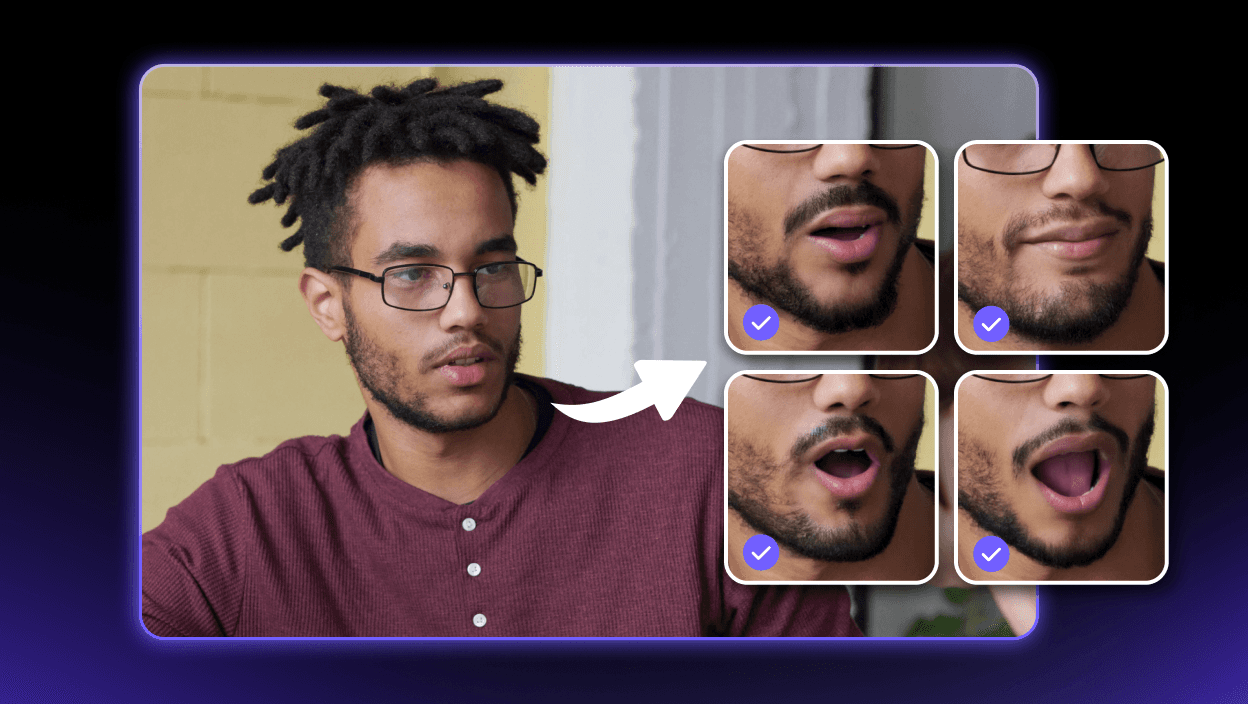
Achieve perfect synchronization between voice and lip movements with smooth, natural transitions — delivering truly seamless lip-sync. Supports any languages, dialects, and even rap.
Achieve perfect synchronization between voice and lip movements with smooth, natural transitions — delivering truly seamless lip-sync. Supports any languages, dialects, and even rap.
Achieve perfect synchronization between voice and lip movements with smooth, natural transitions — delivering truly seamless lip-sync. Supports any languages, dialects, and even rap.
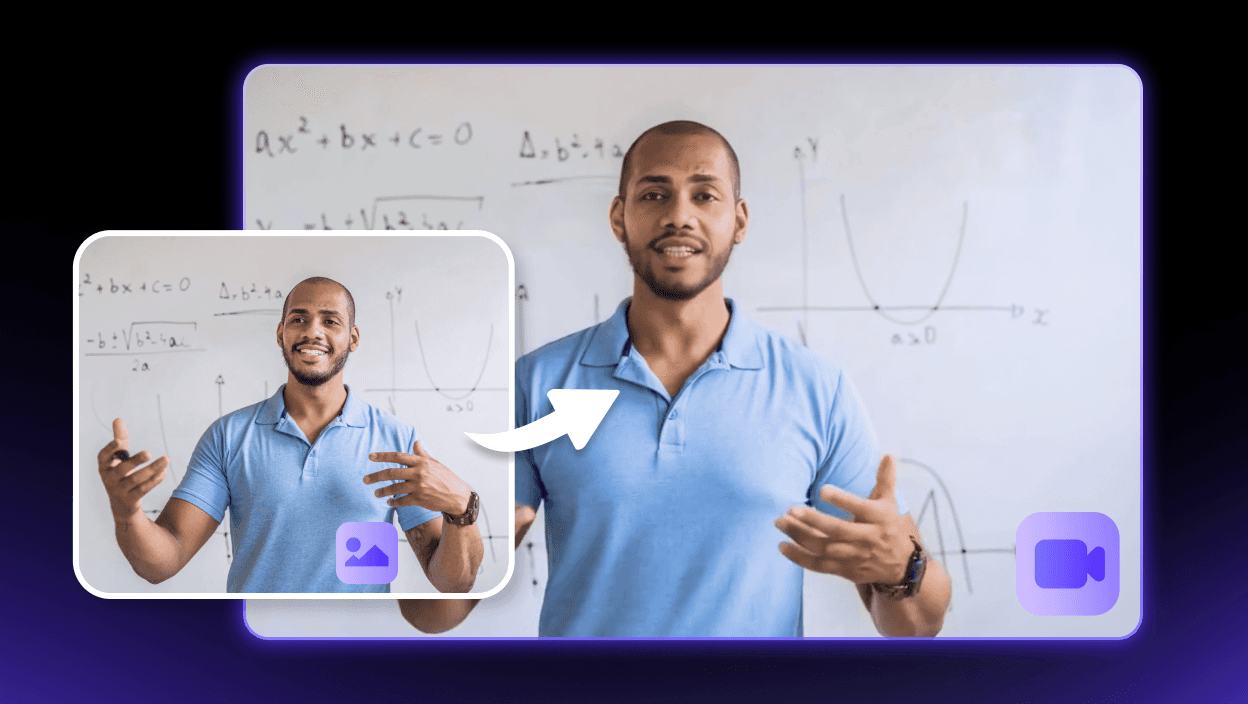
Natural Facial
Expression and Body
Movements
Natural Facial
Expression and Body
Movements
Natural Facial
Expression and Body
Movements
Turn your static images into dynamic, high-resolution videos with realistic facial expressions and smooth body movements that feel authentic and engaging.
Turn your static images into dynamic, high-resolution videos with realistic facial expressions and smooth body movements that feel authentic and engaging.
Turn your static images into dynamic, high-resolution videos with realistic facial expressions and smooth body movements that feel authentic and engaging.



FAQs for Vozo AI Talking Photo
FAQs for Vozo AI Talking Photo
FAQs for Vozo AI Talking Photo
What is a talking photo?
" height="17.5px" id="Ezhb8Su41" transform="translate(7.5 3.5) rotate(90 4.75 8.75)" width="9.5px"/></svg>)
A talking photo is a static image enhanced with AI to simulate human-like speech and expressions, transforming it into a dynamic and engaging character. It’s perfect for e-learning, greeting videos, product explainers, customer service, and more, by generating realistic voiceovers and animations based on a portrait with audio. This simple, efficient, and budget-friendly way to create content adds a personal touch and helps build stronger connections at scale with ease.
What is a talking photo?
A talking photo is a static image enhanced with AI to simulate human-like speech and expressions, transforming it into a dynamic and engaging character. It’s perfect for e-learning, greeting videos, product explainers, customer service, and more, by generating realistic voiceovers and animations based on a portrait with audio. This simple, efficient, and budget-friendly way to create content adds a personal touch and helps build stronger connections at scale with ease.
How to make a photo talk?
Create a talking picture effortlessly with Vozo in just three steps!
Step 1: Upload Your Image, Choose “Generate Talking Video” and upload a portrait image.
Step 2: Add Audio: Input text to generate a voiceover, select a voice, or upload your own audio.
Step 3: Generate Video: Click "Generate" to create a talking video with synced lip movements, then download it.
How to make a photo talk?
Create a talking picture effortlessly with Vozo in just three steps!
Step 1: Upload Your Image, Choose “Generate Talking Video” and upload a portrait image.
Step 2: Add Audio: Input text to generate a voiceover, select a voice, or upload your own audio.
Step 3: Generate Video: Click "Generate" to create a talking video with synced lip movements, then download it.
Can I use Vozo as an app on mobile to make talking photos?
Yes! Download the Vozo App to make any photo talk — whether it’s a real person, anime, or even an animal.
Can I use Vozo as an app on mobile to make talking photos?
Yes! Download the Vozo App to make any photo talk — whether it’s a real person, anime, or even an animal.
Can I have a free test of Vozo AI talking photo?
Yes! Vozo Talking Photo Generator gives you 3 free projects to start with. If you need more, please visit our Pricing page.
Can I have a free test of Vozo AI talking photo?
Yes! Vozo Talking Photo Generator gives you 3 free projects to start with. If you need more, please visit our Pricing page.
Can I use any image to generate a talking photo?
Yes, Vozo supports all types and styles of photos for talking avatars. From real humans and AI-generated avatars to half or full-body shots and expressive poses, Vozo brings them all to life with stunning realism.
Can I use any image to generate a talking photo?
Yes, Vozo supports all types and styles of photos for talking avatars. From real humans and AI-generated avatars to half or full-body shots and expressive poses, Vozo brings them all to life with stunning realism.
Can I lip sync audio to a video online?
Yes, with Vozo AI Video Lip Sync Generator, you can accurately lip-synced videos online automatically, enabling lip-syncing for selected faces in multi-speaker scenarios. Supports any language—ideal for video translation, video rewriting, and avatar video creation.
Can I lip sync audio to a video online?
Yes, with Vozo AI Video Lip Sync Generator, you can accurately lip-synced videos online automatically, enabling lip-syncing for selected faces in multi-speaker scenarios. Supports any language—ideal for video translation, video rewriting, and avatar video creation.
What is the maximum duration supported for talking photo generation?
Vozo currently supports to generate up to 1 minute long videos from photos.
What is the maximum duration supported for talking photo generation?
Vozo currently supports to generate up to 1 minute long videos from photos.
How to make a picture talk with my own voice?
Vozo supports voice cloning to let you use your own voice in talking videos. Here’s how:
1. Select “Voice” and choose “Choose More from Library - Cloned Voice.”
2. Alternatively, upload a reference voice recording to create a custom cloned voice.
Your cloned voice will be saved in your library for future projects.
How to make a picture talk with my own voice?
Vozo supports voice cloning to let you use your own voice in talking videos. Here’s how:
1. Select “Voice” and choose “Choose More from Library - Cloned Voice.”
2. Alternatively, upload a reference voice recording to create a custom cloned voice.
Your cloned voice will be saved in your library for future projects.
What languages can I add to make a photo talk?
The language support varies based on the input method you choose.
Text-to-Speech Input:
Vozo currently supports up to 80 languages for generated speech.
Afrikaans, Albanian, Amharic, Arabic, Armenian, Assamese, Azerbaijani, Basque, Bengali, Bosnian, Bulgarian, Burmese, Catalan, Chinese, Croatian, Czech, Danish, Dutch, English, Estonian, Filipino, Finnish, French, Galician, Georgian, German, Greek, Gujarati, Hebrew, Hindi, Hungarian, Icelandic, Indonesian, Inuktitut, Irish, Italian, Japanese, Javanese, Kannada, Kazakh, Khmer, Korean, Lao, Latvian, Lithuanian, Macedonian, Malay, Malayalam, Maltese, Marathi, Mongolian, Nepali, Norwegian Bokmål, Odia, Pashto, Persian, Polish, Portuguese, Punjabi, Romanian, Russian, Serbian, Sinhala, Slovak, Slovenian, Somali, Spanish, Sundanese, Swahili, Swedish, Tamil, Telugu, Thai, Turkish, Ukrainian, Urdu, Uzbek, Vietnamese, Welsh, Zulu
Audio Uploads:
Vozo supports any language and dialect, allowing for unlimited flexibility.
What languages can I add to make a photo talk?
The language support varies based on the input method you choose.
Text-to-Speech Input:
Vozo currently supports up to 80 languages for generated speech.
Afrikaans, Albanian, Amharic, Arabic, Armenian, Assamese, Azerbaijani, Basque, Bengali, Bosnian, Bulgarian, Burmese, Catalan, Chinese, Croatian, Czech, Danish, Dutch, English, Estonian, Filipino, Finnish, French, Galician, Georgian, German, Greek, Gujarati, Hebrew, Hindi, Hungarian, Icelandic, Indonesian, Inuktitut, Irish, Italian, Japanese, Javanese, Kannada, Kazakh, Khmer, Korean, Lao, Latvian, Lithuanian, Macedonian, Malay, Malayalam, Maltese, Marathi, Mongolian, Nepali, Norwegian Bokmål, Odia, Pashto, Persian, Polish, Portuguese, Punjabi, Romanian, Russian, Serbian, Sinhala, Slovak, Slovenian, Somali, Spanish, Sundanese, Swahili, Swedish, Tamil, Telugu, Thai, Turkish, Ukrainian, Urdu, Uzbek, Vietnamese, Welsh, Zulu
Audio Uploads:
Vozo supports any language and dialect, allowing for unlimited flexibility.
How many faces can I animate to make photos talk?
At the moment, Vozo supports animating one face per photo.
How many faces can I animate to make photos talk?
At the moment, Vozo supports animating one face per photo.
More Than AI Talking Photo
More Than AI Talking Photo
More Than AI Talking Photo

Vozo AI transforms video and audio into 160+ languages fast and accurately—automatically translating, dubbing, subtitling, and lip-syncing with precision. Customize tone, style, and prompts for content that truly resonates globally.
Vozo AI transforms video and audio into 160+ languages fast and accurately—automatically translating, dubbing, subtitling, and lip-syncing with precision. Customize tone, style, and prompts for content that truly resonates globally.
Vozo AI transforms video and audio into 160+ languages fast and accurately—automatically translating, dubbing, subtitling, and lip-syncing with precision. Customize tone, style, and prompts for content that truly resonates globally.
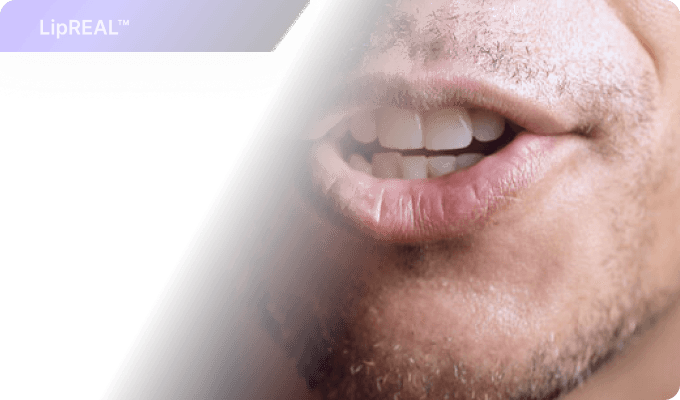
Create accurately lip-synced videos online automatically, enabling lip-syncing for selected faces in multi-speaker scenarios. Supports any language and dialects—ideal for video translation, video rewriting, and avatar video creation.
Create accurately lip-synced videos online automatically, enabling lip-syncing for selected faces in multi-speaker scenarios. Supports any language and dialects—ideal for video translation, video rewriting, and avatar video creation.
Create accurately lip-synced videos online automatically, enabling lip-syncing for selected faces in multi-speaker scenarios. Supports any language and dialects—ideal for video translation, video rewriting, and avatar video creation.
Create accurately lip-synced videos online automatically, enabling lip-syncing for selected faces in multi-speaker scenarios. Supports any language and dialects—ideal for video translation, video rewriting, and avatar video creation.
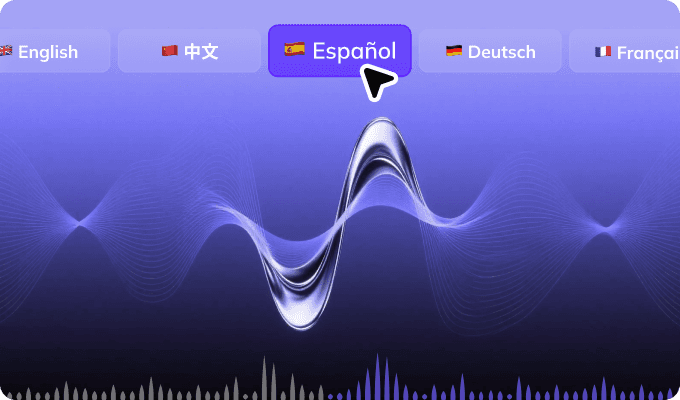
Customize voiceovers and export dubbed audio, subtitles, or text in 160+ languages. Supports all major audio formats with glossaries, realistic AI voices, and speed control — perfect for podcasts, interviews, and multilingual projects.
Customize voiceovers and export dubbed audio, subtitles, or text in 160+ languages. Supports all major audio formats with glossaries, realistic AI voices, and speed control — perfect for podcasts, interviews, and multilingual projects.
Vozo AI transforms video and audio into 160+ languages fast and accurately—automatically translating, dubbing, subtitling, and lip-syncing with precision. Customize tone, style, and prompts for content that truly resonates globally.
Create accurately lip-synced videos online automatically, enabling lip-syncing for selected faces in multi-speaker scenarios. Supports any language and dialects—ideal for video translation, video rewriting, and avatar video creation.
Customize voiceovers and export dubbed audio, subtitles, or text in 160+ languages. Supports all major audio formats with glossaries, realistic AI voices, and speed control — perfect for podcasts, interviews, and multilingual projects.
