

How Visual Translate Works
AI analyzes the video to determine which text to translate and which to preserve. It seamlessly removes the original text, then recreates its styling, layout, and animations with the translated text. Visual Translate only modifies text areas, without affecting other visual content. The translated text remains fully editable, so you can continue adjusting the wording and appearance.Typical Use Cases
Presentation and Slide-based Videos
Includes internal and external training and course videos. Translate text in the video, including text within charts and images.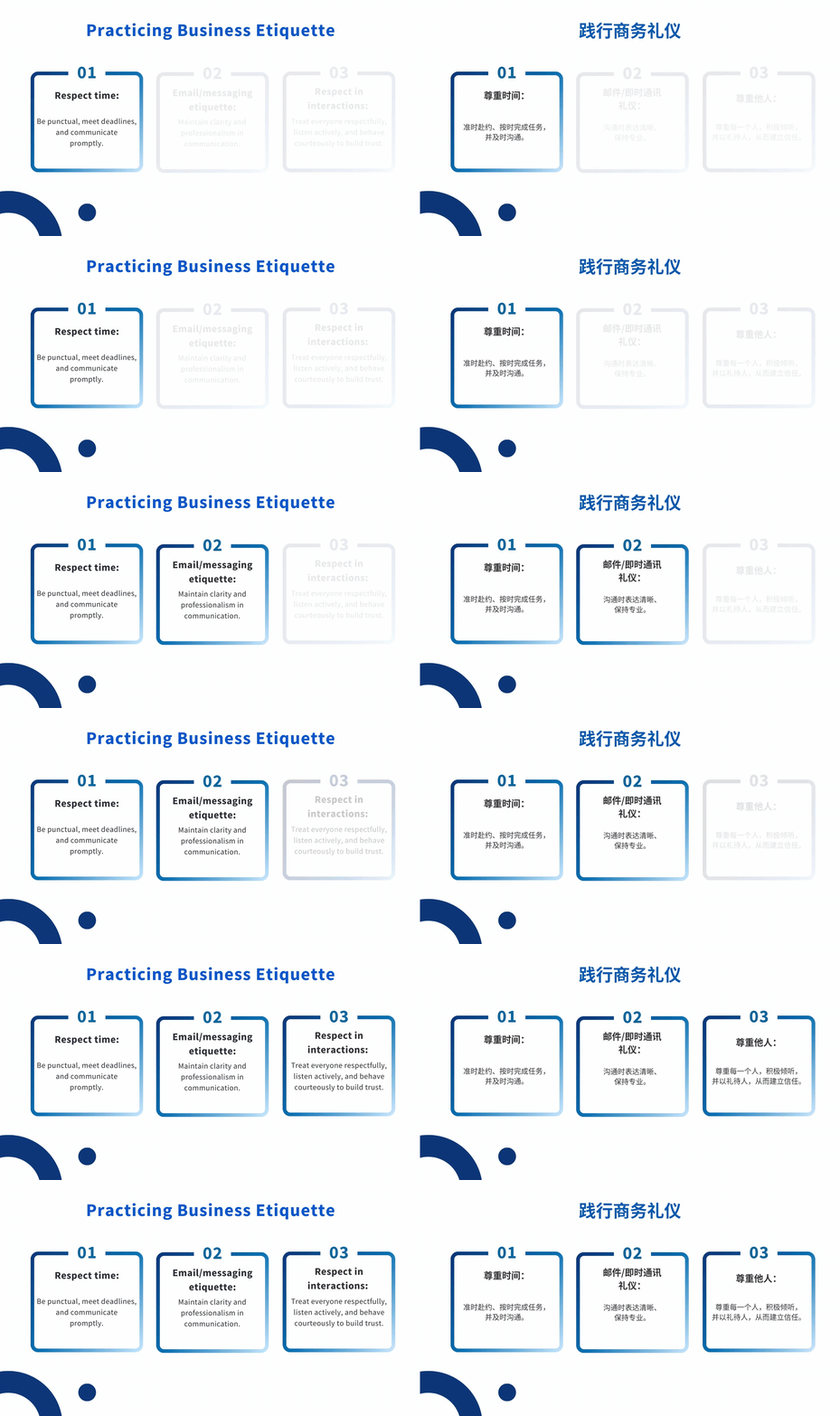
Left: English original | Right: Chinese translation
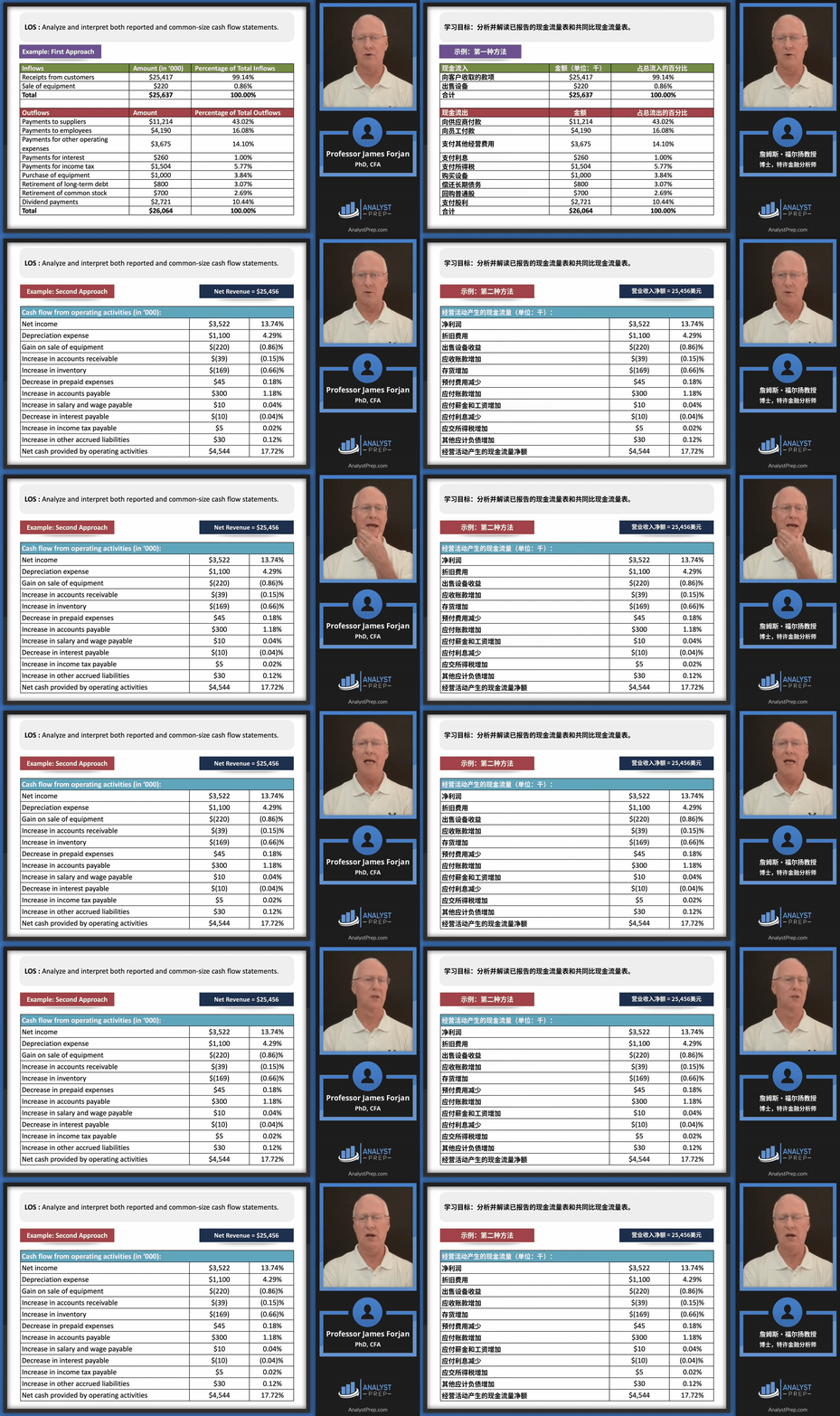
Left: English original | Right: Chinese translation
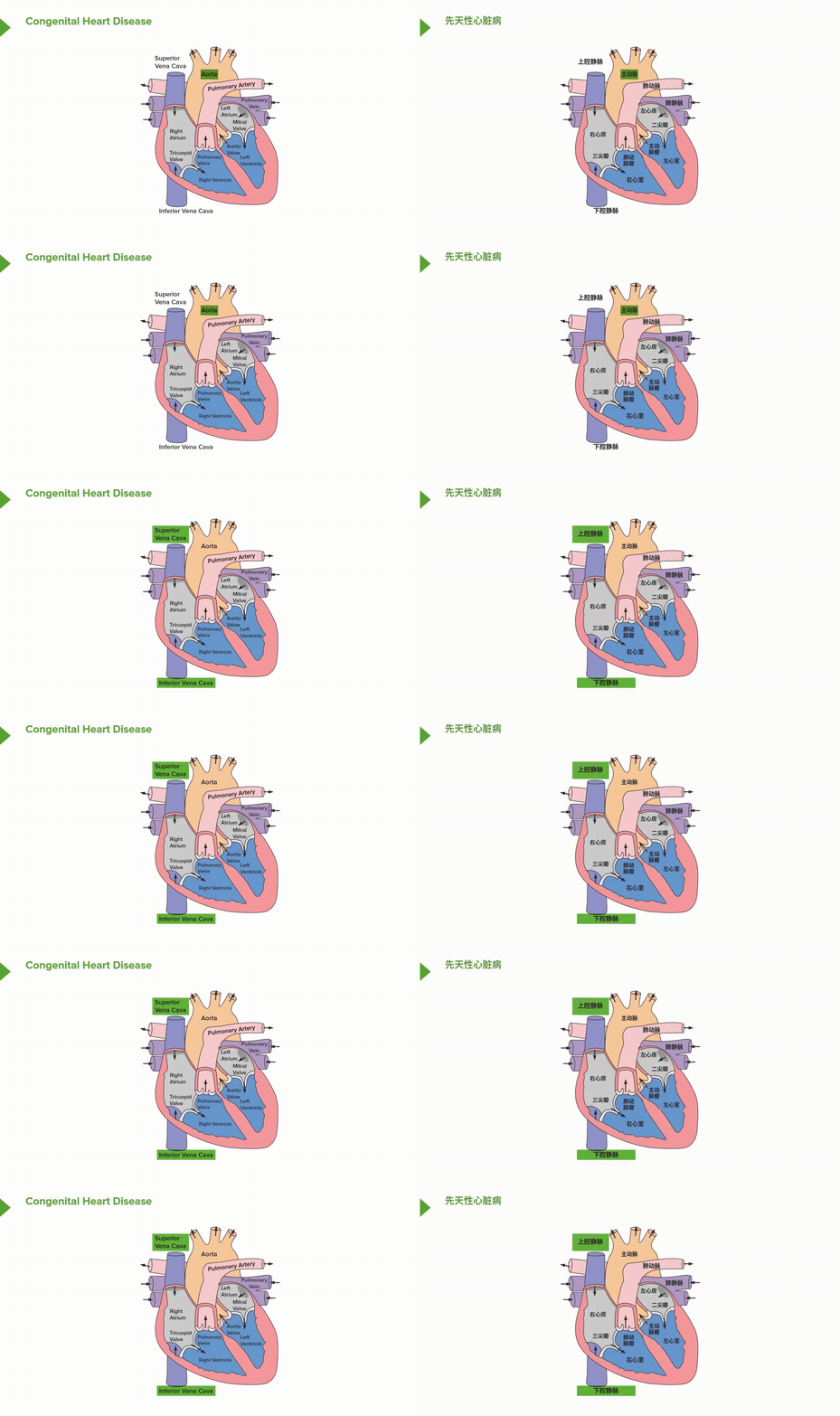
Left: English original | Right: Chinese translation
Live-action Videos with Text Overlays
Live-action videos with on-screen text, such as interviews, product introductions, and how-to guides.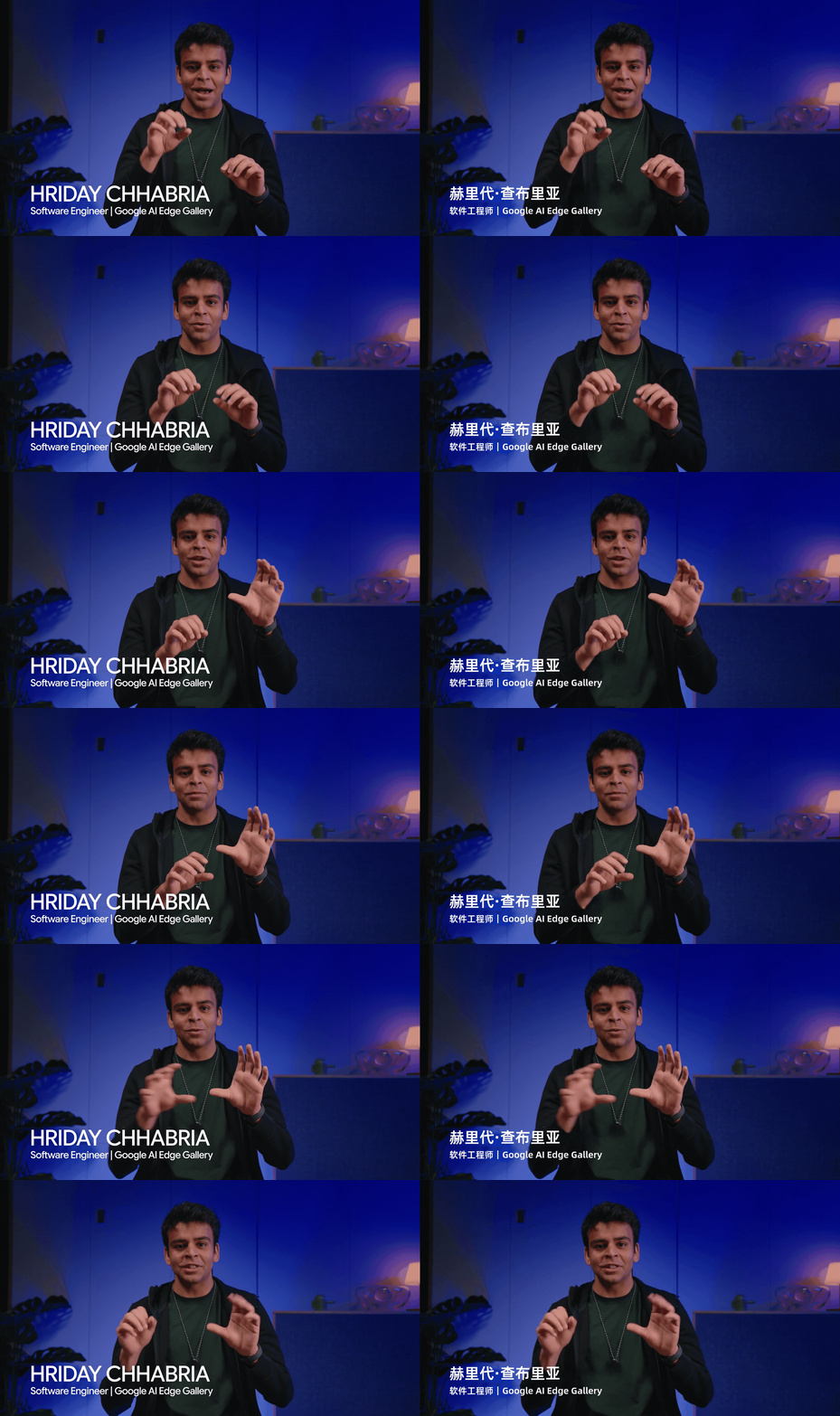
Left: English original | Right: Chinese translation
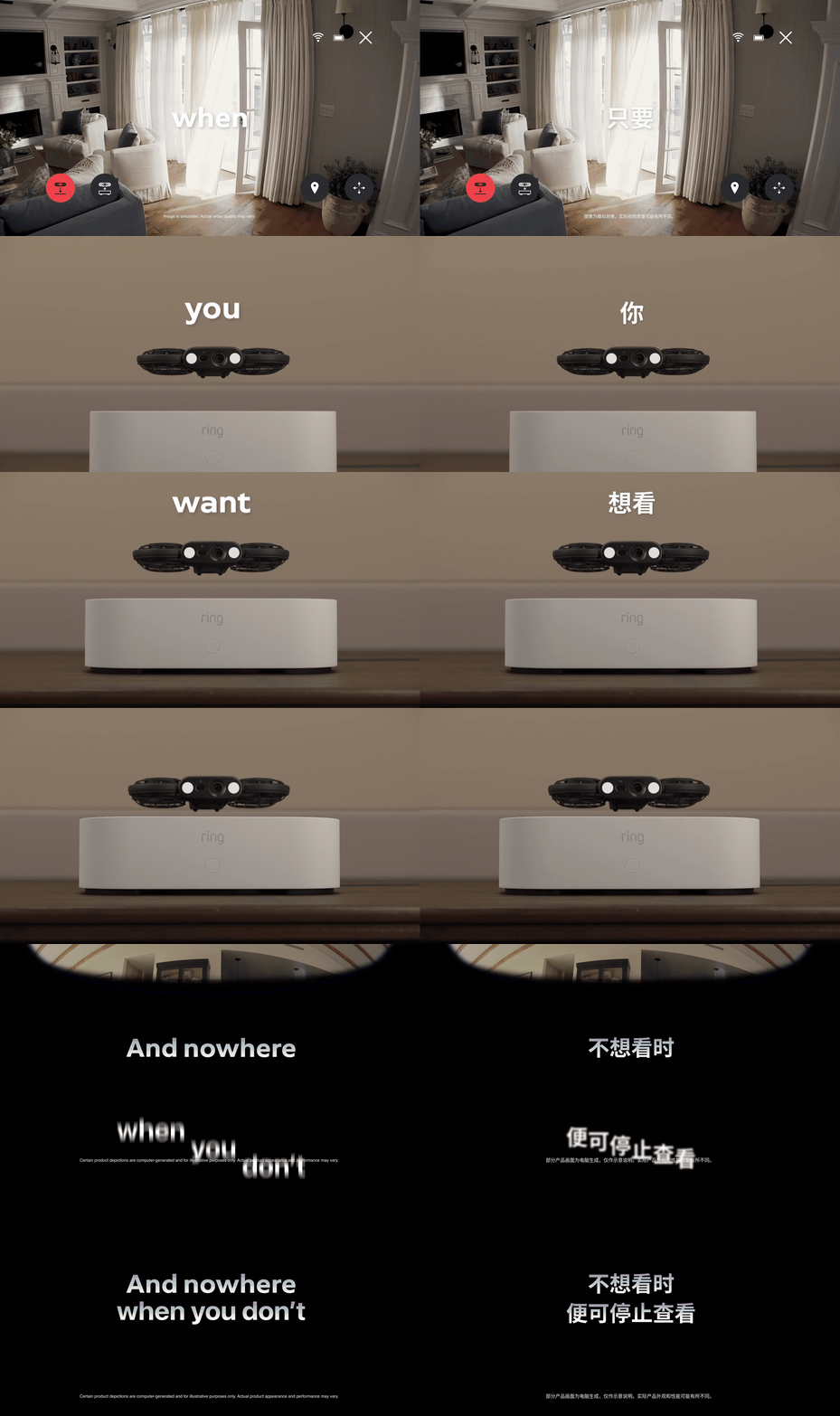
Left: English original | Right: Chinese translation
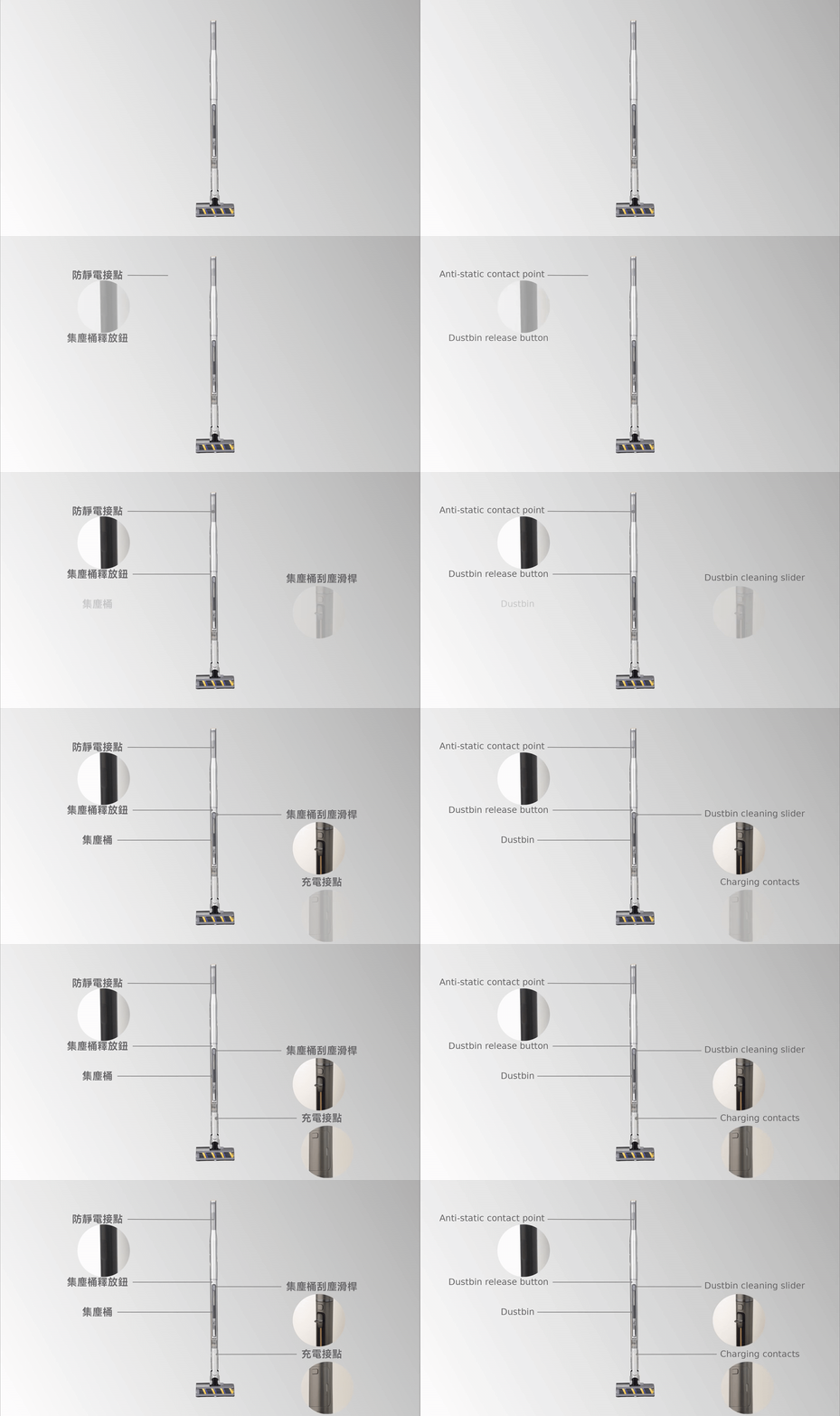
Left: Chinese original | Right: English translation
Animated Videos
Recreate advanced text animation effects in videos, such as bouncing, mask reveals, and movement.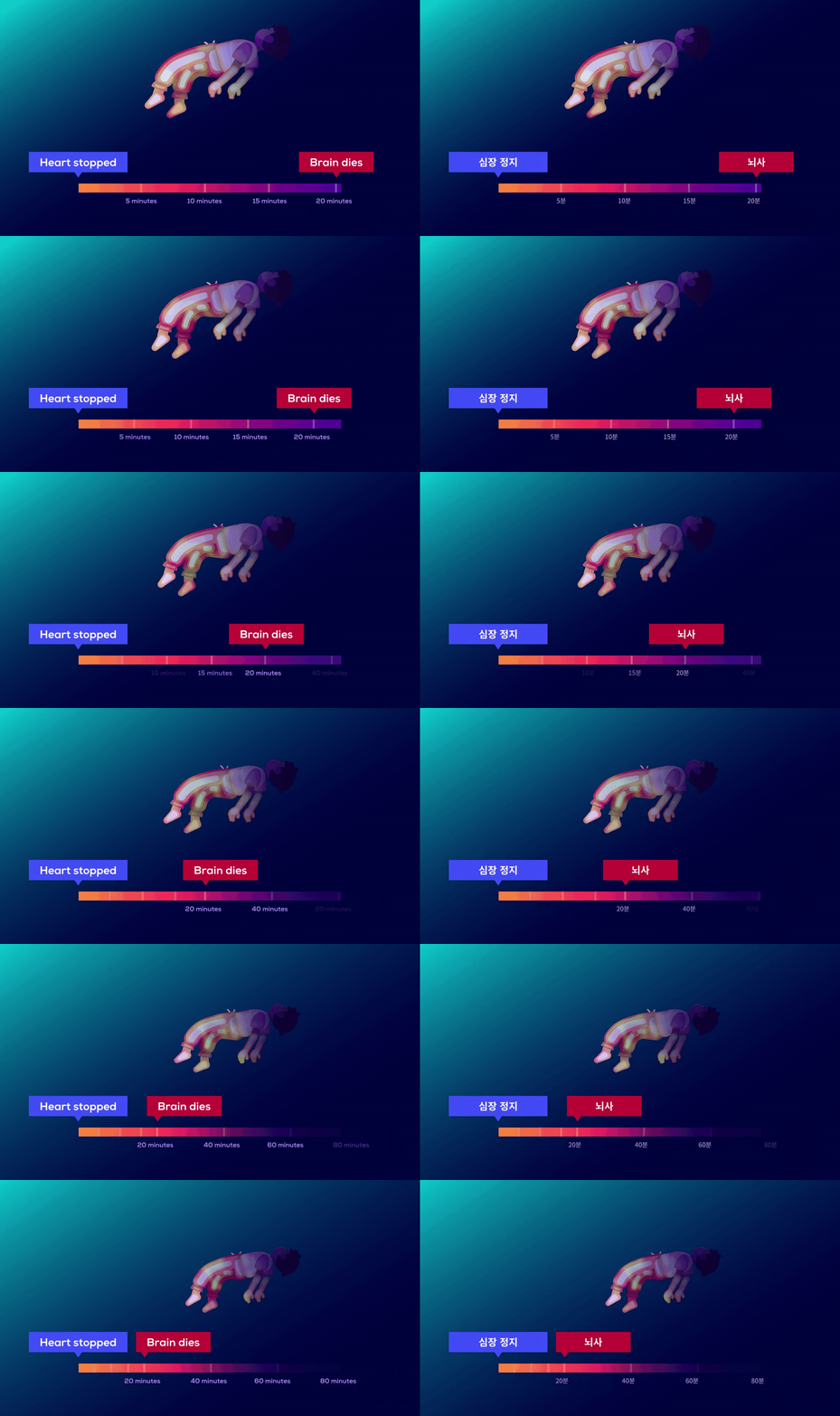
Left: English original | Right: Korean translation

Left: Japanese original | Right: English translation
What Text Can Be Translated
Supported Text
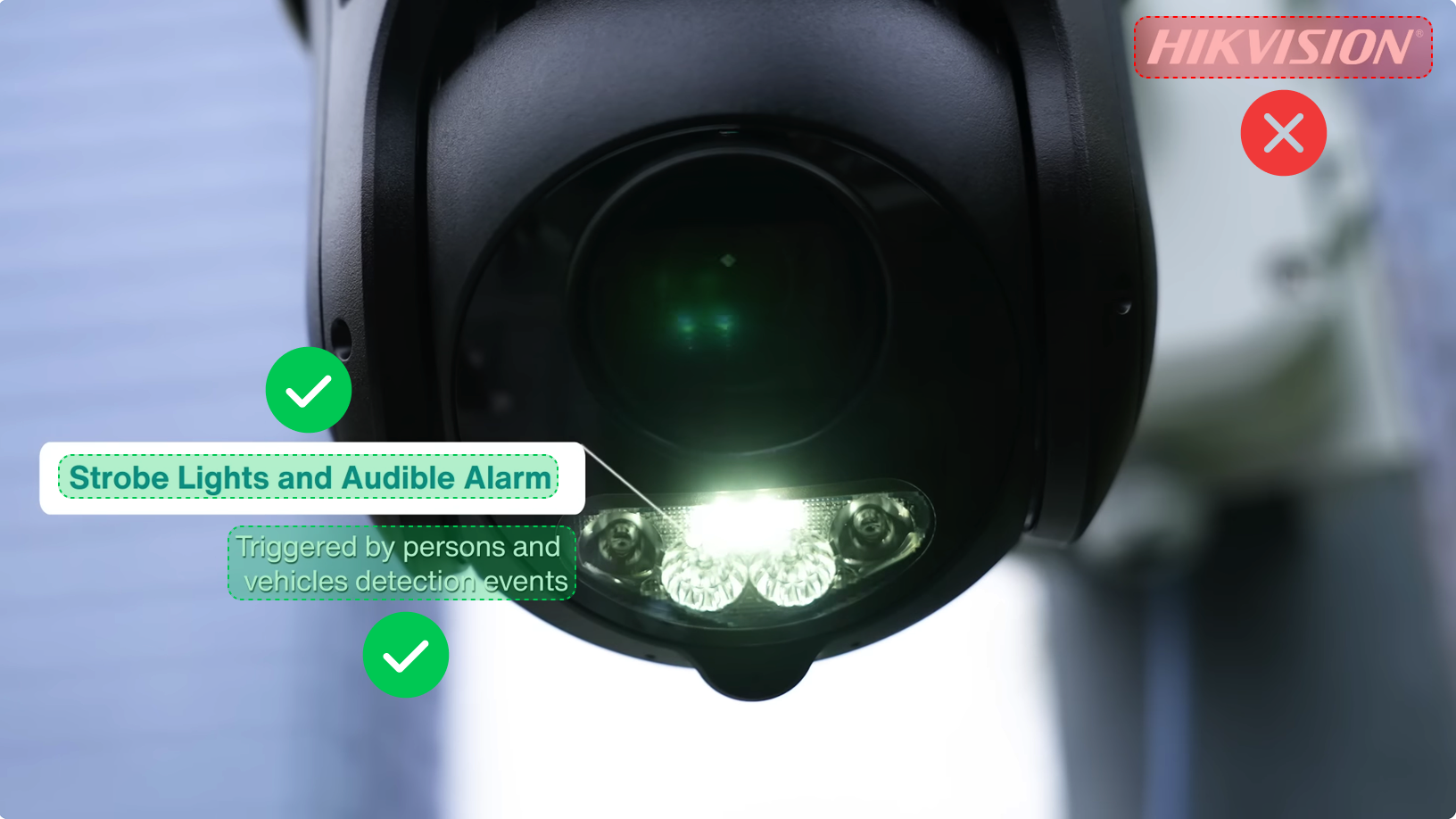
Visual Translate translates text on slides, explanatory overlays added during editing, and embedded subtitles burned into the video. Brand logos are preserved without translation by default, unless you explicitly ask to translate them in your prompt.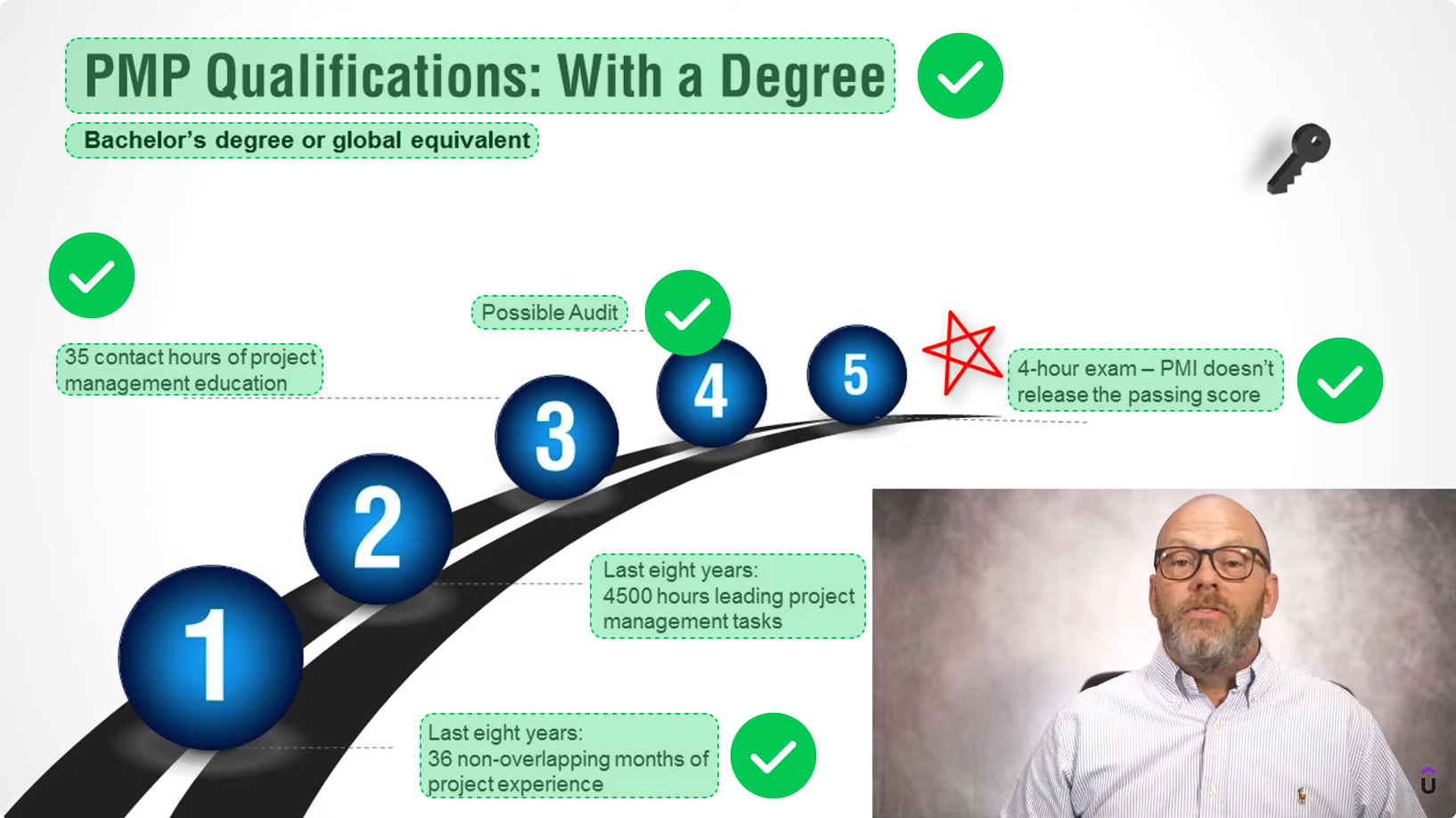
Text Not Translated by Default
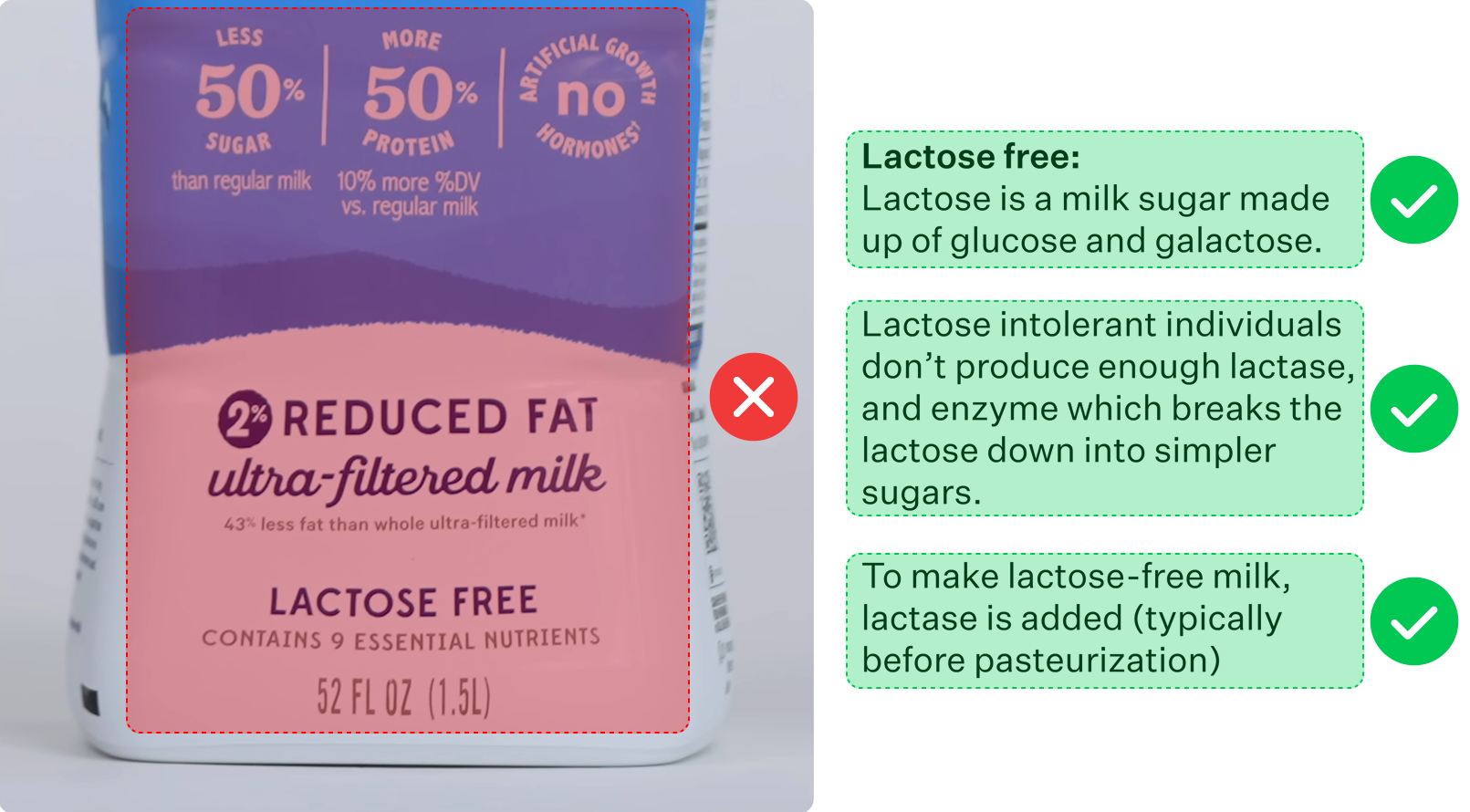
By default, the system treats text in software interfaces, buttons, and menus, and on physical objects such as packaging and signs, as content to preserve. To translate this text too, explicitly request it in your prompt.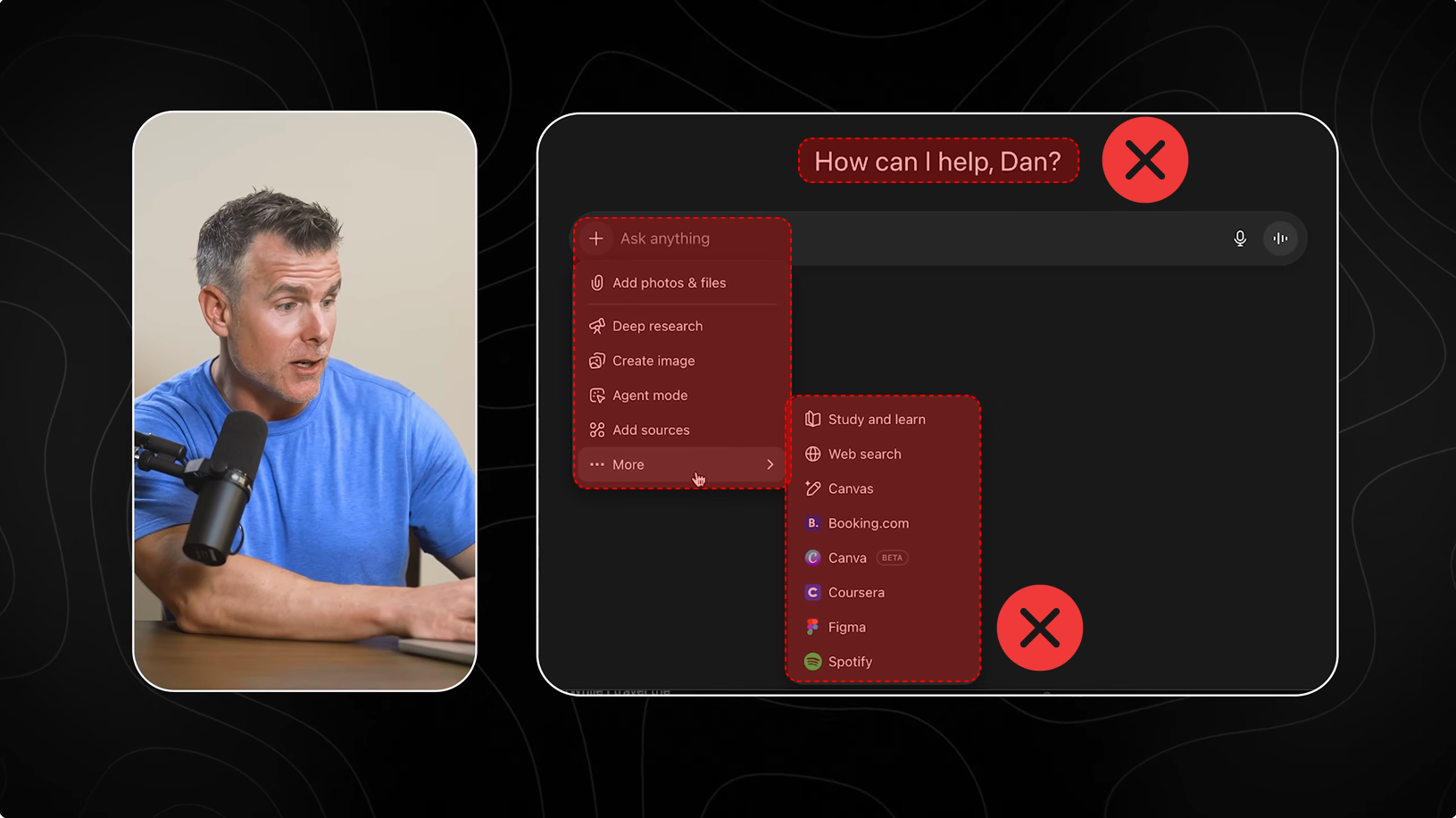
Choose V1 or V2
Visual Translate offers two modes, V1 and V2, for different types of videos.- V1 suits simple layouts, static text, and basic text transitions. It is faster and uses fewer points, making it more affordable.
- V2 suits videos with complex layouts and animations. It takes longer and uses more points, but delivers better results.
Edit After Translation
Visual Translate lets you keep editing after translation, so you can adjust the text and visual results to suit your needs. V1 and V2 offer different ways to make these changes. V1 lets you manually edit the text, basic styling, timing, and text transitions in the editor.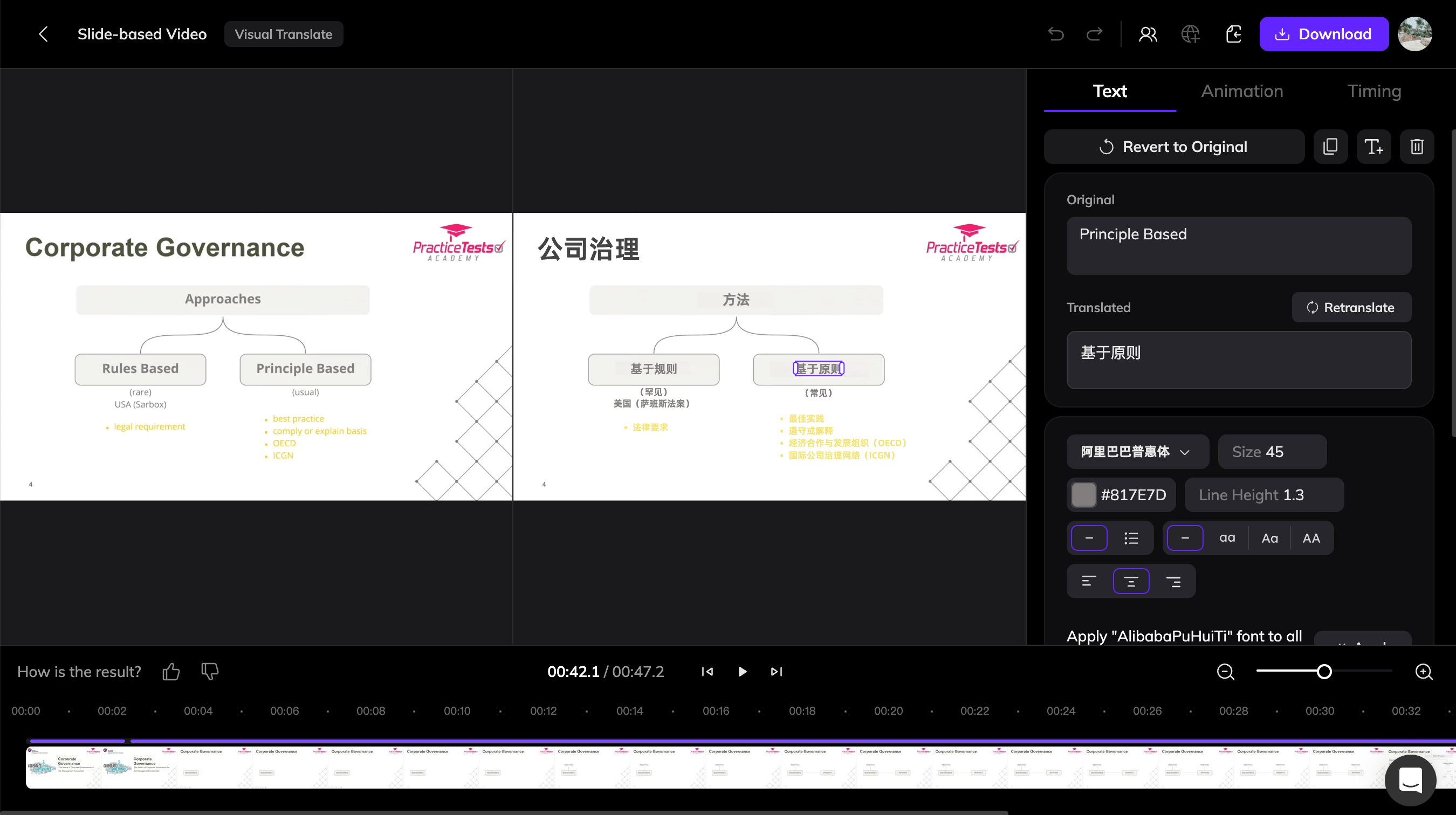
Visual Translate V1 Editor
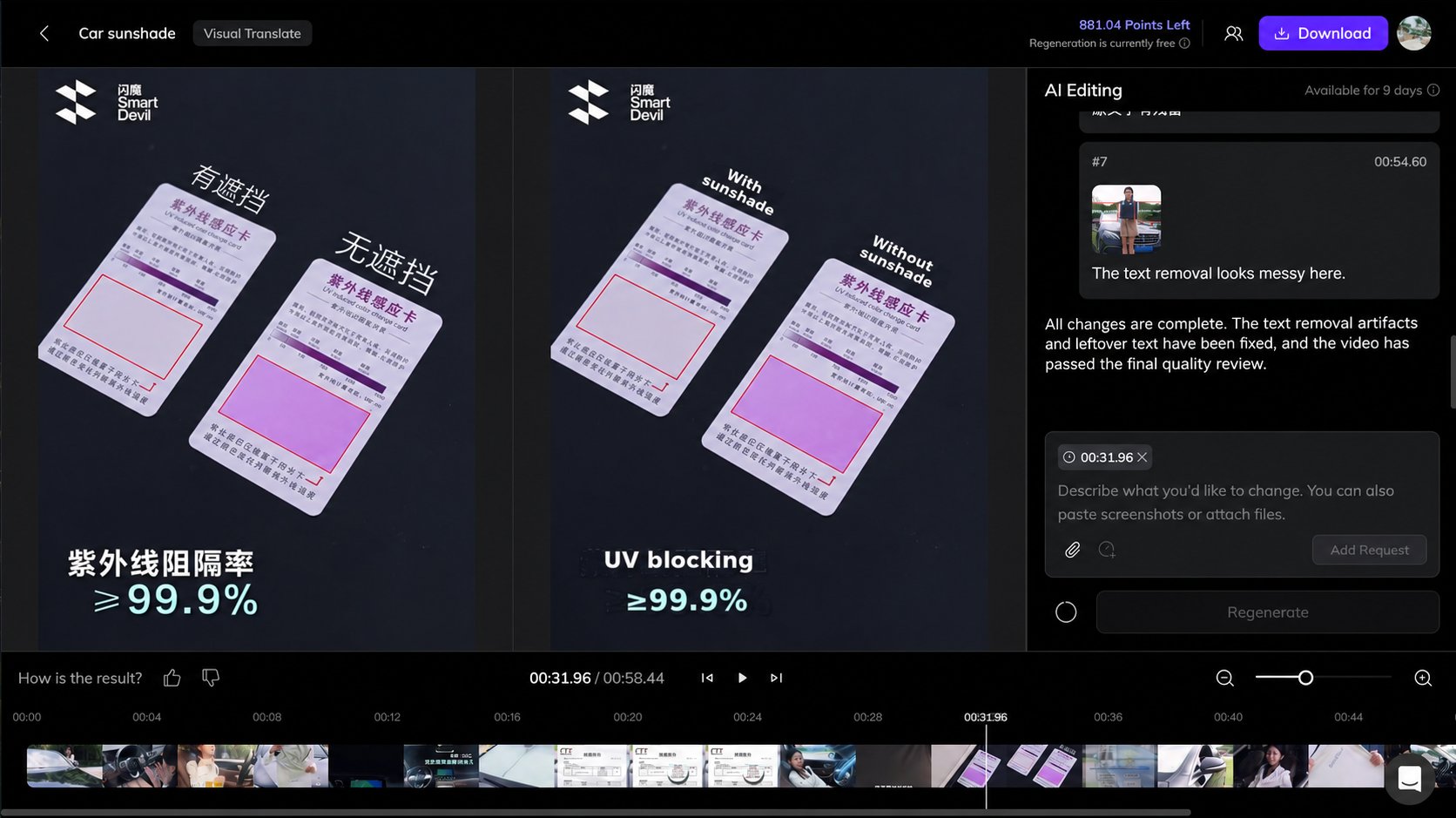
Visual Translate V2 Editor
The video excerpts above are used solely to demonstrate translation results. Vozo has no partnership with the creators or brands featured. Copyright belongs to the original creators or rights holders.
Coursera — How to Grow Your Career With Continuous LearningLecturio Medical — The Heart Masterclass | USMLE Cardiology ReviewPanasonic Japan(パナソニック公式) — パナソニックのドアホンVL-SWZ700KS 商品紹介動画【パナソニック公式】Ring — Ring Drone Cam | Indoor Flying Security CameraWorkplace Safety and Health Council — Introduction To Safe Lifting OperationGoogle Antigravity — Building a mobile language learning appKurzgesagt – In a Nutshell — Dying Is Complicated