Documentation IndexFetch the complete documentation index at: /docs/llms.txtUse this file to discover all available pages before exploring further.
Fetch the complete documentation index at: /docs/llms.txt
Use this file to discover all available pages before exploring further.
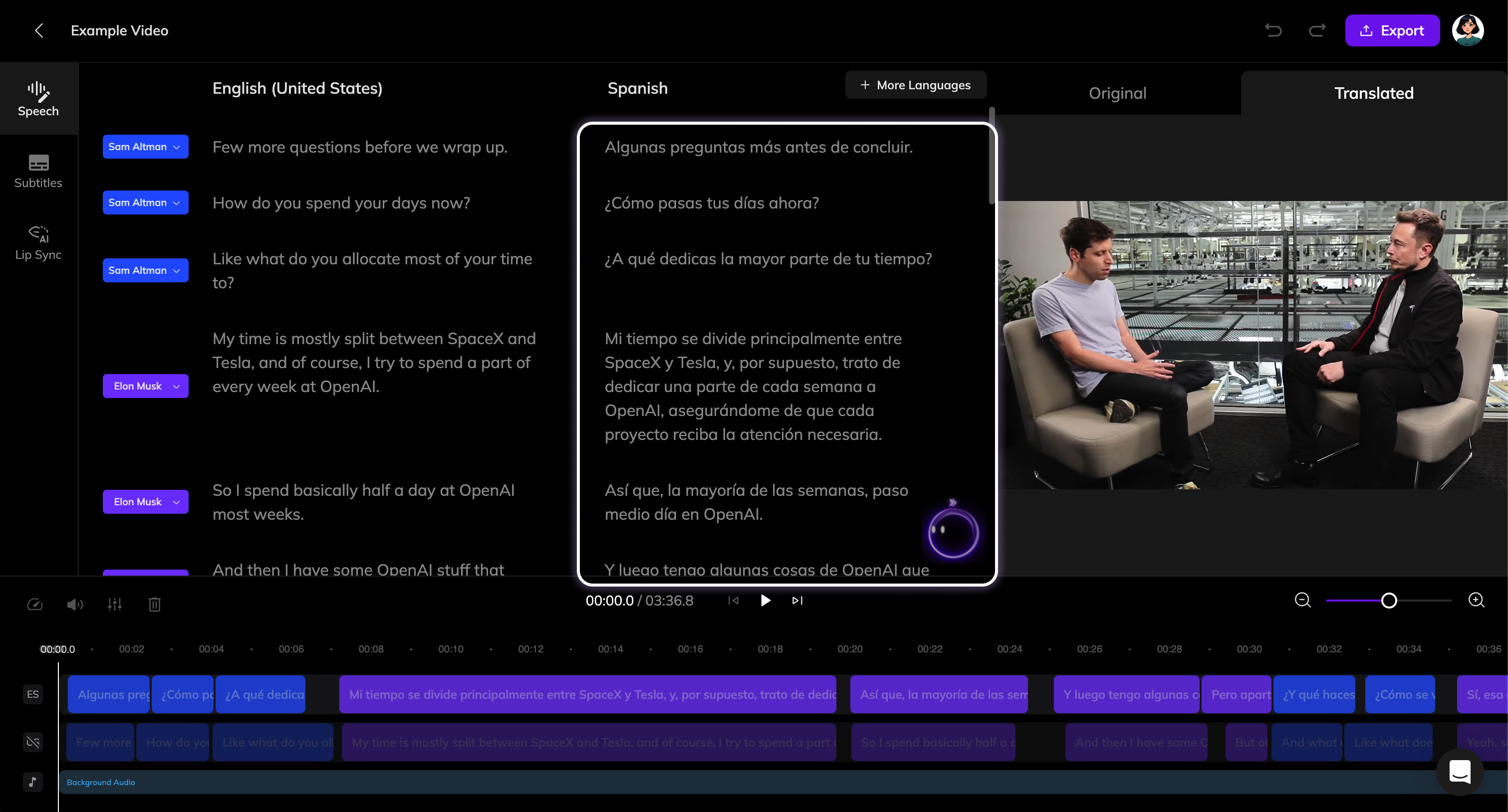
了解如何使用 Vozo 翻译编辑器编辑翻译和更新配音。
选择要编辑的翻译
修改文本
更新配音
此页面对您有帮助吗?